
Your Google account is the digital key to your email, photos, documents, and even your financial life. As cyber threats become more sophisticated, relying on a simple password is no longer enough to keep your information safe. In 2026, securing your Google account requires a proactive approach that leverages the latest built-in protections and smart security habits.
This guide breaks down the most effective, actionable steps you can take today to fortify your defenses. From passkeys and advanced two-factor authentication to privacy checkups, we’ll show you exactly how to secure your Google account in 2026 without the technical jargon. Let’s lock down your digital identity with confidence.
Introduction
Your Google account is the master key to your digital life in 2026. It unlocks Gmail, YouTube, Google Drive, Google Photos, and countless third-party apps that rely on Google’s sign-in system. Because so much of your personal, professional, and financial information flows through this single account, securing it is no longer optional — it is essential. Cyber threats have grown more sophisticated, with phishing attacks, credential-stuffing bots, and AI-powered password crackers targeting users of all experience levels. This article explores How to Secure Your Google Account in 2026 with clear, practical guidance that you can implement today. Whether you are a complete beginner or a tech-savvy user, the steps outlined here will help you build a robust defense against unauthorized access, data theft, and identity compromise.
The digital landscape changes rapidly, but the fundamentals of account security remain constant: strong authentication, careful review of permissions, and proactive monitoring. By reading this guide, you will learn not only the “what” but also the “how” of protecting your account. We break down complex concepts into simple, actionable tasks. The goal is to give you confidence that your data stays yours — even when sophisticated attackers attempt to break in. Armed with the right knowledge, you can significantly reduce your risk profile with just a few minutes of effort per month.
Key Concepts
Understanding the fundamentals of How to Secure Your Google Account in 2026 helps you make informed decisions. Before diving into step-by-step actions, it is vital to grasp a few core ideas that underpin modern account security. These concepts are not difficult, but they are the building blocks of every protective measure you will take.
Authentication vs. Authorization
Authentication proves who you are to Google. It usually involves your password, but in 2026, passwords alone are considered weak. Authorization determines what apps and services can do once you are signed in. A secure account requires strong authentication (proving identity) and careful authorization (limiting access). You will often see these concepts operating together when you review third-party app connections.
Two-Factor Authentication (2FA)
2FA is a security process that requires two forms of verification before granting access. The first is your password (something you know). The second is typically a code from an authenticator app (something you have) or a biometric scan (something you are). In 2026, Google encourages passkeys — a newer authentication method that replaces passwords with device-based cryptographic keys. Passkeys are faster and inherently resistant to phishing because they are tied to your physical device and your face or fingerprint.

Phishing and Social Engineering
Even the strongest technical safeguards can be undone by human error. Phishing attacks use fake emails, websites, or messages that impersonate Google to trick you into revealing your password or approving a login attempt. In 2026, attackers use AI to create hyper-realistic phishing pages that are difficult to spot. Awareness is your first line of defense. Always verify the URL in your browser, double-check sender email addresses, and never click suspicious links that ask for credentials.
Deep Dive
Reliable information and consistent habits lead to better long-term outcomes. In this section, we take a closer look at the specific security features Google offers and how they work under the hood. Understanding these mechanisms helps you trust the tools you are enabling and use them correctly.
Google’s Security Checkup
Google provides a central dashboard called “Security Checkup” (available at myaccount.google.com/security-checkup). This tool scans your account for vulnerabilities and gives personalized recommendations. It checks for compromised passwords, reviews your recovery information, and verifies which devices are currently signed in. In 2026, the Security Checkup is more proactive than ever, alerting you immediately if it detects unusual activity, such as a login from a new location or a suspicious app request. Running this checkup monthly is a simple habit that yields significant benefits.
Advanced Protection Program
For users who face heightened risk — such as journalists, activists, or business executives — Google offers the Advanced Protection Program. This opt-in service enforces mandatory passkeys, blocks third-party app access that cannot verify security, and provides extra scrutiny on downloads. While it is stricter than standard settings, it offers the highest level of security available for consumer Google accounts. In 2026, the program is more user-friendly, with many of its features becoming defaults for all users, so the barrier to entry is lower than it once was.
Inactive Account Manager
Another underutilized feature is the Inactive Account Manager. This lets you designate what happens to your data if you stop using your Google account for a set period (e.g., six months). You can choose to have your data sent to a trusted contact or automatically deleted. This is a thoughtful safeguard that protects your information if you become unable to manage your account. It is part of a comprehensive security strategy that extends beyond immediate threats.
Best Practices
Implementing security measures is not a one-time event; it is an ongoing process. The best practices below are designed to be embedded into your routine so that protection becomes automatic. Follow these guidelines to create a resilient defense that adapts to new threats.
- Enable a passkey or authenticator app: In 2026, Google strongly recommends using a passkey (stored on your phone or hardware key) over SMS-based 2FA. SMS codes can be intercepted. An authenticator app like Google Authenticator generates time-based codes that are far more secure.
- Use unique, long passwords: If you must use a password (for example, on older devices), ensure it is at least 16 characters and unique to your Google account. Avoid reusing passwords from other websites. A password manager can generate and store these complex strings for you.
- Review connected apps regularly: Third-party apps often request access to your Google data. Audit this list quarterly. Remove any app you no longer use or that looks unfamiliar. This minimizes the risk of a compromised app leaking your data.
- Keep recovery information current: Your recovery email and phone number are your safety nets. If you forget your password or get locked out, Google uses these to verify your identity. Ensure they are up-to-date and that your recovery email has its own strong security.
- Update your software: Outdated browsers, operating systems, and apps have known vulnerabilities. Enable automatic updates on all your devices. Google’s own Chrome browser receives frequent security patches, so update it promptly.
- Monitor your account activity: Check the “Devices” section in your Google Account to see every device currently signed in. If you see a device you don’t recognize, sign out of it remotely and change your password immediately.
Step-by-Step Guide to Secure Your Google Account in 2026
Now that you understand the concepts and best practices, it is time to take action. Follow these steps in order. Each step builds on the previous one, creating a layered defense. Be thorough and patient; the whole process should take less than 30 minutes.
Step 1: Understand the fundamentals
Before changing any settings, take a few minutes to understand the security principles you are about to implement. Your password is your first line of defense, but it is no longer sufficient alone. Passkeys and 2FA add a second layer that stops attackers even if they steal your password. Recovery information acts as your emergency access. Authorization controls what apps can do with your data. Recognizing these fundamentals ensures you won’t disable important protections later out of confusion. A clear mental model also helps you spot phishing attempts that ask you to “verify” unnecessary details.
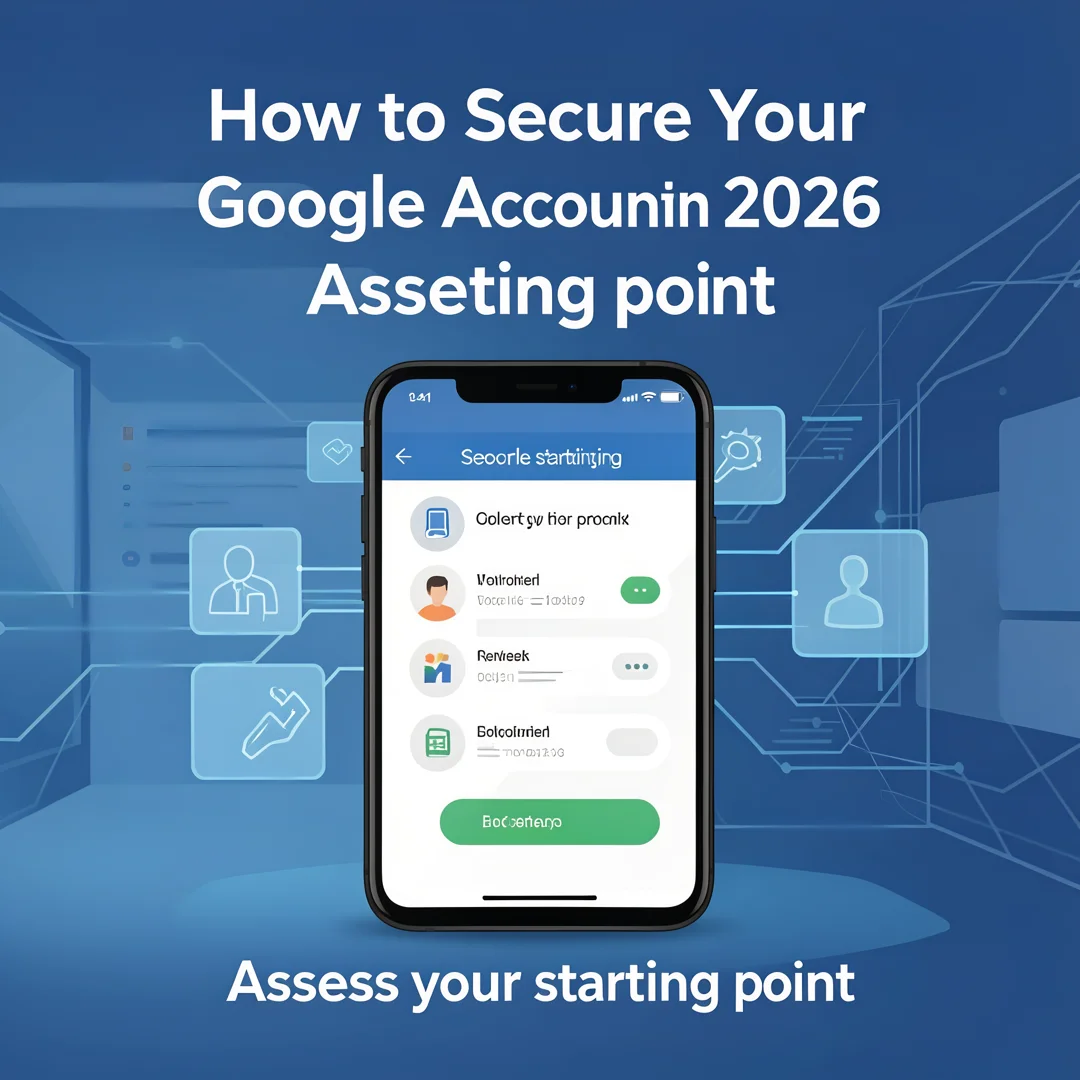
Step 2: Assess your starting point
Go to your Google Account settings and review your current security posture. Open a browser and navigate to myaccount.google.com/security. Look for the “Security Checkup” button and run it. The checkup will show you any existing issues, such as a weak password, outdated recovery information, or apps with excessive permissions. Take note of what it flags. Also, scroll through the “Recent security events” section to see if there have been any logins you don’t recognize. This assessment gives you a baseline to work from.
Step 3: Set clear goals
Define what security success looks like for your situation. For most users, the goals are straightforward: enable a passkey, establish a recovery method, and clean up app permissions. For high-risk users, the goal might be enrolling in the Advanced Protection Program. Write down your goals or simply keep them in mind. Having clear objectives prevents you from getting overwhelmed by the many options in Google’s settings. You don’t need to do everything at once; prioritize the actions that protect the most critical data — your email and associated financial apps.
Step 4: Gather necessary resources
Before you start changing settings, ensure you have what you need. If you plan to use a passkey, have your smartphone nearby and ensure it has a lock screen set up. If you prefer an authenticator app, download one such as Google Authenticator or Authy that is compatible with Google’s service. Have a secondary email address that you control for recovery purposes. If you need to use a hardware security key (like a YubiKey), keep it accessible. Having these resources ready means you won’t have to interrupt the process halfway through.
Step 5: Apply the core methods
This is the hands-on step. Follow this sequence for the best results:
Add or update recovery info: Go to “Security” → “Ways we can verify it’s you.” Add your phone number and a recovery email.
You now have a solid foundation for How to Secure Your Google Account in 2026. Apply the best practices above and revisit this guide as your needs evolve.