
In today’s hyper-connected world, your computer is a gateway to work, finances, and personal memories—but it’s also a prime target for cybercriminals. Malware, from sneaky spyware to devastating ransomware, can compromise your data and privacy in seconds. Fortunately, learning how to protect your PC from malware doesn’t require a degree in cybersecurity; it starts with smart habits and the right tools.
This guide cuts through the noise to deliver clear, actionable steps you can implement today. Whether you’re a remote worker, a student, or a casual user, these proven strategies will strengthen your defenses and keep your system running smoothly. Let’s turn your computer into a fortress against digital threats.
Introduction
Malware remains one of the most persistent and dangerous threats to personal computing. From ransomware that locks your files to spyware that steals passwords, the risks are real and ever-evolving. This article explores How to Protect Your PC From Malware with clear, practical guidance. The goal is not to overwhelm you with technical jargon but to provide a straightforward roadmap that anyone can follow. Whether you are a casual user checking email or a professional managing sensitive data, the principles of defense are the same: awareness, prevention, and consistent action.
The digital landscape changes daily, with new threats appearing as quickly as old ones are neutralized. However, the core strategies for staying safe have remained remarkably stable over the years. By focusing on fundamental practices rather than chasing every new scare headline, you can build a robust defense that adapts to changing circumstances. This guide is designed to demystify the process of protecting your machine, breaking it down into manageable steps that fit into your routine. Remember, cybersecurity is not a one-time event but a continuous process of vigilance.
Many people assume that avoiding suspicious websites is enough, but malware can hide in legitimate-looking downloads, malicious email attachments, or even compromised advertising networks. Therefore, a layered approach is essential. Understanding the fundamentals of How to Protect Your PC From Malware helps you make informed decisions about which tools to use and which habits to adopt. By the end of this article, you will have a clear action plan that significantly reduces your risk of infection, ensuring that your personal data, financial information, and digital life remain secure.
Key Concepts
Before diving into specific tactics, it is crucial to understand what malware is and how it operates. Malware, short for malicious software, is any program or code designed to harm, exploit, or otherwise compromise a computer system. This umbrella term includes viruses, worms, trojans, ransomware, spyware, adware, and rootkits. Each type behaves differently, but they all share a common goal: unauthorized access or damage. Understanding these categories helps you recognize the symptoms of an infection and the vectors through which they spread.
Infection vectors are the pathways malware uses to enter your system. The most common vectors include email phishing links, malicious attachments, drive-by downloads from compromised websites, fake software updates, and removable media like USB drives. Social engineering plays a massive role here; attackers manipulate human psychology to trick users into bypassing their own better judgment. For instance, a convincing email from a “bank” urging you to verify your account can lead you to a fake login page that captures your credentials.
Another key concept is the defense-in-depth strategy. This principle asserts that no single security measure is foolproof. Instead, you layer multiple defenses—such as antivirus software, a firewall, regular updates, and user education—so that if one layer fails, another catches the threat. Reliable information and consistent habits lead to better long-term outcomes. You are the first line of defense; your software is the second. By understanding how these layers work together, you can create a formidable barrier against most common attacks.
Deep Dive
Let’s examine the most prevalent malware types and the specific countermeasures that work against them. Ransomware, for example, encrypts your files and demands payment for their release. The best defense against ransomware is not just antivirus software, but a comprehensive backup strategy. If your files are backed up to an external drive or a cloud service that is not connected to your main system, you can wipe your PC and restore your data without paying a dime. This is a perfect example of how planning ahead mitigates damage.
Spyware, on the other hand, is designed to monitor your activities and steal sensitive information. This often includes keyloggers that record every keystroke, capturing passwords and credit card numbers. To protect against spyware, you need real-time protection that scans downloads and blocks suspicious processes. Additionally, practicing safe browsing—such as not installing browser toolbars or extensions from unknown sources—significantly reduces your exposure. A healthy dose of skepticism about “free” software is advisable, as these often come bundled with adware or spyware.
Trojans masquerade as legitimate software to trick you into installing them. Once installed, they can create backdoors for other malware or attackers to exploit. To combat trojans, you must download software only from official sources and verify the publisher’s signature. Peer-to-peer file sharing sites and unofficial app stores are hotspots for trojans. Furthermore, keeping your operating system and applications patched is critical because many trojans exploit known vulnerabilities in outdated software. The principle is simple: the smaller your attack surface, the harder it is for malware to find an entry point.
Finally, consider the role of network security. A firewall acts as a filter between your PC and the internet, blocking unauthorized incoming and outgoing connections. Windows Defender Firewall is enabled by default, but you should ensure it is active. For advanced users, using a router with built-in security features adds another layer. Moreover, when using public Wi-Fi, always use a Virtual Private Network (VPN) to encrypt your traffic, preventing eavesdroppers from intercepting your data. These network-level defenses are often overlooked but are just as important as endpoint protection.
Best Practices
Adopting a set of best practices is the most effective way to maintain a secure system. These habits become second nature over time, making protection almost automatic. The following practices are recommended by security experts and are proven to reduce the risk of infection dramatically.
- Keep software updated: Enable automatic updates for your operating system, web browser, and all installed applications. Patches fix security holes that malware exploits.
- Use a reputable antivirus program: While Windows Defender is decent, consider a third-party solution for enhanced protection. Ensure it is always running and set to scan regularly.
- Be wary of email attachments and links: Never open attachments or click links from unknown senders. Even if the sender is known, verify the message’s legitimacy if it seems odd or unexpected.
- Implement strong, unique passwords: Use a password manager to generate and store complex passwords for each site. Enable two-factor authentication (2FA) wherever possible to add an extra layer of security.
- Back up your data regularly: Use the 3-2-1 rule: three copies of your data, on two different media types, with one copy stored offsite. This ensures you can recover from ransomware or hardware failure.
- Disable macros in Office files: Macros are often used to deliver malware. Configure Microsoft Office to disable macros unless you absolutely need them.
- Download from official sources only: Avoid third-party download sites. Always download software directly from the developer’s official website or a verified app store.
Integrating these practices into your daily routine requires minimal effort but yields maximum security benefits. For instance, taking five seconds to hover over a link to see its destination before clicking can prevent a phishing attack. Similarly, taking a moment to verify that a download is legitimate blocks trojans at the source. The cumulative effect of these small actions is a formidable defense that protects your digital identity and assets. Remember, cybercriminals target easy prey; by following these habits, you make yourself a difficult target.

Step-by-Step Implementation
This section provides a concrete, actionable plan to implement the knowledge you have gained. Follow these six steps in order to systematically harden your PC against malware. This structured approach ensures that no critical component is missed and that you build a solid security foundation.

Step 1: Understand the fundamentals
Before making any changes, take a moment to review the concepts discussed earlier. Recognize that malware operates through specific vectors—email, downloads, and network connections. Accept that no single solution is perfect and that a multi-layered approach is necessary. Understanding “Why” you are performing these steps will keep you motivated and help you make better decisions in the future when new threats emerge. This foundational knowledge is your most valuable asset.
Step 2: Assess your starting point
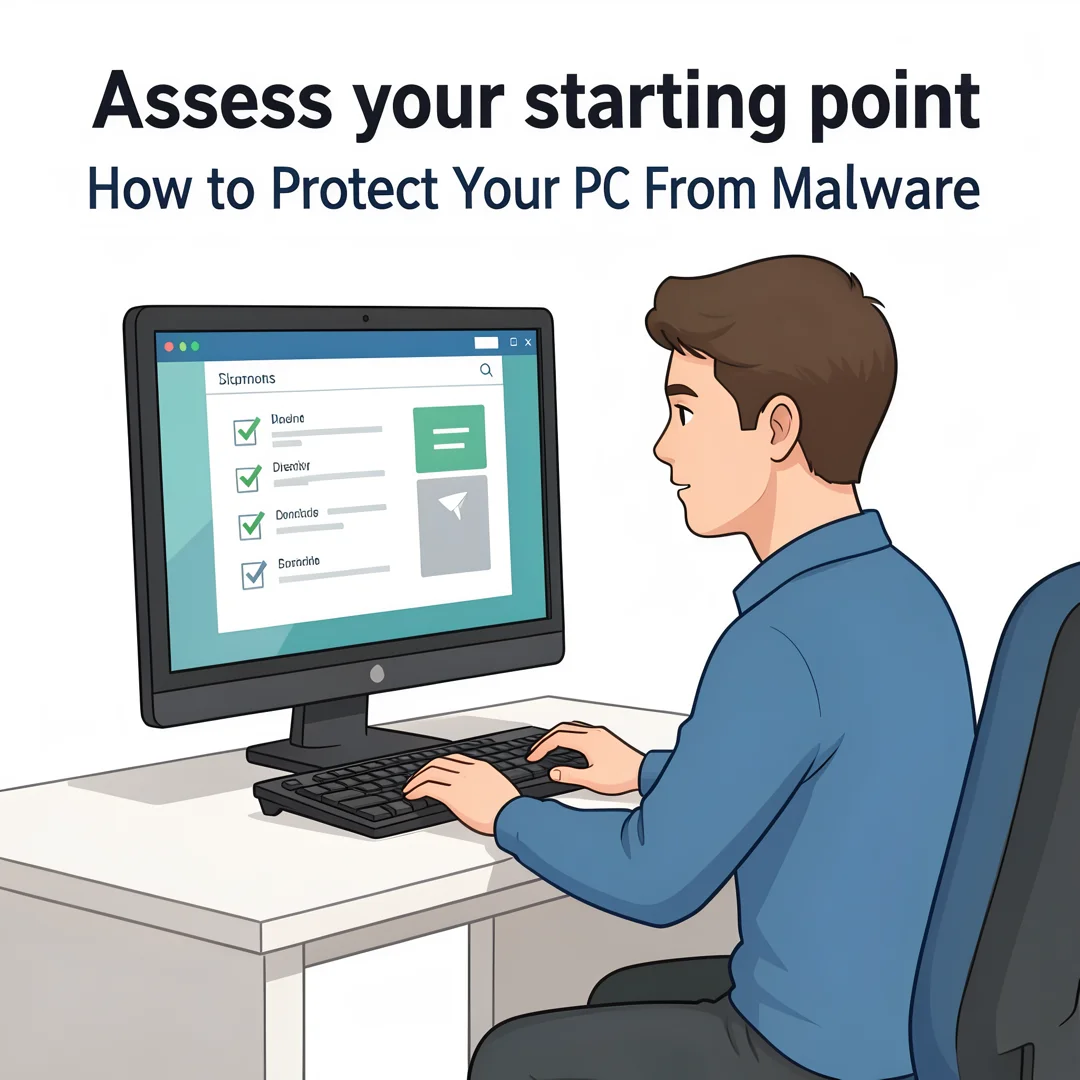
Evaluate your current security posture. Check if your operating system is up to date. Look at your installed browsers and see if they are running the latest versions. Determine if you have antivirus software installed and whether it is active. Review your current password habits—are you reusing passwords across sites? Do you have a backup system in place? This honest self-assessment highlights your vulnerabilities and identifies the areas that need the most immediate attention.

Step 3: Set clear goals
Define what you want to achieve with your security setup. Your goals might include: “Ensure all software is updated within the week,” “Start using a password manager,” or “Implement a monthly backup routine.” Setting specific, measurable, achievable, relevant, and time-bound (SMART) goals turns the abstract idea of “better security” into concrete tasks. For instance, a goal could be to enable two-factor authentication on your primary email and banking accounts by the end of the month.
Step 4: Gather necessary resources
Collect the tools you need to execute your plan. This might involve downloading a reputable antivirus program and a password manager, purchasing an external hard drive for backups, or subscribing to a reliable VPN service and cloud backup solution. Create a list of official download URLs to avoid accidentally installing bundled malware. If you plan to use a third-party firewall, ensure it is compatible with your operating system. Having everything ready beforehand makes the implementation process smooth and uninterrupted.

Step 5: Apply the core methods
You now have a solid foundation for How to Protect Your PC From Malware. Apply the best practices above and revisit this guide as your needs evolve.