PC Storage Guide: NVMe, SATA SSD and HDD Compared
8 min read • 1,644 words
Table of Contents
TogglePC Storage Guide: NVMe, SATA SSD and HDD Compared
In today’s digital landscape, understanding the various types of storage options available for your PC is crucial. This PC Storage Guide will delve into the differences between NVMe drives, SATA SSDs, and traditional HDDs, helping you make informed decisions based on your specific needs. With the increasing demand for faster and more reliable storage solutions, knowing the strengths and weaknesses of each type is essential for gamers, content creators, and everyday users alike.
Throughout this guide, you will learn about the remarkable speed advantages of NVMe drives, which can reach up to 3500 MB/s, compared to the more modest speeds of SATA SSDs. Additionally, we will explore the cost-effectiveness of HDDs for large storage requirements, as well as the reliability of SATA SSDs due to their lack of moving parts. By the end, you will have a comprehensive understanding of which storage solution best suits your needs.
Introduction to PC Storage
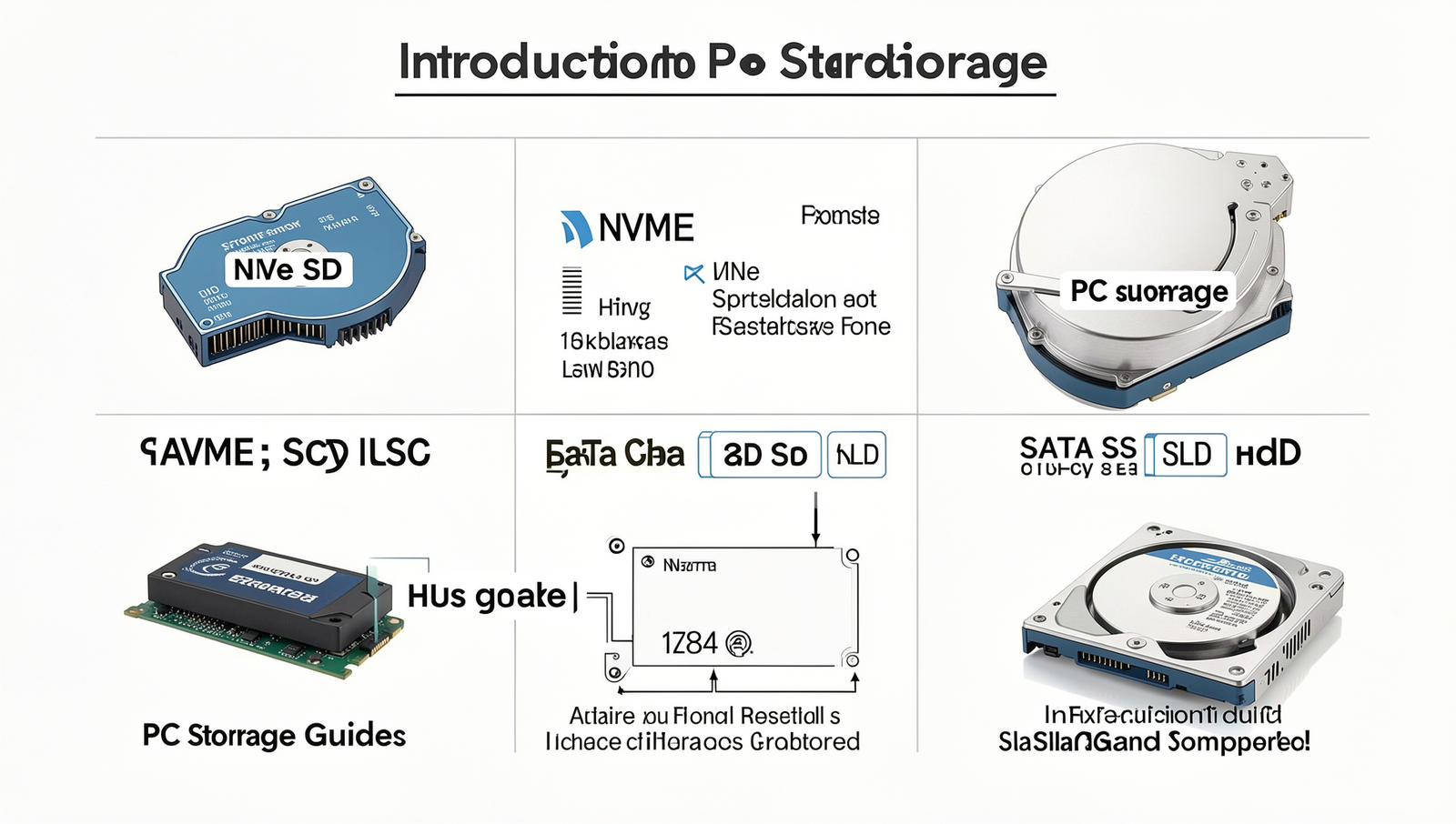
In the realm of computing, storage plays a pivotal role in determining the performance and efficiency of your system. Understanding the different types of storage available is essential for making informed decisions when upgrading or building a PC. This PC Storage Guide will delve into the three primary types of storage: Hard Disk Drives (HDD), SATA Solid State Drives (SSD), and NVMe SSDs.
HDDs have been the traditional storage solution for many years. They utilize spinning disks to read and write data, which makes them slower compared to modern alternatives. However, they offer larger storage capacities at a lower price point, making them suitable for bulk storage needs, such as archiving files or storing large media libraries.
SATA SSDs, on the other hand, provide a significant speed boost over HDDs. They use flash memory to store data, resulting in faster boot times and quicker file transfers. While they are more expensive per gigabyte than HDDs, their performance advantages make them a popular choice for operating systems and frequently used applications.
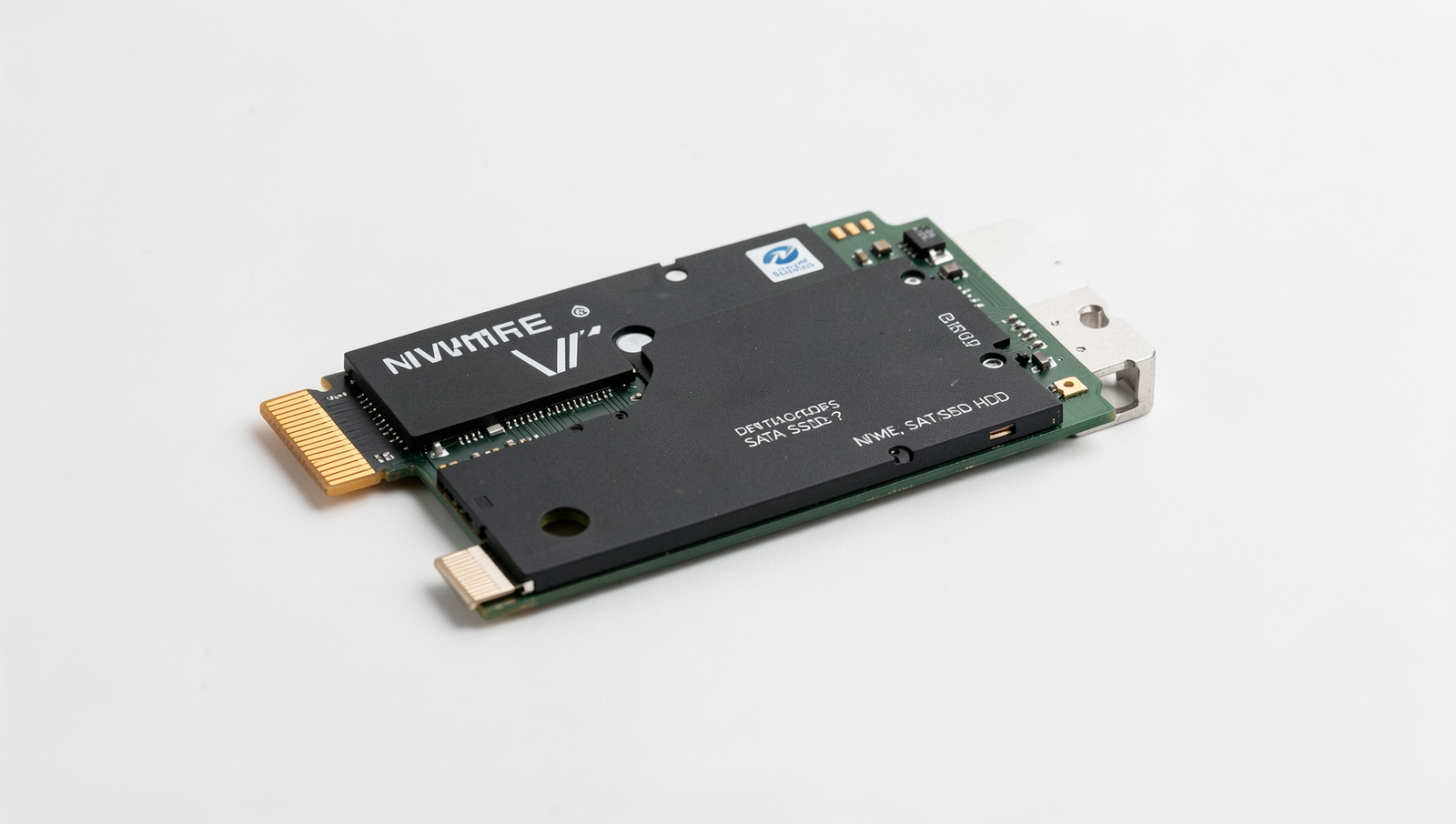
NVMe SSDs represent the latest advancement in storage technology. They connect directly to the motherboard via the PCIe interface, allowing for much higher data transfer speeds than SATA SSDs. This makes NVMe drives ideal for gamers, content creators, and professionals who require rapid data access and transfer.
- HDD: Cost-effective, high capacity, slower speeds.
- SATA SSD: Faster than HDD, moderate cost, good for OS and applications.
- NVMe SSD: Highest speed, best for performance-intensive tasks, higher cost.
Choosing the right storage depends on your specific needs, whether it be speed, capacity, or budget. A brief history of storage technologies reveals the evolution from magnetic tapes to modern SSDs, highlighting the rapid advancements that have shaped how we store data today. Understanding key terms such as read/write speeds, latency, and interface types will further empower you to make the best choice for your PC storage needs.
Understanding HDDs (Hard Disk Drives)
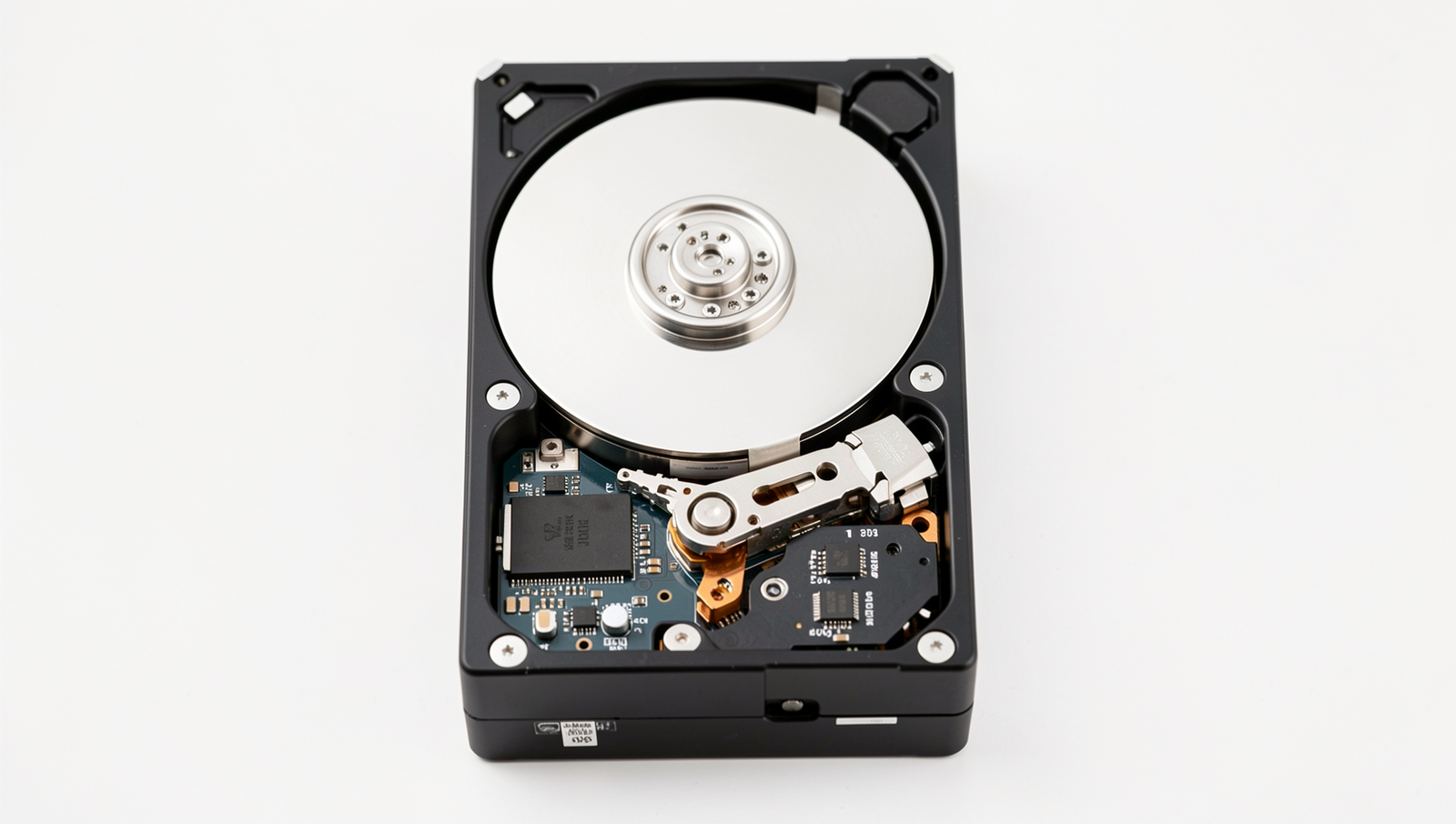
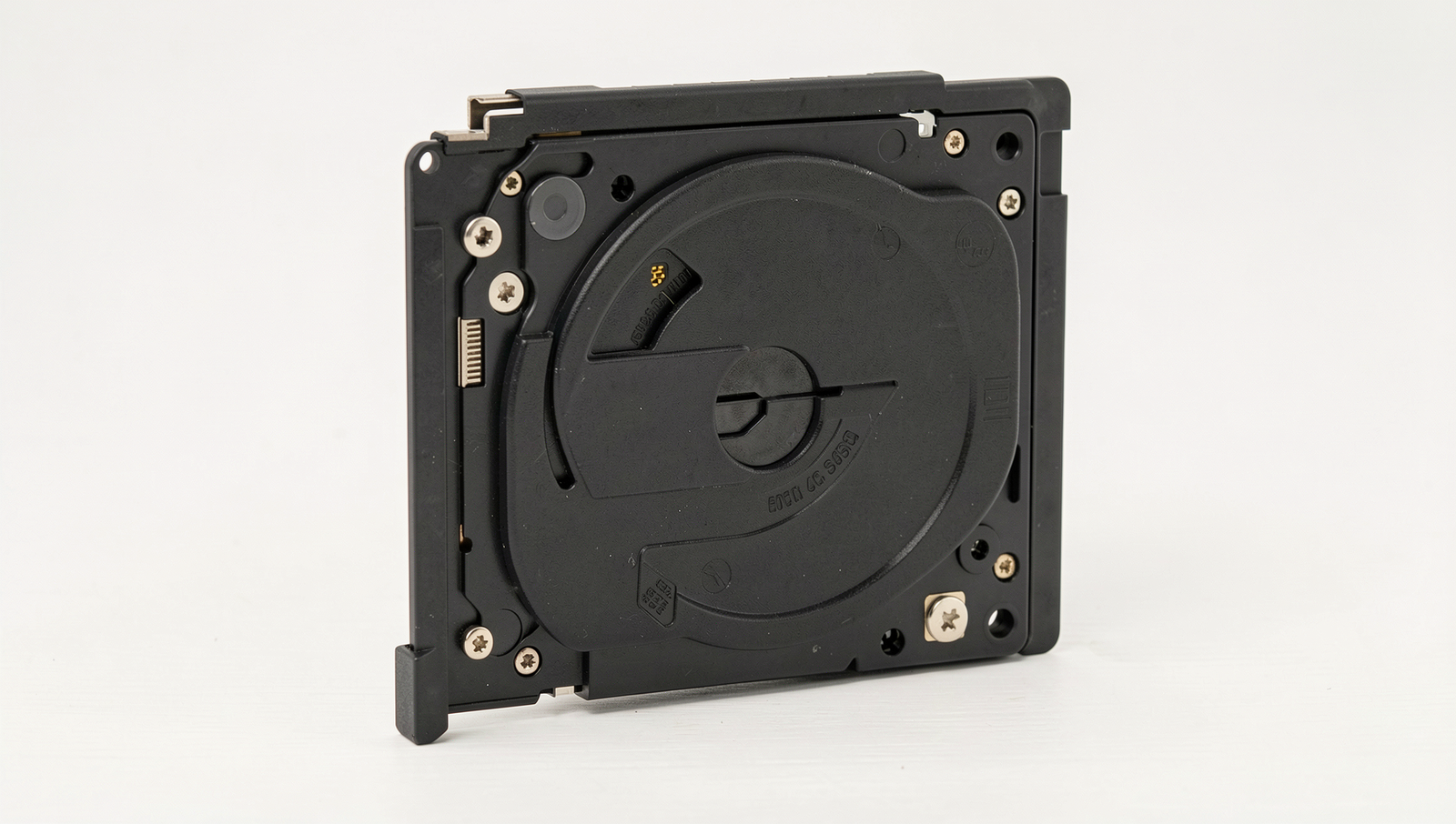
Hard Disk Drives (HDDs) are one of the oldest forms of data storage technology still in use today. They operate using a mechanical process that involves spinning platters coated with magnetic material. Data is read and written by a read/write head that moves across the surface of these platters. The spinning motion allows the head to access different areas of the disk, enabling it to retrieve or store data as needed.
One of the primary advantages of HDDs is their cost-effectiveness. When comparing the cost per gigabyte, HDDs are significantly cheaper than Solid State Drives (SSDs). This makes them an attractive option for users who require large amounts of storage without breaking the bank. Additionally, HDDs can offer substantial storage capacities, often reaching several terabytes, making them suitable for storing vast amounts of data such as videos, photos, and large software applications.
- Cost per GB: HDDs provide a lower cost per gigabyte compared to SSDs.
- Large Storage Capacity: They can offer several terabytes of storage, ideal for data-heavy applications.
However, HDDs do come with their drawbacks. They are generally slower than SSDs, which can lead to longer load times for applications and files. Additionally, the mechanical components make them more susceptible to physical damage, reducing their durability. They also tend to produce more noise due to the moving parts, which can be a consideration in quiet environments.
Given these characteristics, HDDs are best suited for specific use cases in modern PCs. They are ideal for bulk storage solutions, such as media libraries, backups, and archival purposes, where speed is less critical than capacity and cost.
Exploring SATA SSDs (Solid State Drives)
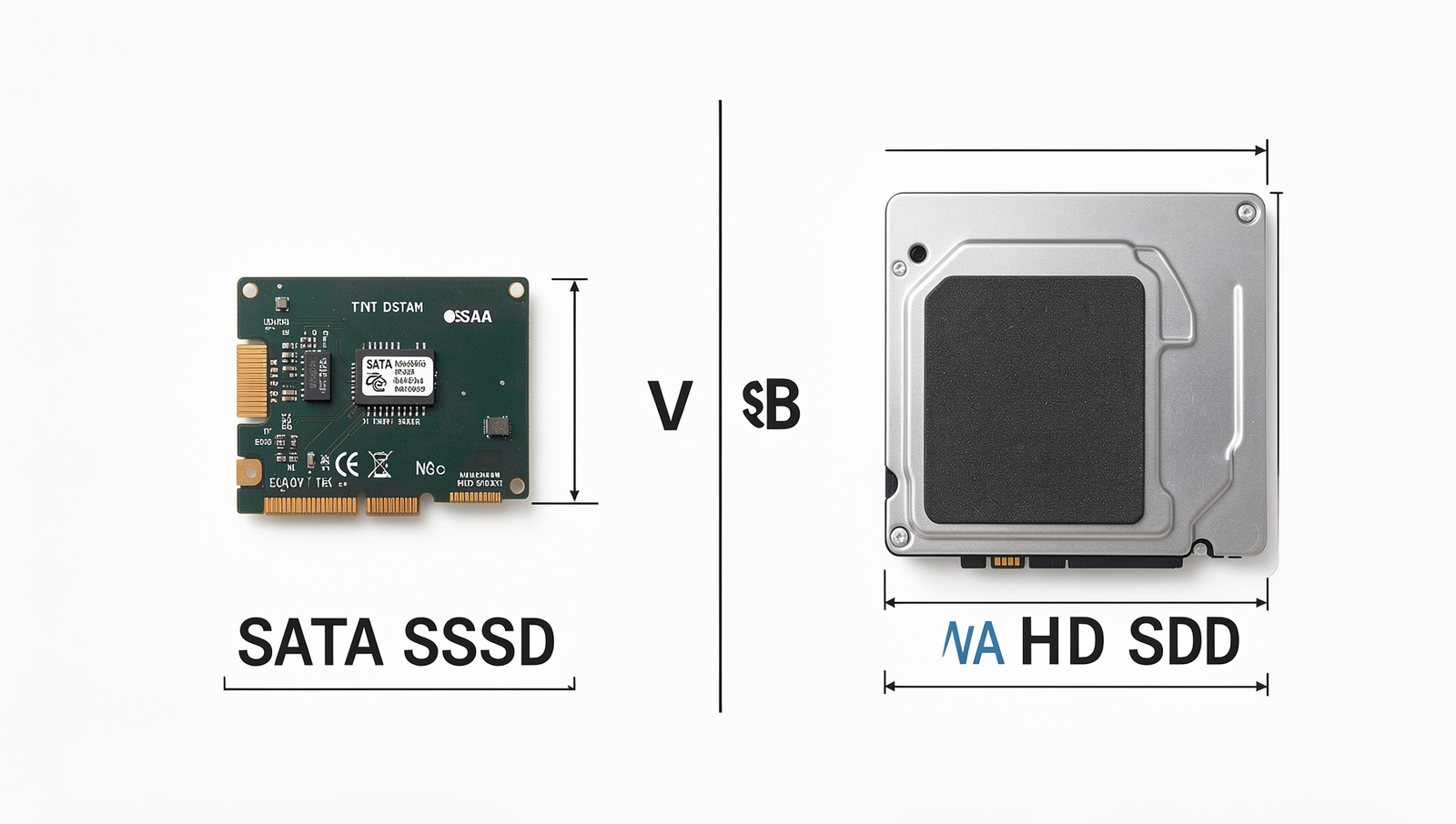
SATA SSDs, or Solid State Drives, represent a significant advancement over traditional Hard Disk Drives (HDDs). The primary difference lies in their construction and operation. While HDDs use spinning disks and mechanical arms to read and write data, SATA SSDs utilize flash memory, which allows for faster data access and retrieval. This fundamental difference results in several performance benefits that make SATA SSDs a popular choice for modern computing.
One of the most notable advantages of SATA SSDs is their speed. Compared to HDDs, which typically offer read/write speeds of around 80-160 MB/s, SATA SSDs can achieve speeds of up to 550 MB/s. This increase in speed translates into quicker boot times, faster application launches, and improved overall system responsiveness. Additionally, SATA SSDs are more reliable than HDDs, as they have no moving parts, making them less susceptible to mechanical failures and data loss due to physical shocks.
However, cost considerations play a crucial role in the decision-making process. SATA SSDs are generally more expensive per gigabyte than HDDs. For example, while a 1TB HDD might cost around $40, a 1TB SATA SSD can range from $100 to $150. Despite the higher cost, many users find the performance benefits justify the investment, especially for tasks that require high-speed data access.
- Ideal Scenarios for Using SATA SSDs:
- Gaming: Faster load times enhance the gaming experience.
- Content Creation: Video editing and graphic design benefit from quick file access.
- General Use: Everyday tasks like web browsing and document editing are smoother.
In conclusion, SATA SSDs offer a compelling alternative to traditional HDDs, providing speed, reliability, and efficiency for a variety of computing needs. As technology continues to evolve, the role of SATA SSDs in the PC storage landscape remains vital.
Diving into NVMe SSDs (Non-Volatile Memory Express)
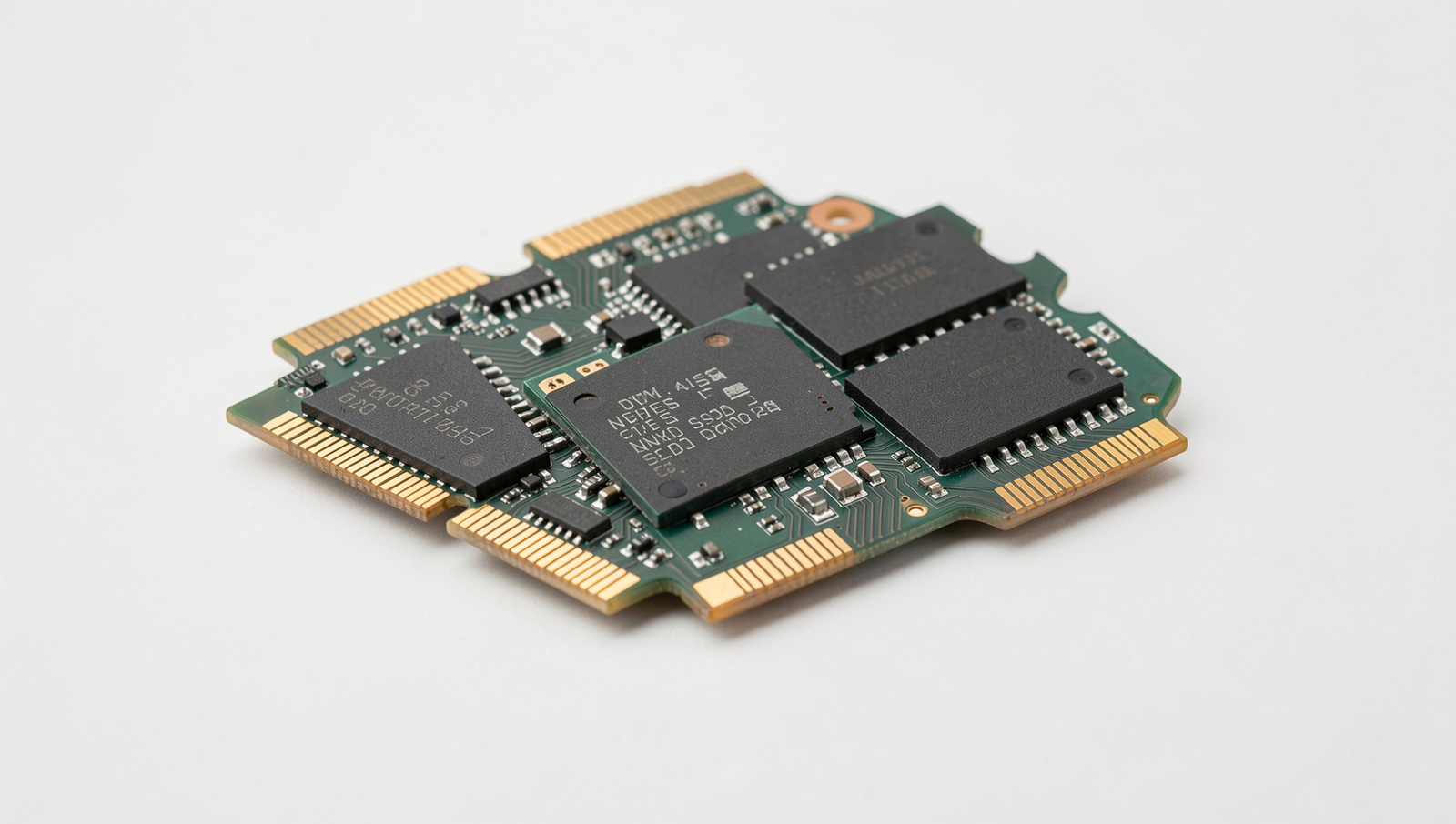
Non-Volatile Memory Express (NVMe) is a protocol designed specifically for high-speed storage devices, offering significant technical advantages over traditional SATA SSDs and HDDs. One of the primary benefits of NVMe is its ability to utilize the PCIe (Peripheral Component Interconnect Express) interface, which provides a direct connection to the CPU. This results in faster data transfer rates, lower latency, and improved overall performance.
In real-world performance comparisons, NVMe SSDs consistently outperform SATA SSDs. For instance, while a SATA SSD typically offers read speeds of around 500 MB/s, an NVMe SSD can reach speeds exceeding 3,500 MB/s. This difference becomes particularly noticeable during tasks such as booting up the operating system, loading applications, or transferring large files. Users engaged in gaming, video editing, or data analysis will find that NVMe drives significantly reduce load times and enhance productivity.
Future-proofing your PC is another compelling reason to consider NVMe technology. As software and applications continue to evolve, they demand more from storage solutions. Investing in an NVMe SSD today ensures that your system remains capable of handling future workloads without bottlenecks. Additionally, many modern motherboards support multiple NVMe slots, allowing for easy upgrades as storage needs grow.
However, there are considerations for installation and compatibility. Not all motherboards support NVMe drives, so it’s essential to check your motherboard specifications before purchasing. Furthermore, NVMe drives come in various form factors, such as M.2 and U.2, which may require specific slots or adapters. Always consult your PC’s manual to ensure a smooth installation process.
Conclusion
In this PC Storage Guide, we explored the three primary types of storage solutions: NVMe, SATA SSDs, and traditional HDDs. Each option has its unique advantages and disadvantages, catering to different user needs. NVMe drives offer unparalleled speed and performance, making them ideal for gamers and professionals who require quick data access. SATA SSDs provide a balance between speed and cost, serving as a great upgrade for those looking to enhance their system’s performance without breaking the bank. On the other hand, HDDs remain a reliable choice for bulk storage, offering significant capacity at a lower price point.
As you consider your storage options, think about your specific requirements, such as speed, capacity, and budget. Upgrading your storage can significantly improve your PC’s performance and responsiveness. Whether you opt for the lightning-fast NVMe or the cost-effective HDD, understanding the differences outlined in this PC Storage Guide will help you make an informed decision that best suits your needs.
Frequently Asked Questions
What is the difference between NVMe and SATA SSDs?
NVMe (Non-Volatile Memory Express) SSDs are significantly faster than SATA SSDs due to their direct connection to the motherboard via PCIe lanes. This results in higher data transfer speeds and lower latency, making NVMe ideal for high-performance applications and gaming.
Are HDDs still relevant in modern PCs?
Yes, HDDs (Hard Disk Drives) remain relevant, especially for bulk storage needs. They offer a cost-effective solution for storing large amounts of data, such as videos and backups, despite being slower than SSDs. Many users still prefer them for archival purposes.
Can I use both SSD and HDD in my PC?
Absolutely! Many PCs support both SSDs and HDDs simultaneously. This hybrid approach allows users to benefit from the speed of SSDs for the operating system and applications while utilizing HDDs for additional storage of larger files and media.
Related Posts

Windows Cache Files: Useful Data or Digital Clutter?

PC Speed Check: What Is Really Slowing Your Computer?
Old PC Revival: Hardware Upgrades That Still Make Sense
About The Author
