PC Build Mistakes That Can Waste Your Upgrade Budget
8 min read • 1,640 words
Table of Contents
TogglePC Build Mistakes That Can Waste Your Upgrade Budget
Building your own PC can be an exciting and rewarding experience, but it comes with its own set of challenges. One of the most significant hurdles is avoiding common PC build mistakes that can quickly drain your upgrade budget. Understanding these pitfalls is essential for both novice builders and seasoned enthusiasts alike. This article will delve into the most frequent errors made during the PC building process, highlighting their potential consequences and offering guidance on how to avoid them.
From failing to research compatibility between components to neglecting the importance of a reliable power supply, each mistake can lead to costly setbacks. Additionally, overlooking thermal management can result in overheating, while choosing the wrong RAM speed can limit your system’s performance. By recognizing these common missteps, you can ensure a smoother building experience and maximize the longevity and usability of your PC. Join us as we explore these critical aspects of PC building.
Choosing Incompatible Components
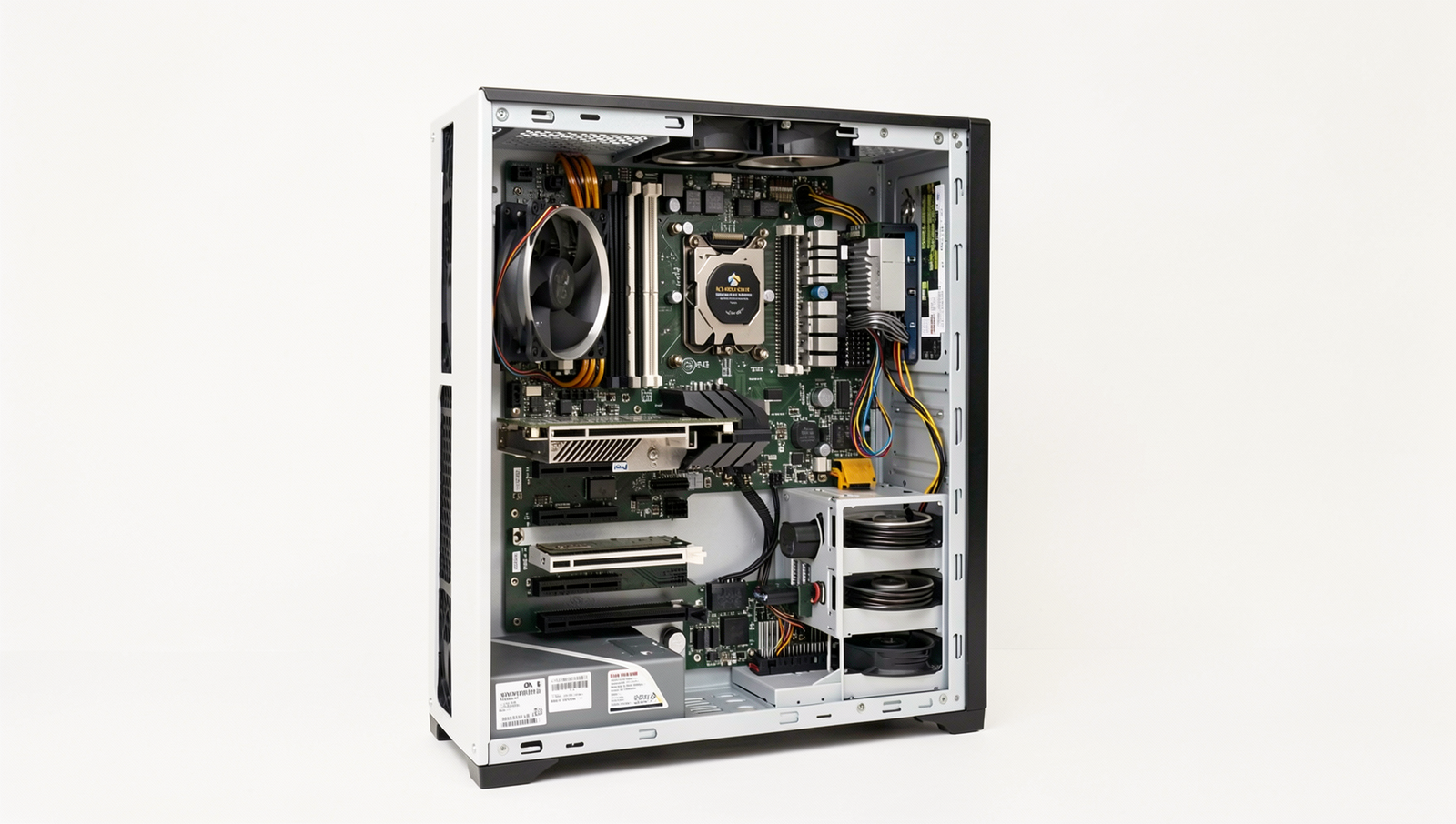
One of the most common PC build mistakes that can significantly waste your upgrade budget is choosing incompatible components. When assembling a custom PC, ensuring that all parts work harmoniously together is crucial. Failing to check compatibility can lead to frustration and additional costs.
First and foremost, not checking motherboard compatibility with CPU and RAM types can be a costly oversight. Each motherboard supports specific CPU sockets and RAM types. For instance, if you purchase a high-end CPU that requires an LGA 1200 socket but your motherboard only supports AM4, you will be unable to use your new processor. Similarly, RAM comes in various types such as DDR4 and DDR5, and using the wrong type can lead to performance issues or system failure.
Another critical aspect is overlooking power supply wattage and connector requirements. A power supply unit (PSU) must provide enough wattage to support all components, especially high-performance graphics cards and CPUs. If your PSU only offers 400 watts, but your build requires 600 watts, you risk system instability or even hardware damage. Additionally, ensure that the PSU has the necessary connectors for your components, such as 6-pin or 8-pin connectors for GPUs.
Case size limitations for graphics cards and coolers are also often ignored. Many gamers and builders purchase large GPUs without verifying if their case can accommodate them. A standard ATX case may not fit a massive GPU, leading to potential returns and extra shipping costs. Similarly, CPU coolers can vary in height, and a tall cooler may not fit under a closed case lid.
Finally, failing to verify RAM speed can lead to suboptimal performance. While you may have purchased high-speed RAM, if your motherboard only supports lower speeds, you will not benefit from the enhanced performance. Always check the motherboard specifications to ensure compatibility with the desired RAM speed.
In summary, taking the time to verify compatibility among all components can save you from costly mistakes and ensure a smooth PC building experience.
Neglecting Future Upgrade Paths
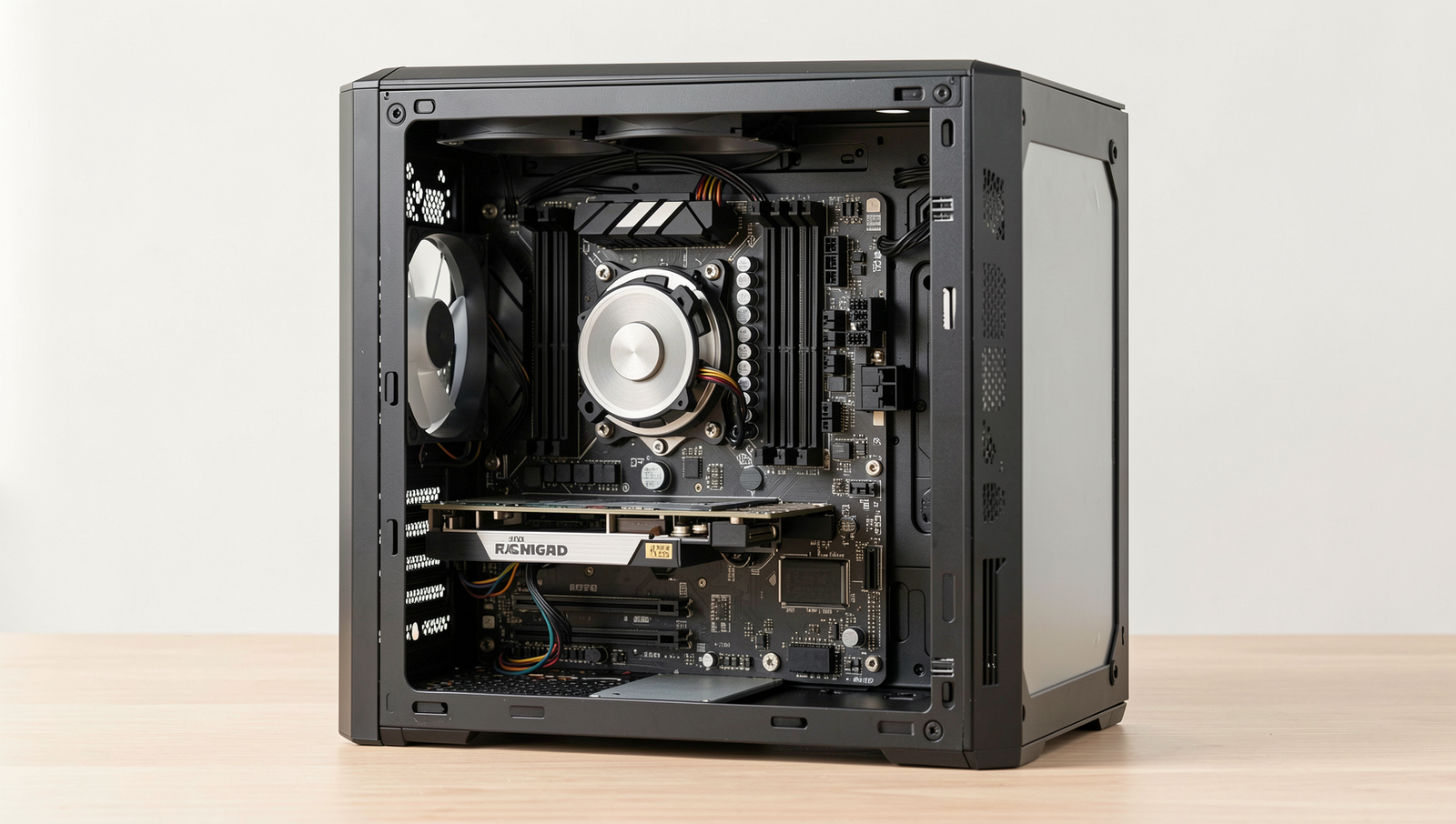
When building a PC, many enthusiasts focus on immediate performance and aesthetics, often overlooking the importance of future upgrade paths. This oversight can lead to significant financial waste down the line, as opting for outdated technology or components with limited expansion capabilities can restrict your ability to enhance your system later. Here are some common pitfalls to avoid when planning your PC build.
- Opting for outdated technology: Choosing components that are already on the decline can severely limit your upgrade options. For instance, selecting an older CPU socket may restrict you to a narrow range of processors, making future upgrades more challenging and expensive.
- Choosing a motherboard with insufficient expansion slots: A motherboard with limited PCIe slots can hinder your ability to add new graphics cards, sound cards, or other peripherals. For example, if you plan to add a second GPU for gaming or a dedicated sound card for audio production, ensure your motherboard has enough slots to accommodate these additions.
- Ignoring higher RAM capacity: Many users settle for the minimum RAM their current applications require, neglecting to consider future needs. Opting for a motherboard that supports higher RAM capacity can save you from having to replace it entirely when you need more memory for demanding applications or multitasking.
- Not considering resale value: Some components depreciate faster than others. Investing in high-quality parts that retain their value can be beneficial if you decide to upgrade. For instance, a well-regarded graphics card may fetch a good price on the second-hand market, allowing you to reinvest in newer technology.
By avoiding these common PC build mistakes, you can ensure that your system remains relevant and upgradeable for years to come, ultimately saving you money and enhancing your computing experience.
Overlooking Cooling Solutions
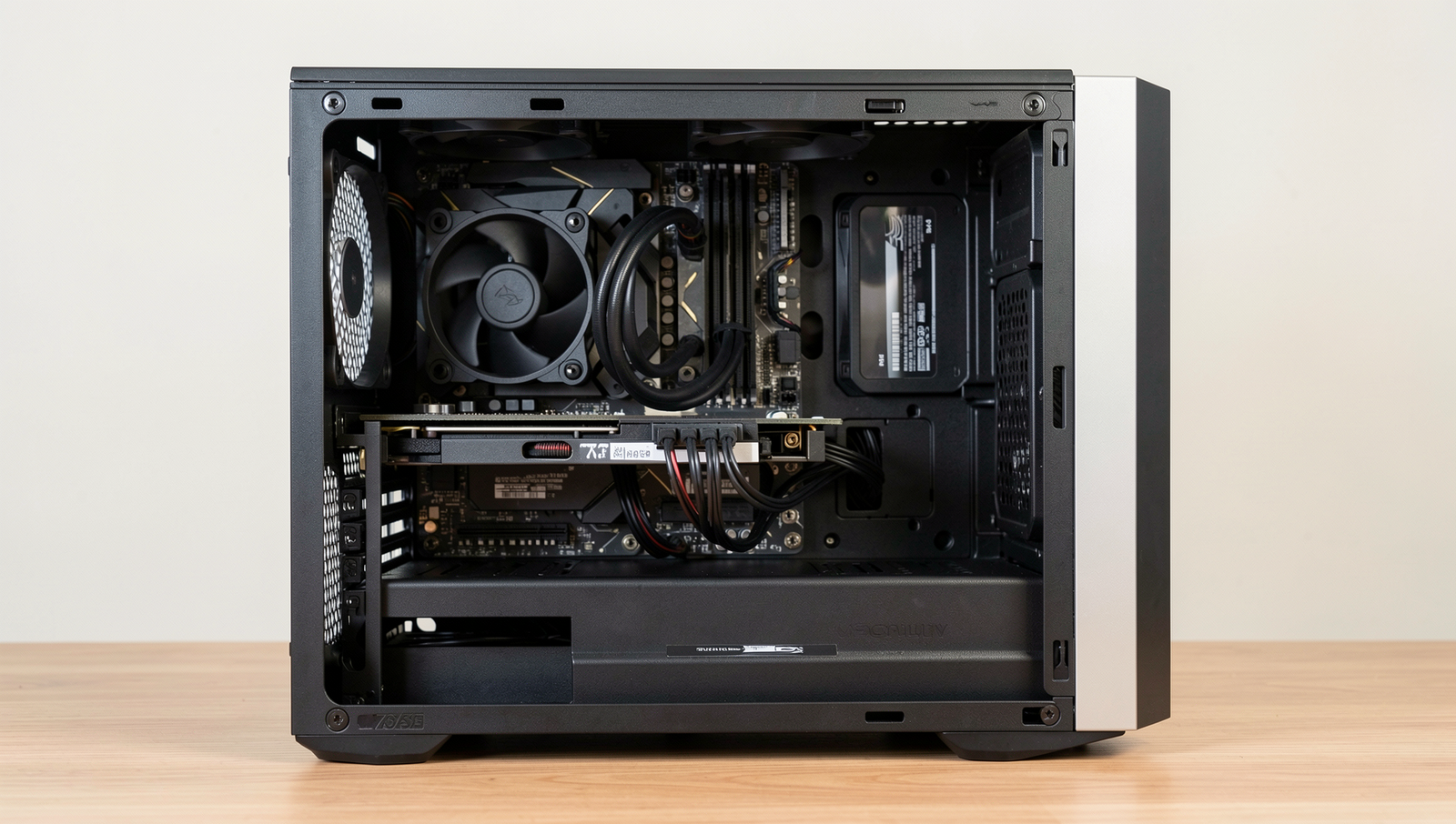
One of the most critical yet often overlooked aspects of building a PC is the cooling solution. Adequate cooling is essential for maintaining optimal performance and longevity of your components. Failing to prioritize this can lead to overheating, throttling, and ultimately, hardware failure. Many builders underestimate the importance of cooling, thinking that stock solutions will suffice. However, investing in quality cooling solutions can significantly enhance your system’s performance.
When selecting a PC case, airflow design should be a top consideration. A case with poor airflow can trap heat, leading to increased temperatures and reduced performance. Look for cases that support multiple fans and have good ventilation. Here are some factors to consider when choosing a case:
- Number of fan mounts
- Support for radiators if you opt for liquid cooling
- Positioning of intake and exhaust fans
- Material and design that promotes airflow
Another common mistake is neglecting the application of thermal paste on your CPU and GPU. Proper thermal paste application is crucial for efficient heat transfer between the processor and its cooler. A thin, even layer is recommended, as too much or too little can hinder performance. Always ensure that the paste is applied correctly to avoid overheating issues.
Lastly, consider the noise levels of your cooling solutions. Many high-performance fans and coolers can be quite loud, which may be bothersome in a quiet environment. Look for solutions that offer a balance between cooling efficiency and noise levels. Investing in quieter fans or liquid cooling solutions can enhance your overall experience without compromising performance.
By avoiding these common PC build mistakes related to cooling, you can ensure that your system runs efficiently and remains reliable for years to come.
Ignoring Budget Allocation for Essential Parts
When embarking on a PC build, one of the most common pitfalls is misallocating your budget, particularly when it comes to essential components. Many builders, especially newcomers, often prioritize aesthetics over performance, leading to a system that looks good but underperforms. While RGB lighting and sleek cases can be visually appealing, they should not come at the expense of critical hardware that impacts your PC’s functionality.
Another frequent mistake is neglecting to budget for a quality power supply. A reliable power supply unit (PSU) is crucial for the stability and longevity of your system. Cutting corners here can lead to system failures or even hardware damage. Investing in a PSU from a reputable brand with sufficient wattage and efficiency ratings can save you from future headaches and expenses.
Storage solutions are often overlooked as well. Many builders may opt for a minimal storage setup, thinking they can add more later. However, a slow hard drive can bottleneck your system’s performance. It’s advisable to allocate funds for at least a solid-state drive (SSD) for your operating system and essential applications, while considering additional storage for games and files. This ensures faster load times and a smoother overall experience.
Lastly, failing to budget for necessary peripherals can also derail your PC building plans. High-quality monitors, keyboards, and mice are essential for a complete setup. Skimping on these items can lead to discomfort and inefficiency during use. A good monitor can enhance your gaming or work experience significantly, while a responsive keyboard and mouse can improve your productivity.
- Prioritize performance over aesthetics.
- Invest in a quality power supply.
- Choose reliable storage solutions.
- Allocate funds for essential peripherals.
By being mindful of these budget allocation mistakes, you can create a balanced and effective PC build that meets your needs without overspending on non-essential features.
Conclusion
In summary, avoiding common PC build mistakes is essential for maximizing your upgrade budget. Many enthusiasts overlook the importance of compatibility between components, leading to wasted time and resources. Ensuring that your CPU, motherboard, RAM, and GPU work harmoniously can save you from costly returns and replacements. Additionally, neglecting to plan for future upgrades can limit your system’s longevity and performance. By carefully researching and selecting parts that not only meet your current needs but also allow for future enhancements, you can create a more efficient and powerful PC.
As you embark on your PC building journey, take the time to educate yourself about the components and their interactions. Utilize online resources, forums, and build guides to inform your decisions. By being aware of potential pitfalls and actively avoiding PC build mistakes, you can ensure that your investment yields the best possible performance and satisfaction. Happy building!
Frequently Asked Questions
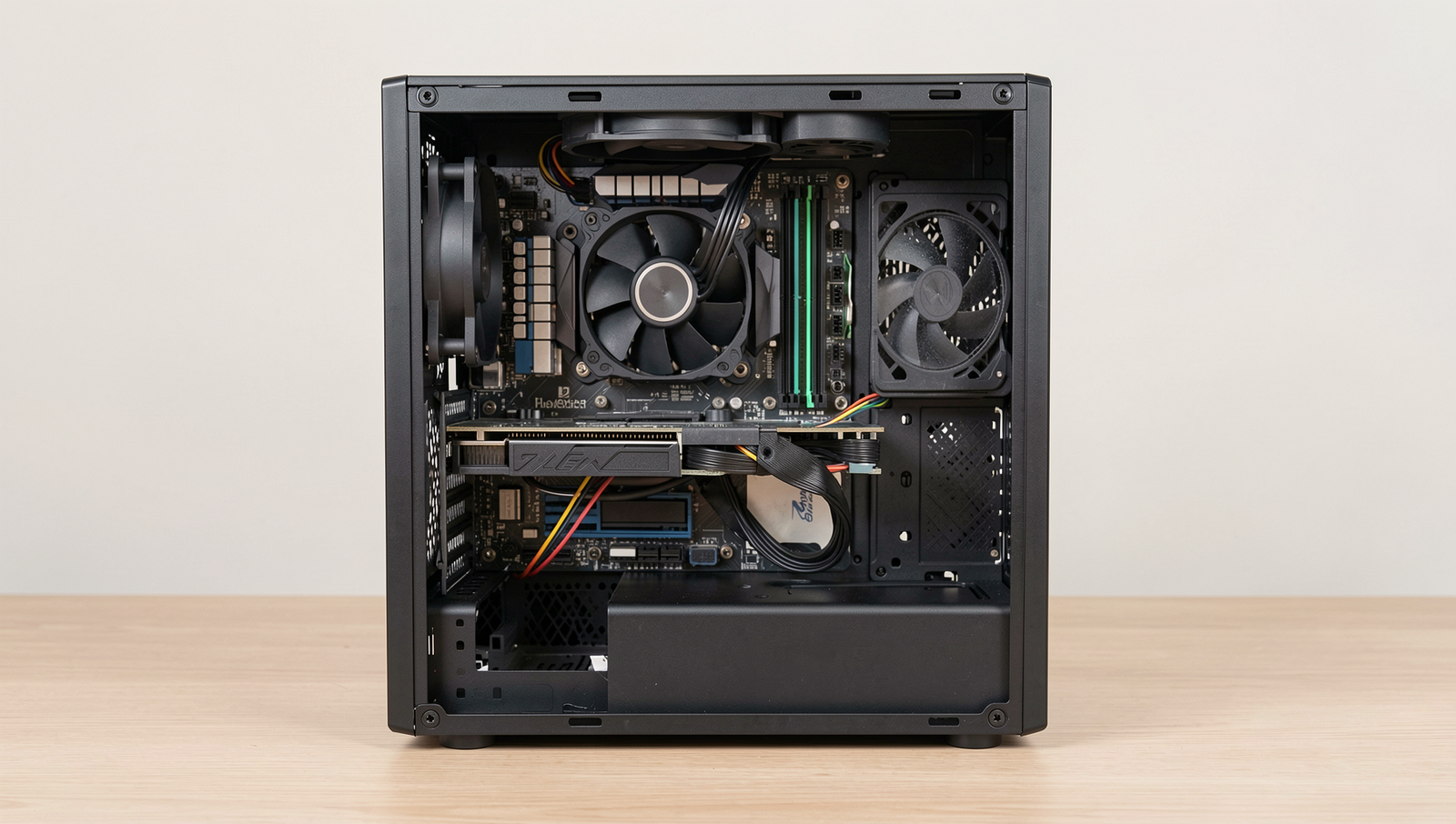
What is the most common mistake when building a PC?
The most common mistake when building a PC is not ensuring compatibility between components. Users often overlook the motherboard’s socket type, RAM speed, and power supply wattage, which can lead to performance issues or even prevent the system from booting altogether.
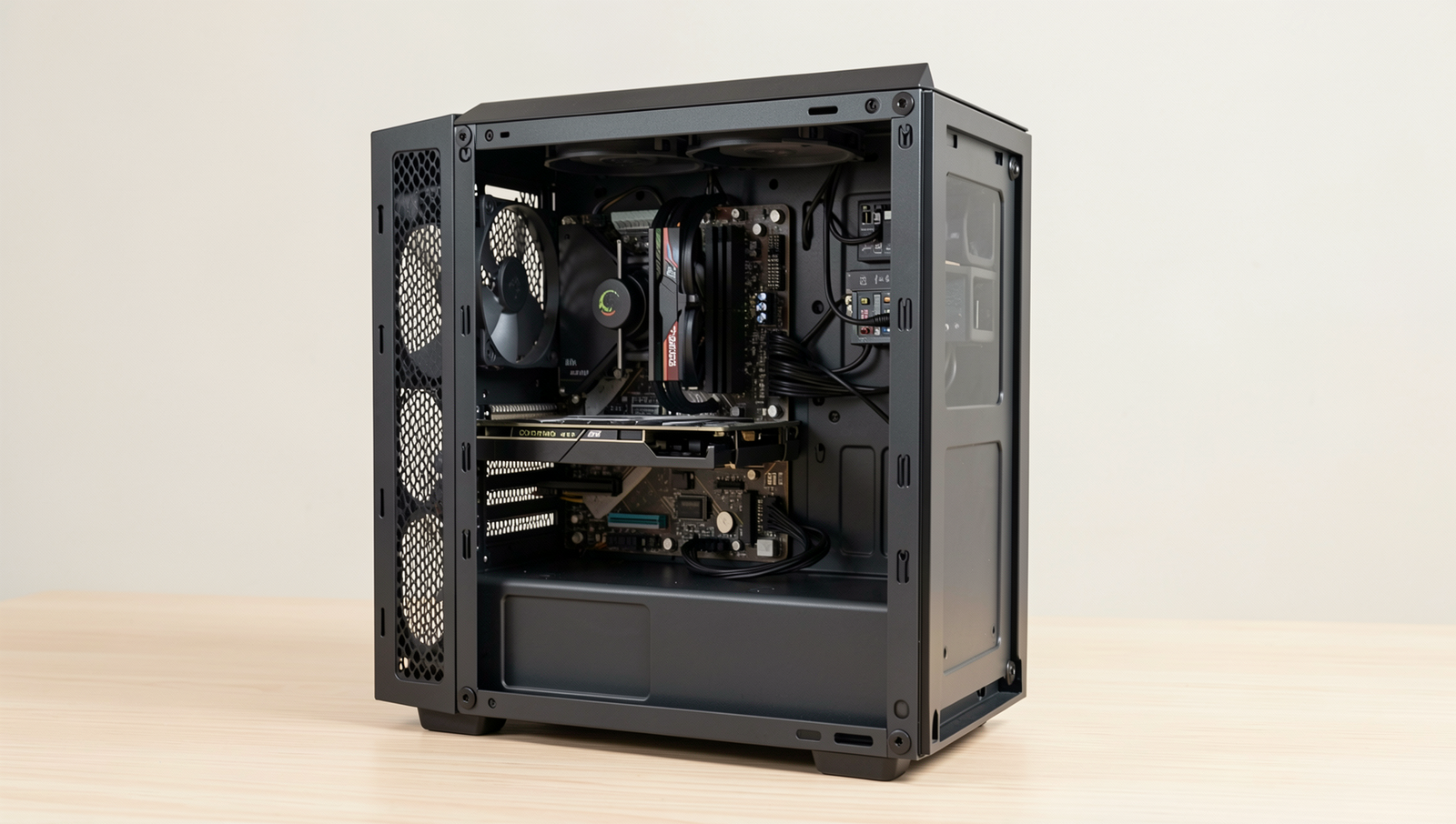
How can I avoid overspending on my PC build?
To avoid overspending on your PC build, set a clear budget before shopping and prioritize essential components.
Related Posts
PC Power Settings: Performance Mode vs Balanced Mode
Modern PC Problems That Look Like Hardware Failures

Windows Cache Files: Useful Data or Digital Clutter?
About The Author
