PC Power Settings: Performance Mode vs Balanced Mode
techpcalex@gmail.com September 1, 2026 0
Exploring PC power settings: Performance vs Balanced.
8 min read • 1,616 words
Table of Contents
TogglePC Power Settings: Performance Mode vs Balanced Mode
Understanding PC power settings is crucial for optimizing your computer’s performance and energy efficiency. In today’s fast-paced digital world, users often find themselves torn between maximizing their device’s capabilities and conserving energy. This article will delve into the differences between Performance Mode and Balanced Mode, two essential power settings that can significantly impact your computing experience. By the end of this read, you’ll have a clearer understanding of which mode best suits your needs, whether you’re a gamer, a professional, or simply browsing the web.
Performance Mode prioritizes maximum performance, ensuring that your PC runs at its peak capabilities. However, this comes at a cost, as it can lead to higher temperatures and increased fan noise, making it less ideal for everyday tasks. On the other hand, Balanced Mode adjusts performance based on current tasks, optimizing energy use while still providing adequate power for general use. This setting is particularly beneficial for laptop users, as switching to Performance Mode may significantly reduce battery life.
Introduction to PC Power Settings
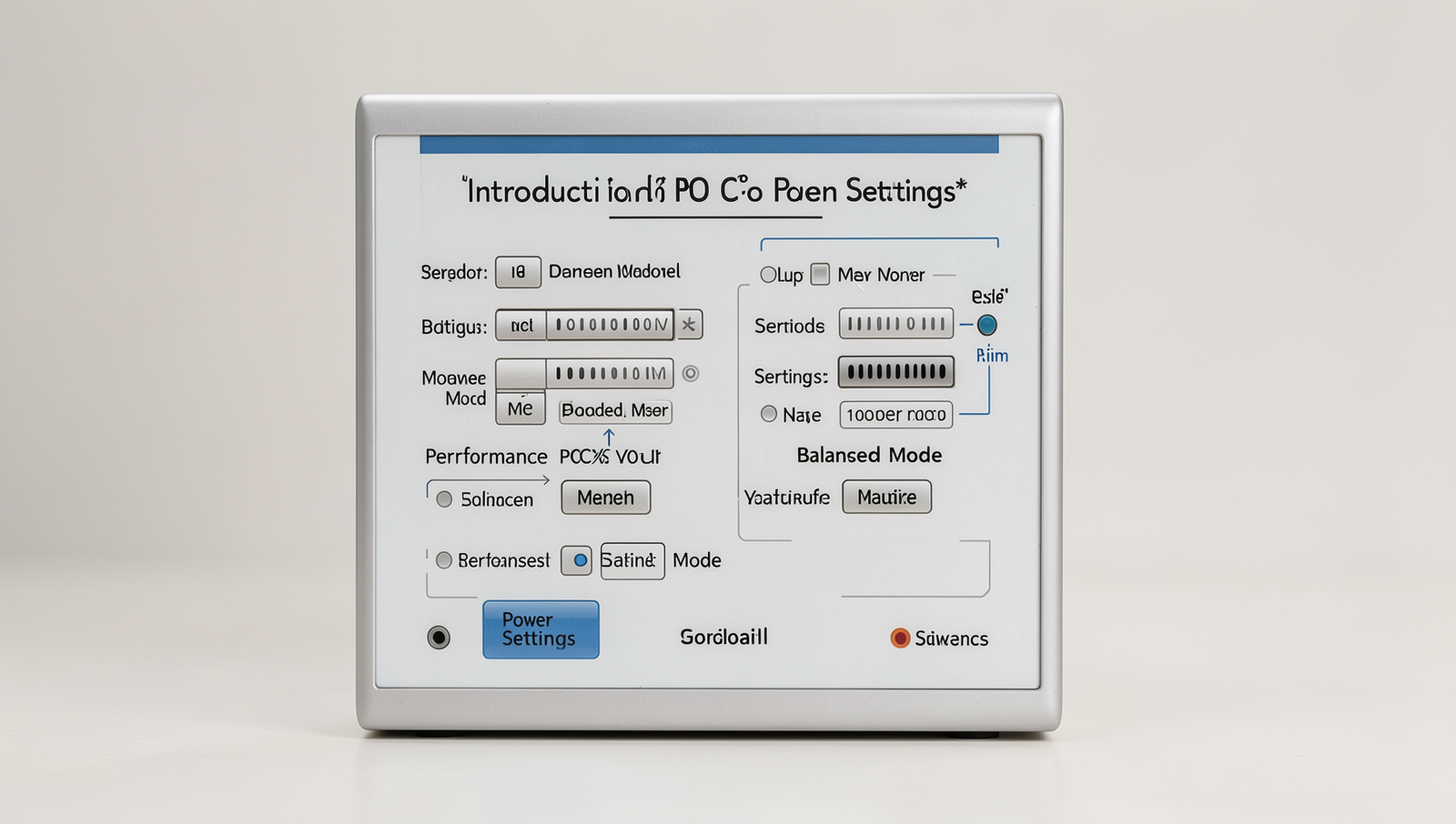
PC power settings are configurations that dictate how a computer manages its energy consumption and performance. These settings allow users to optimize their systems based on their specific needs, whether that be for high performance during gaming or energy efficiency during everyday tasks. Understanding these settings is crucial for maximizing both the performance of your PC and its energy efficiency, which can lead to lower electricity bills and a reduced carbon footprint.
There are typically several power modes available on most PCs, with the two most common being Performance Mode and Balanced Mode. Performance Mode prioritizes maximum performance, ensuring that the CPU and GPU run at their highest capabilities. This mode is ideal for resource-intensive tasks such as gaming, video editing, or 3D rendering. On the other hand, Balanced Mode offers a middle ground, adjusting performance based on the current workload. This means that the system will conserve energy during lighter tasks while still providing enough power for more demanding applications when needed.
- Performance Mode: Best for gaming and high-demand applications.
- Balanced Mode: Suitable for everyday use, balancing performance and energy savings.
The purpose of comparing these two modes is to help users make informed decisions based on their specific usage patterns. For instance, a gamer may prefer Performance Mode for the best experience, while someone who primarily uses their PC for browsing and document editing might find Balanced Mode more suitable. By understanding the implications of each mode, users can tailor their PC power settings to fit their lifestyle and needs effectively.
Performance Mode: Features and Benefits
Performance Mode is a setting within PC Power Settings that is designed to maximize the capabilities of your computer’s hardware. This mode is particularly beneficial for users who engage in resource-intensive tasks such as gaming, video editing, or 3D rendering. By prioritizing performance, this mode ensures that both the CPU and GPU operate at their highest potential, delivering a seamless experience.
One of the primary features of Performance Mode is its ability to reduce latency. This is crucial for gamers who require quick response times and smooth frame rates. When the system is set to Performance Mode, it minimizes delays in processing, allowing for a more fluid gaming experience. Additionally, heavy applications that rely on substantial computational power benefit from this mode, as it allocates resources more efficiently to handle demanding tasks.
- Maximizes CPU and GPU performance: Ensures that your hardware is always running at peak efficiency.
- Reduces latency: Provides a smoother experience for gaming and real-time applications.
- Increases power consumption: This mode can lead to higher electricity bills due to the constant high performance.
- Ideal for high computational tasks: Perfect for users who need to run demanding software without lag.
However, it is important to note that while Performance Mode enhances performance, it does come with a trade-off. The increased power consumption can lead to higher energy costs and may generate more heat, which could affect the longevity of your components. Therefore, it is advisable to use this mode selectively, depending on your specific needs and tasks.
Comparative Analysis: Performance vs Balanced Mode
When it comes to PC power settings, the choice between Performance Mode and Balanced Mode can significantly impact both the user experience and system efficiency. Understanding these differences is crucial for optimizing your computer’s performance based on your specific needs.
In gaming, Performance Mode is often the preferred choice. This mode prioritizes CPU and GPU resources, allowing for higher frame rates and smoother gameplay. For instance, a gamer might notice that switching to Performance Mode can lead to a more responsive experience in demanding titles like Cyberpunk 2077 or Call of Duty. Conversely, Balanced Mode aims to provide a compromise between performance and energy savings, which can be beneficial for less demanding applications or casual gaming.
In productivity applications, the differences may not be as pronounced. However, tasks such as video editing or 3D rendering can benefit from the additional resources allocated in Performance Mode. Users working with software like Adobe Premiere Pro or AutoCAD may find that their workflows are significantly faster when the system is set to prioritize performance.
- Battery Life: Performance Mode typically consumes more power, leading to shorter battery life on laptops.
- Energy Consumption: Balanced Mode is designed to reduce energy usage, making it more eco-friendly.
User scenarios vary widely. A gamer or content creator may prefer Performance Mode for maximum output, while a business professional might opt for Balanced Mode to extend battery life during meetings. Over time, consistently using Performance Mode can lead to increased wear on hardware components, potentially shortening their lifespan. In contrast, Balanced Mode may promote better long-term health for the system.
Conclusion
In summary, understanding PC power settings is crucial for optimizing your computer’s performance and energy efficiency. The Performance Mode is designed for users who require maximum power for demanding tasks such as gaming or video editing, ensuring that the CPU and GPU operate at their highest capabilities. On the other hand, the Balanced Mode offers a middle ground, providing adequate performance while conserving energy during less intensive tasks. This can lead to longer battery life for laptops and reduced energy costs for desktops.
As you consider your own usage patterns, it’s essential to evaluate which mode best suits your needs. If you frequently engage in resource-heavy applications, switching to Performance Mode may enhance your experience. Conversely, if you prioritize energy savings and general productivity, Balanced Mode is likely the better choice. Experimenting with these settings can help you find the optimal balance between performance and efficiency tailored to your specific requirements.
Real-World Examples
Understanding PC power settings can significantly impact your computing experience, especially when it comes to performance and energy efficiency. Let’s explore some real-world scenarios where users might choose between Performance Mode and Balanced Mode in their PC power settings.
Consider a gamer who frequently plays resource-intensive games. In this case, switching to Performance Mode can provide a noticeable advantage. This mode prioritizes CPU and GPU performance, ensuring that the system runs at its maximum capabilities. For example, a gamer playing a title like “Cyberpunk 2077” may experience smoother frame rates and reduced lag when the PC is set to Performance Mode. This setting allows the hardware to operate at higher clock speeds, which can lead to a more immersive gaming experience.
On the other hand, a student using a laptop for writing papers and browsing the internet might benefit more from Balanced Mode. This setting optimizes power consumption while still providing adequate performance for everyday tasks. For instance, a student working on a lengthy research paper can keep their laptop in Balanced Mode to extend battery life, allowing them to work for several hours without needing to recharge. This is particularly useful during long study sessions in libraries or coffee shops.
- Performance Mode: Ideal for gaming, video editing, and graphic design.
- Balanced Mode: Suitable for general use, web browsing, and office applications.
- Power Saver Mode: Best for extending battery life on laptops during travel.
In a corporate environment, employees who run multiple applications simultaneously may also find Balanced Mode advantageous. It allows for efficient multitasking without overloading the system. For example, an employee using Microsoft Office, web browsers, and communication tools like Slack can maintain productivity while ensuring their workstation does not consume unnecessary power. This balance is crucial in reducing operational costs for businesses while maintaining employee efficiency.
Ultimately, the choice between Performance Mode and Balanced Mode in PC power settings depends on individual needs and usage scenarios. By understanding these practical applications, users can make informed decisions that enhance their computing experience while considering factors like performance, energy consumption, and battery life.
Frequently Asked Questions
What is Performance Mode in PC power settings?
Performance Mode is a power setting designed to maximize your computer’s performance by allowing the CPU and GPU to run at their highest capabilities. This mode is ideal for resource-intensive tasks such as gaming, video editing, and 3D rendering, ensuring optimal speed and responsiveness.
What is Balanced Mode in PC power settings?
Balanced Mode is a power setting that aims to provide a middle ground between performance and energy efficiency. It automatically adjusts the CPU and GPU performance based on the current workload, making it suitable for everyday tasks while conserving energy when high performance is not needed.
When should I use Performance Mode?
Performance Mode should be used when running demanding applications that require maximum processing power, such as high-end gaming, graphic design software, or scientific simulations. It ensures that your system operates at peak performance, delivering the best