GPU Memory Explained: How Much VRAM Does a PC Need?
techpcalex@gmail.com September 1, 2026 0
Exploring GPU memory and VRAM requirements for PCs.
7 min read • 1,562 words
Table of Contents
ToggleGPU Memory Explained: How Much VRAM Does a PC Need?
Understanding GPU memory, or VRAM, is essential for anyone looking to optimize their gaming experience. As games become increasingly demanding, the amount of VRAM required to run them smoothly has also risen. This article will delve into the specifics of GPU memory, explaining why it matters and how it impacts your gaming performance. Whether you are a casual gamer or a competitive player, knowing how much VRAM your system needs can make a significant difference in your overall experience.
In modern gaming, 4GB of VRAM is typically the minimum requirement for 1080p resolution, while 1440p gaming often calls for 6GB to 8GB of VRAM. For those looking to game at 4K resolution, 8GB or more is recommended to ensure optimal performance. Insufficient VRAM can lead to stuttering and lower frame rates, which can detract from the enjoyment of your favorite titles. This article will guide you through the essentials of GPU memory and help you make informed decisions about your gaming setup.
Understanding VRAM
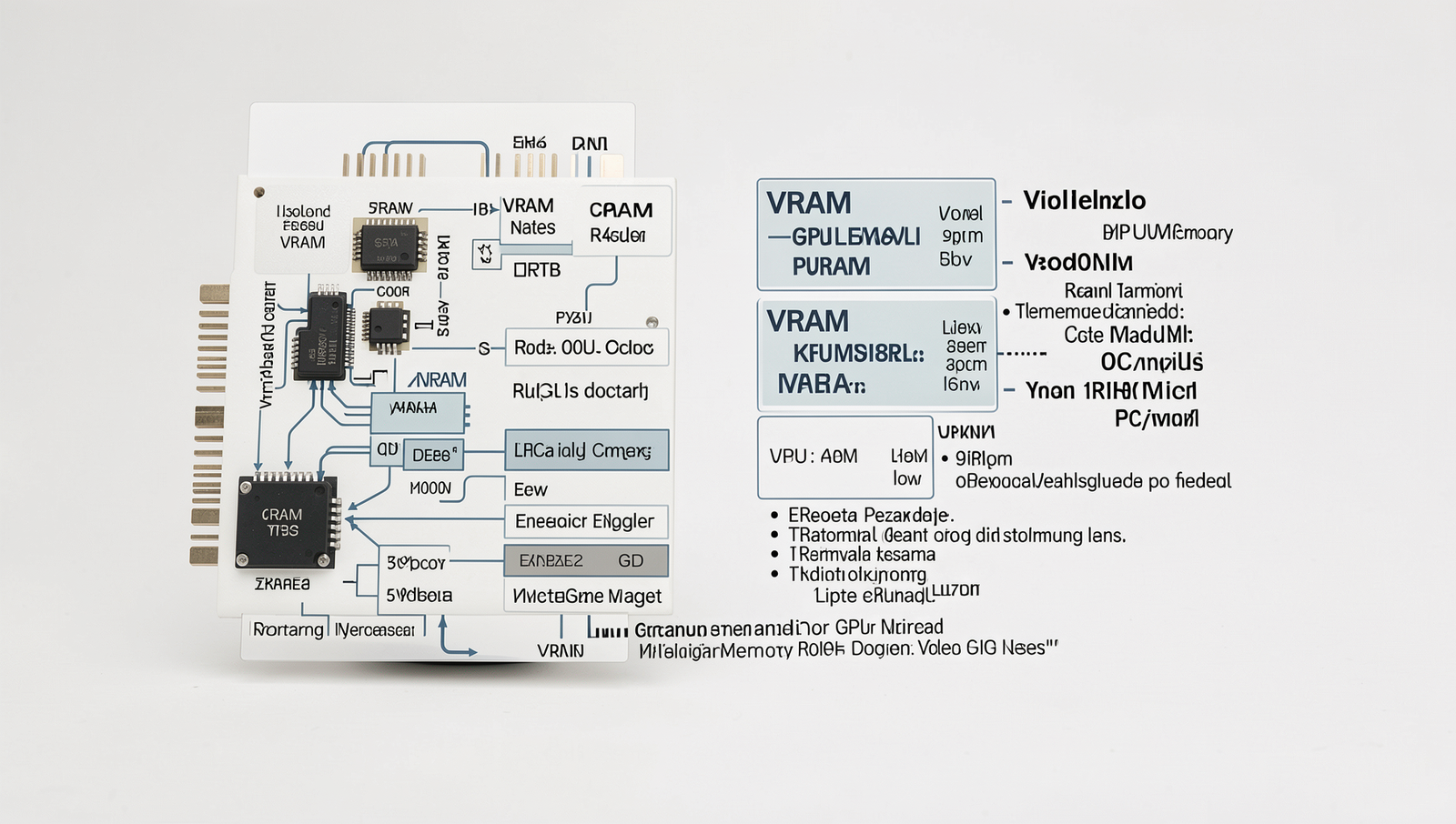
Video Random Access Memory, commonly referred to as VRAM, is a specialized type of memory used in graphics processing units (GPUs). Its primary role is to store image data that the GPU needs to render graphics, ensuring smooth performance in gaming and graphic-intensive applications. Unlike standard system RAM, which is used by the CPU for general computing tasks, VRAM is dedicated to handling the unique demands of visual output, making it essential for high-resolution textures and complex graphics.
The key difference between VRAM and system RAM lies in their functions. System RAM is designed for general data storage and retrieval, while VRAM is optimized for rapid access to graphical data. This distinction becomes particularly important in scenarios where large amounts of visual information must be processed quickly, such as in modern video games or 3D rendering tasks.
- GDDR (Graphics Double Data Rate): This is the most common type of VRAM used in consumer graphics cards. It offers high bandwidth and is designed for fast data transfer rates, making it ideal for gaming.
- HBM (High Bandwidth Memory): HBM provides even higher bandwidth than GDDR and is typically found in high-end GPUs. It uses a 3D stacking technology that allows for greater efficiency and performance.
The amount of VRAM a PC needs can significantly impact gaming and graphic-intensive applications. For instance, while 4GB of VRAM may suffice for casual gaming at lower resolutions, 8GB or more is recommended for 4K gaming or running applications that require high-resolution textures. Insufficient VRAM can lead to performance bottlenecks, resulting in stuttering frames and lower visual quality.
Factors Influencing VRAM Requirements
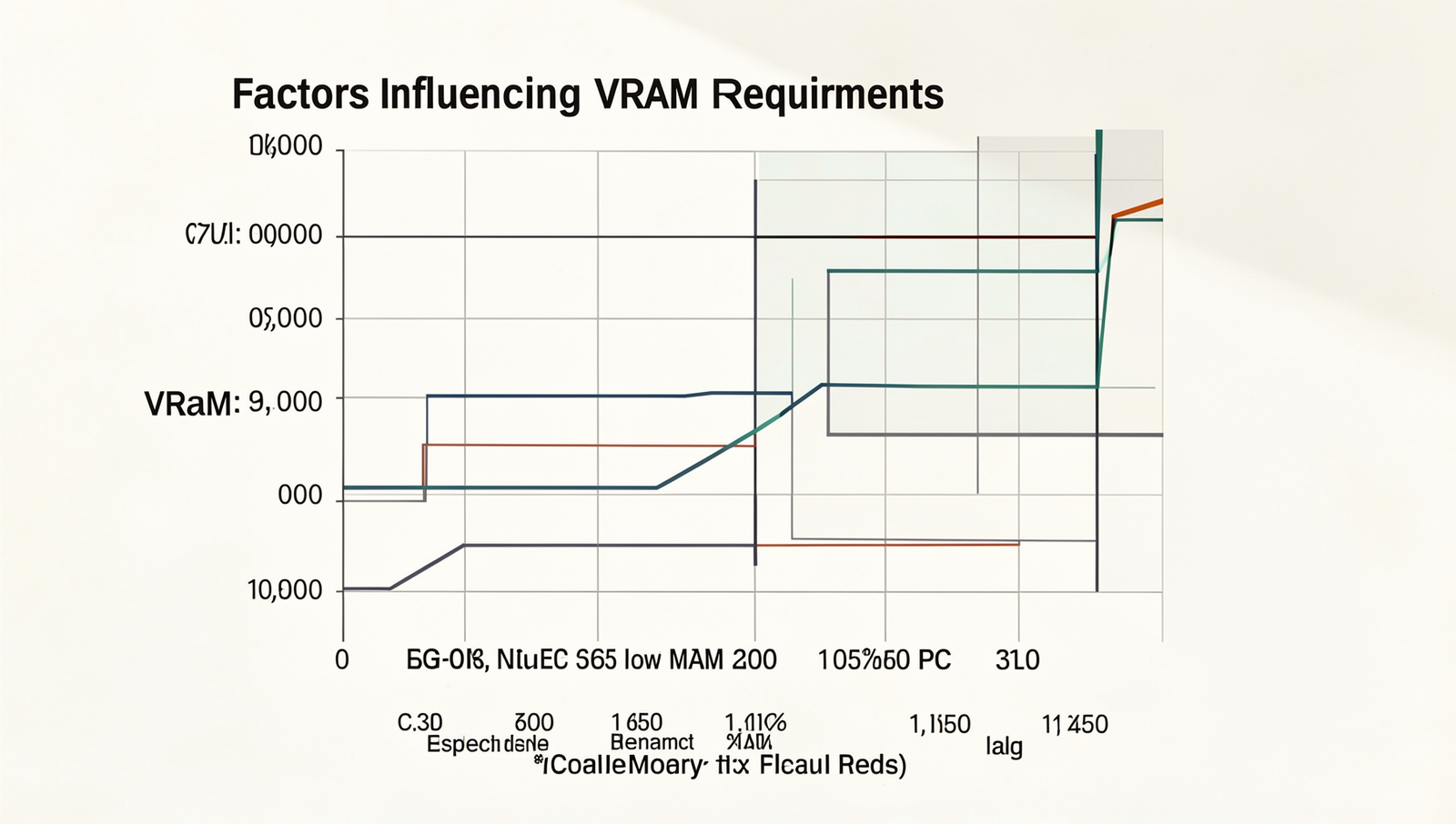
When considering GPU memory, or VRAM, several factors come into play that determine how much is necessary for optimal performance. One of the most significant factors is the resolution and texture quality of the games and applications being used. Higher resolutions, such as 4K, demand more VRAM to store the larger textures and assets required for rendering. For instance, a game running at 1080p may require around 4GB of VRAM, while a 4K game could need 8GB or more to maintain high texture quality without performance drops.
Another critical aspect is the impact of VRAM on frame rates and overall performance. Insufficient VRAM can lead to stuttering and lower frame rates, as the GPU struggles to load textures and data efficiently. For example, a user playing a graphically intensive game with only 4GB of VRAM may experience lag and reduced performance compared to a system equipped with 8GB or 12GB of VRAM, particularly in demanding scenes.
Future-proofing is also essential when considering VRAM needs. As software and gaming technology evolve, the demands on GPU memory will increase. Anticipating these changes can help users invest in a GPU that will remain relevant for years to come. For instance, upcoming titles may require more VRAM than current games, making it wise to choose a GPU with additional memory.
- Casual gaming: 4GB VRAM may suffice.
- 1080p gaming: 6GB to 8GB VRAM is recommended.
- 1440p gaming: 8GB to 10GB VRAM is ideal.
- 4K gaming: 10GB or more VRAM is necessary.
In conclusion, understanding these factors can help users make informed decisions about their GPU memory needs, ensuring a smoother and more enjoyable computing experience.

How to Determine Your VRAM Needs
Determining your VRAM needs is essential for optimizing your gaming and graphic-intensive applications. Start by assessing your current hardware and usage patterns. Take note of the games you play or the software you use most frequently. For instance, if you primarily play AAA titles or engage in video editing, your VRAM requirements will be higher compared to casual gaming or web browsing.
To get a clearer picture of your VRAM usage, utilize tools and benchmarks designed to measure GPU memory consumption. Software like MSI Afterburner or GPU-Z can provide real-time monitoring of VRAM usage during gameplay or rendering tasks. Additionally, running benchmarks such as 3DMark can help you understand how your current setup performs under load, revealing whether your VRAM is a bottleneck.
- For gaming, consider the following VRAM recommendations:
- 2GB VRAM: Suitable for older or less demanding games.
- 4GB VRAM: Ideal for most current games at 1080p resolution.
- 6GB VRAM: Recommended for high settings in modern games.
- 8GB VRAM or more: Necessary for 1440p or 4K gaming, especially with high texture settings.
Understanding the balance between GPU power and VRAM capacity is crucial. A powerful GPU with insufficient VRAM can lead to performance issues, while ample VRAM on a weak GPU may not enhance performance significantly. Therefore, ensure that your GPU and VRAM are well-matched to meet your specific needs.
Upgrading and Optimizing VRAM Usage
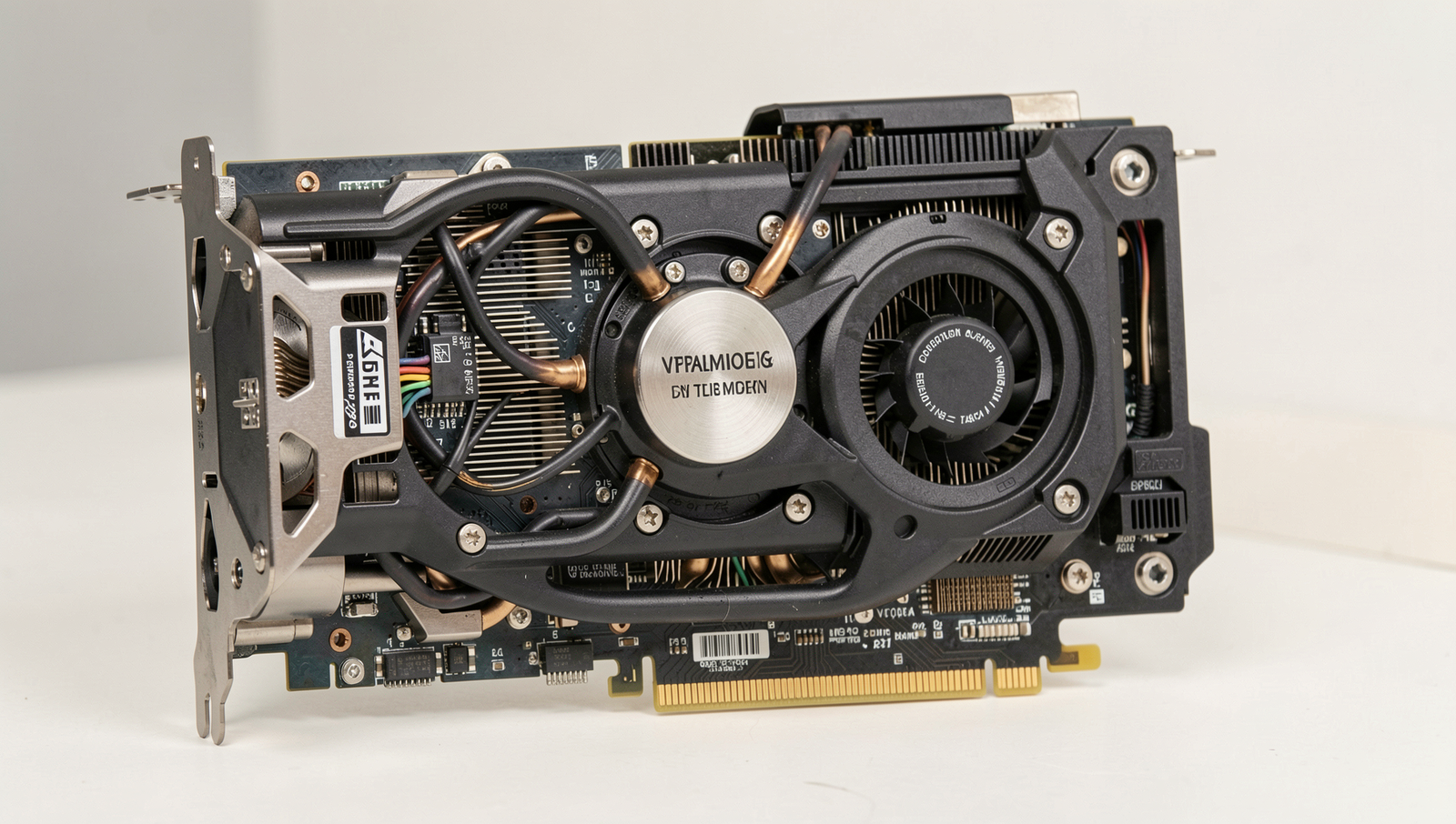
When it comes to GPU memory, knowing when to upgrade your graphics card for more VRAM is crucial for maintaining optimal performance. If you find that your current GPU struggles with modern games or applications, particularly at higher resolutions, it may be time to consider an upgrade. A good rule of thumb is to look for a GPU with at least 8GB of VRAM if you plan to play games at 1440p or 4K resolutions, as many contemporary titles demand more memory to handle textures and assets efficiently.
In addition to upgrading, there are several tips for optimizing VRAM usage in games and applications. Here are some practical suggestions:
- Lower the resolution: Reducing the resolution can significantly decrease the amount of VRAM required, allowing for smoother gameplay.
- Adjust texture quality: Many games offer settings for texture quality. Lowering this setting can free up VRAM without sacrificing too much visual fidelity.
- Disable anti-aliasing: While anti-aliasing enhances image quality, it can also consume considerable VRAM. Turning it off can help improve performance.
- Close background applications: Ensure that unnecessary applications are closed while gaming to free up system resources, including VRAM.
Looking ahead, future trends in VRAM technology suggest that GPUs will continue to evolve, with increasing memory capacities and faster memory types. Technologies like GDDR7 are on the horizon, promising to enhance bandwidth and efficiency. As games and applications become more demanding, staying informed about these advancements will be essential for gamers and professionals alike.
Conclusion
Understanding GPU memory, or VRAM, is essential for anyone looking to optimize their PC for gaming, graphic design, or any resource-intensive applications. The amount of VRAM needed can vary significantly based on the tasks you plan to perform. For casual gaming and everyday tasks, 4GB to 6GB of VRAM may suffice, while more demanding applications, such as 4K gaming or professional video editing, often require 8GB or more. It’s crucial to assess your specific needs and choose a GPU that provides adequate memory to ensure smooth performance and longevity.
As technology continues to advance, the requirements for GPU memory will likely increase. Therefore, it’s wise to consider future-proofing your setup by investing in a graphics card with higher VRAM. This will not only enhance your current experience but also prepare your system for upcoming software and gaming titles that demand more resources. Ultimately, making informed decisions about GPU memory can lead to a more satisfying and efficient computing experience.
Frequently Asked Questions
What is VRAM?
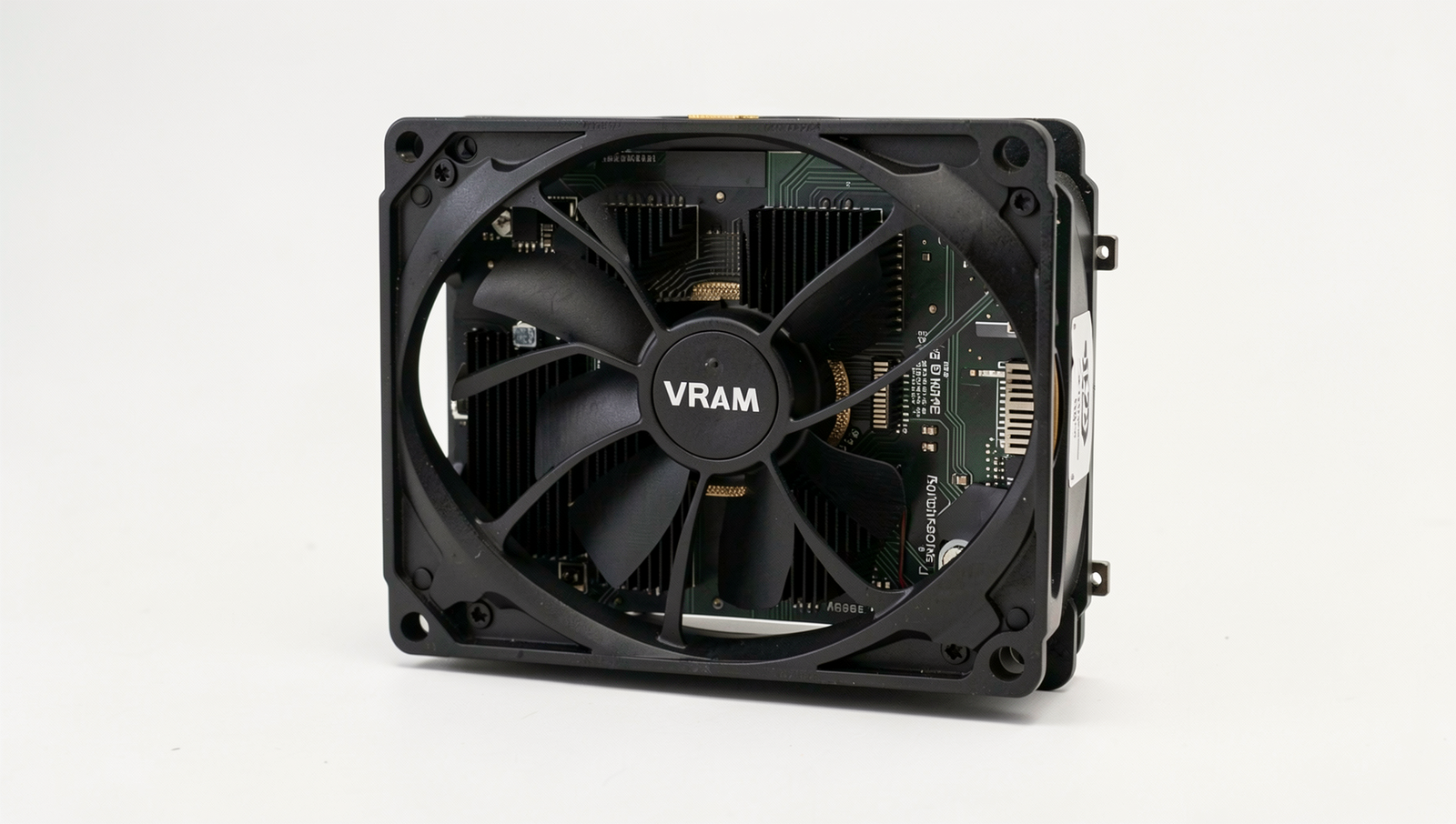
VRAM, or Video Random Access Memory, is a type of memory used by graphics cards to store image data and textures. It allows for quick access to the information needed for rendering images, ensuring smooth graphics performance in applications and games.
How much VRAM do I need for gaming?
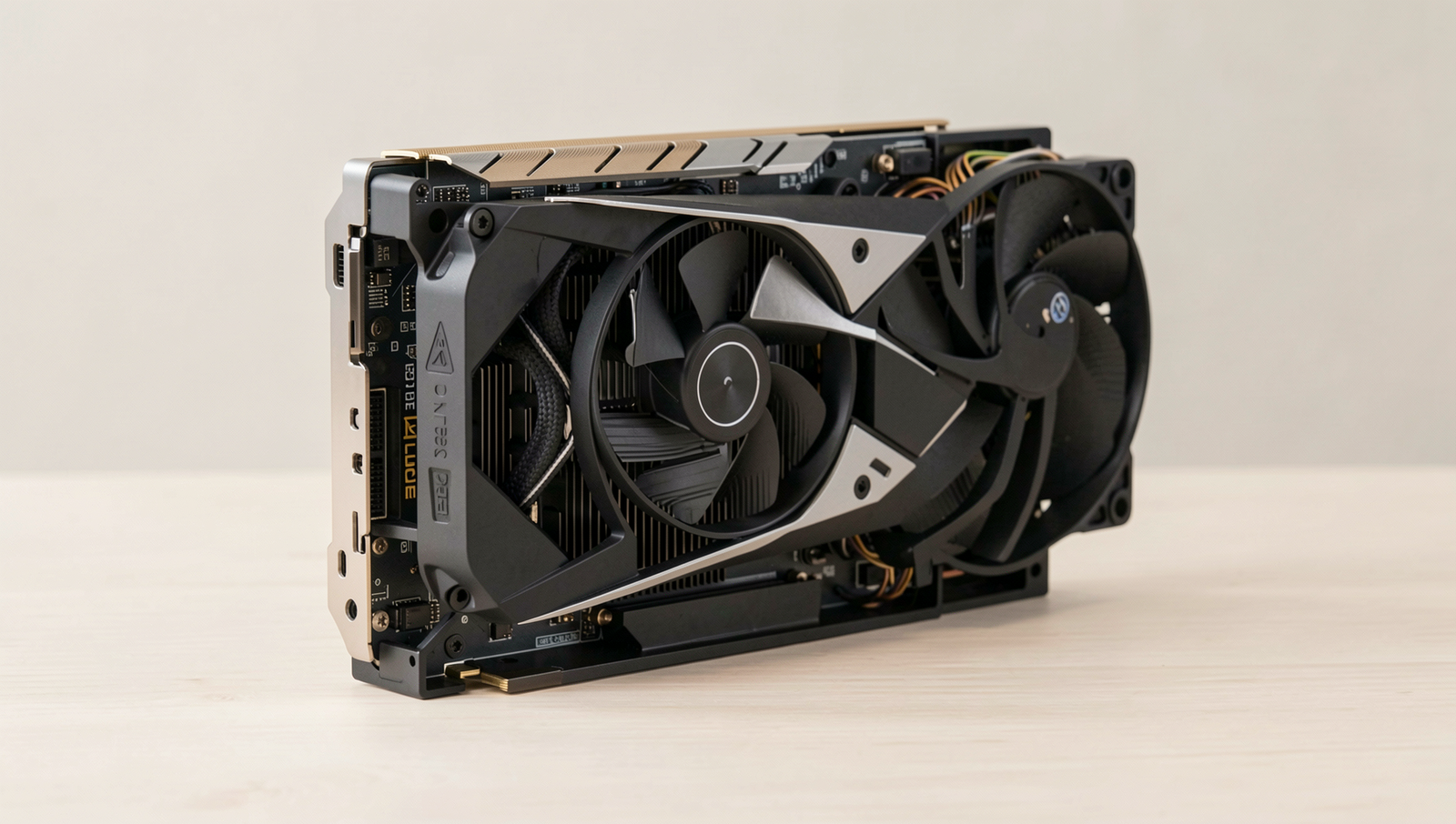
The amount of VRAM needed for gaming depends on the resolution and the settings you choose. For 1080p gaming, 4GB is generally sufficient, while 6GB to 8GB is recommended for 1440p and 4K gaming to ensure optimal performance and visual quality.
Does more VRAM improve performance?
More VRAM can improve performance, especially in graphically intensive games or applications that require high-resolution textures. However, simply having more VRAM does not guarantee better performance; the overall architecture of the GPU also plays a crucial role.
Can I use system RAM as VRAM?
While you cannot directly use system RAM as VRAM, some systems can allocate a portion of system RAM for graphics tasks. However, this is generally slower than dedicated VRAM and can lead to decreased performance in graphics-intensive applications.