PC Security Check: Weak Points You Should Inspect Today
techpcalex@gmail.com September 1, 2026 0
Essential PC security check for identifying weak points.
8 min read • 1,639 words
Table of Contents
TogglePC Security Check: Weak Points You Should Inspect Today
In today’s digital landscape, ensuring the security of your PC is more crucial than ever. With over 90% of malware being delivered via email attachments, a simple oversight can lead to devastating consequences. This article will guide you through essential steps for a comprehensive PC security check, highlighting weak points that you should inspect today. By understanding these vulnerabilities, you can take proactive measures to safeguard your personal information and digital assets.
Readers will learn the importance of using strong, unique passwords for each account, which can reduce the risk of breaches by an impressive 80%. Additionally, we will discuss the significance of regular software updates, which can prevent 60% of known vulnerabilities from being exploited. By implementing strategies such as two-factor authentication, you can block 99.9% of automated attacks, making your PC significantly more secure.
Understanding Common Vulnerabilities
In today’s digital landscape, understanding common vulnerabilities is crucial for maintaining the security of your PC. Regular security checks can help identify and mitigate these weaknesses before they are exploited by malicious actors. Common vulnerabilities include outdated software, weak passwords, and unpatched operating systems. Each of these can serve as gateways for cybercriminals to access sensitive information.
The importance of conducting regular security checks cannot be overstated. Cyber threats are constantly evolving, and what may have been secure yesterday could be vulnerable today. By routinely assessing your system, you can stay one step ahead of potential threats. This proactive approach not only protects your personal data but also enhances your overall digital hygiene.
There are several types of threats that users should be aware of:
- Malware: Malicious software designed to harm or exploit any programmable device or network.
- Phishing: A tactic used by cybercriminals to trick individuals into providing sensitive information by masquerading as a trustworthy entity.
- Ransomware: A type of malware that encrypts a user’s files and demands payment for the decryption key.
The impact of weak security on personal data can be devastating. A single breach can lead to identity theft, financial loss, and a significant compromise of privacy. For instance, if your passwords are weak or reused across multiple sites, a hacker could easily gain access to your accounts. Therefore, implementing strong security measures and conducting regular PC Security Checks is essential to safeguard your digital life.
Assessing Your Software Security
One of the most critical aspects of a comprehensive PC Security Check is assessing your software security. Outdated software and operating systems can serve as gateways for cybercriminals, making it essential to regularly inspect and update your applications. Start by checking for any software that may not have been updated in a while. You can do this by navigating to the settings or preferences of each application and looking for an update option.
Regular updates and patches are crucial because they often contain security fixes that protect your system from vulnerabilities. For instance, if you’re using Windows, you can check for updates by running the following command in the command prompt:
winverThis will show you the current version of your operating system and whether updates are available. Make it a habit to check for updates at least once a month, or enable automatic updates to ensure you never miss a critical patch.
Next, review your installed antivirus and anti-malware programs. Ensure that they are up to date and running effectively. You can check their status by opening the program and looking for a “status” or “dashboard” section. If you find that your antivirus software is outdated or has expired, consider renewing your subscription or switching to a more reliable option.
Lastly, evaluate your firewall settings and configurations. A properly configured firewall can prevent unauthorized access to your system. Access your firewall settings through the control panel and ensure that it is enabled and set to block unwanted traffic. You might also want to check the list of allowed applications to ensure that only trusted programs have access to your network.
- Check for outdated software and operating systems.
- Enable automatic updates for critical applications.
- Review antivirus and anti-malware programs regularly.
- Ensure your firewall is properly configured.
By taking these steps, you can significantly enhance your software security and reduce the risk of cyber threats.
Evaluating Password Strength and Management
In the realm of PC security, one of the most critical aspects to consider is the strength and management of your passwords. Weak or reused passwords can lead to unauthorized access to your accounts, making it essential to create strong, unique passwords for each service you use. A strong password typically contains a mix of uppercase and lowercase letters, numbers, and special characters, and is at least 12 characters long. For example, instead of using “password123,” consider a more complex option like “G7!xQ2@zL9#fP3.” This complexity makes it significantly harder for attackers to crack your passwords.
To help manage these complex passwords, using a password manager is highly recommended. Password managers securely store your passwords and can generate strong passwords for you. This way, you only need to remember one master password to access all your accounts. Popular password managers include LastPass, 1Password, and Bitwarden. They not only simplify password management but also enhance your overall security by encouraging the use of unique passwords for every account.
Another important layer of security is two-factor authentication (2FA). This method adds an extra step to the login process, requiring not only your password but also a second form of verification, such as a code sent to your mobile device. This makes it much more difficult for unauthorized users to gain access, even if they have your password. Enabling 2FA on your accounts can significantly enhance your security.
Lastly, regularly updating your passwords and avoiding reuse is crucial. Set a schedule to change your passwords every few months, and ensure that you do not use the same password across multiple sites. This practice minimizes the risk of a single breach compromising multiple accounts. By following these guidelines, you can significantly improve your PC security check and safeguard your personal information.
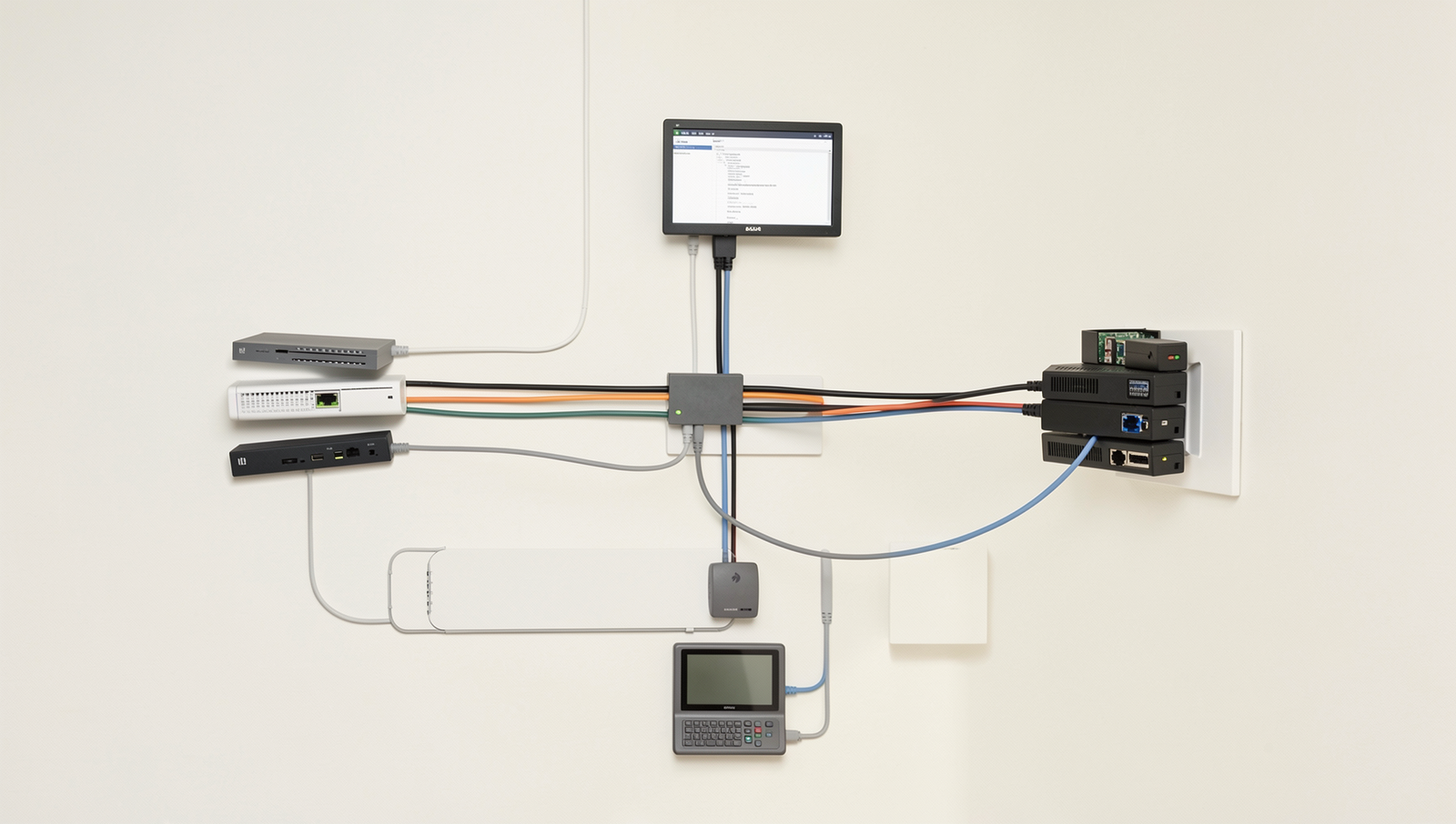
Network Security and Configuration
In today’s digital landscape, ensuring your network security is a critical component of your overall PC security check. A well-configured network can protect your devices from unauthorized access and potential threats. Here are some essential areas to focus on:
- Assessing your Wi-Fi security settings: Start by checking your Wi-Fi encryption type. Ensure that you are using WPA3, or at least WPA2, as older protocols like WEP are easily compromised. You can usually find this setting in your router’s configuration page.
- Importance of changing default router passwords: Many routers come with default usernames and passwords that are widely known. Change these credentials to something unique and complex to prevent unauthorized access. For example, instead of using “admin” and “password,” opt for a combination like “R3dF!sh@2023”.
- Using a VPN for secure browsing: A Virtual Private Network (VPN) encrypts your internet connection, making it more difficult for hackers to intercept your data. When selecting a VPN, look for reputable providers that do not log your activity. This adds an extra layer of security, especially when using public Wi-Fi networks.
- Monitoring connected devices on your network: Regularly check the devices connected to your network. Most routers allow you to view this list in their settings. If you notice any unfamiliar devices, take action immediately by changing your Wi-Fi password and enhancing your network security.
By taking these steps, you can significantly improve your network security and protect your personal information from potential threats. Regularly reviewing these aspects as part of your PC security check will help maintain a secure environment for your devices.
Conclusion
Conducting a thorough PC Security Check is essential for safeguarding your personal information and ensuring the integrity of your system. By identifying weak points such as outdated software, weak passwords, and unprotected networks, you can significantly reduce the risk of cyber threats. Regularly assessing your security measures not only protects your data but also enhances your overall computing experience. The benefits of a proactive approach to security are immense, including peace of mind and increased productivity, as you can focus on your tasks without the constant worry of potential breaches.
As you move forward, make it a priority to implement the recommendations from your PC Security Check. Start by updating your software, strengthening your passwords, and utilizing reliable antivirus solutions. Additionally, consider setting a schedule for regular security assessments to stay ahead of potential vulnerabilities. By taking these steps, you can create a safer digital environment for yourself and your sensitive information.
Frequently Asked Questions
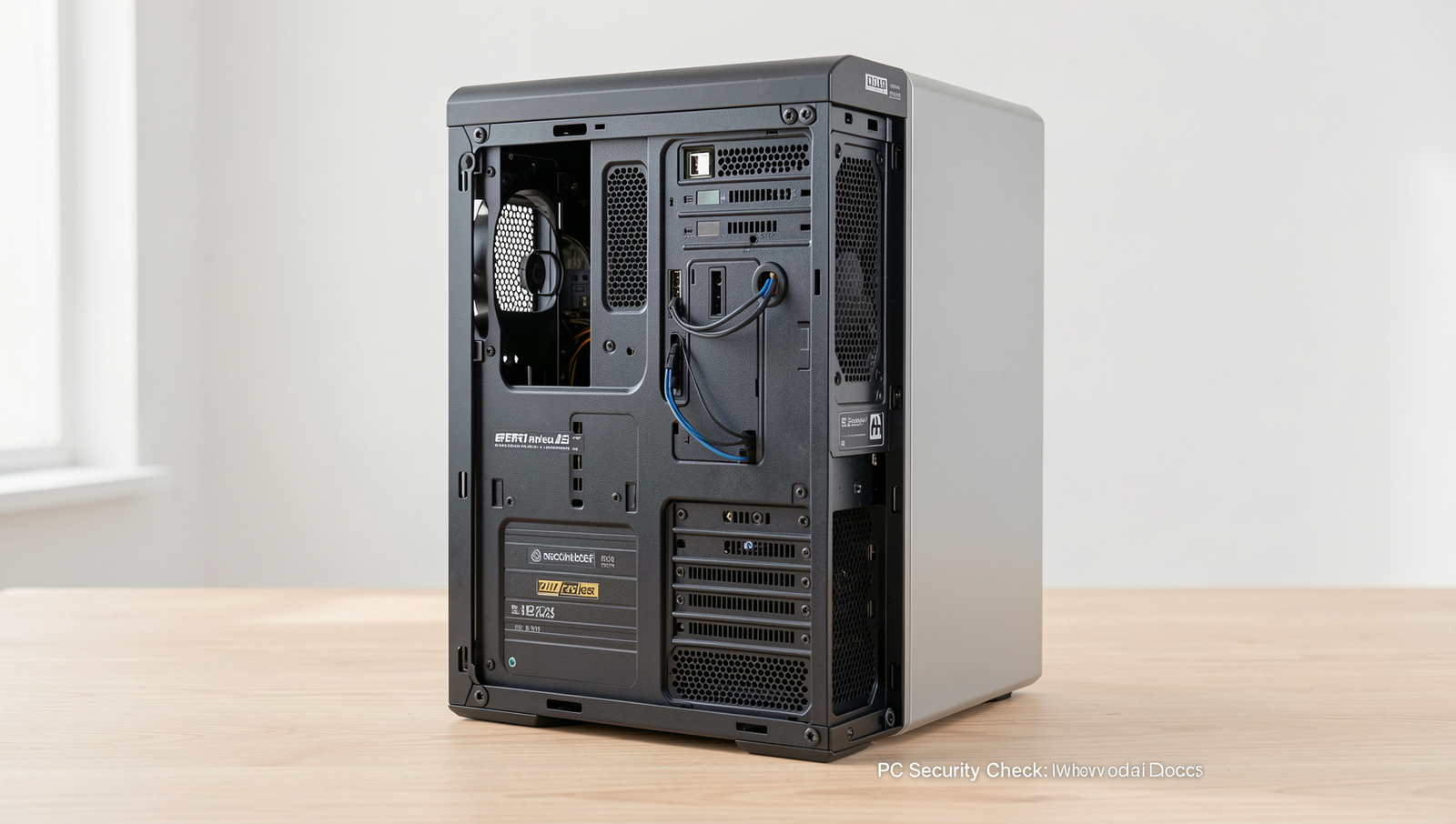
What are common weak points in PC security?
Common weak points in PC security include outdated software, weak passwords, unprotected networks, and lack of regular updates. Additionally, users often overlook phishing attacks and social engineering tactics that can compromise sensitive information. Awareness is key to mitigating these risks.
How can I check if my software is up to date?
To check if your software is up to date, visit the settings or preferences section of each application. Many programs have an “Update” option that can be easily accessed. Additionally, consider using software management tools that automate this process for you.
What is the importance of using strong passwords?
Using strong passwords is crucial for protecting your accounts from unauthorized access. A strong password typically includes a mix of letters, numbers, and special characters. It should also be unique for each account to prevent a single breach from compromising multiple services.
How often should I run antivirus scans?
It is advisable to run antivirus scans at least once a week to ensure your system remains