The Hidden Hardware Limits of Budget PCs
8 min read • 1,634 words
Table of Contents
ToggleThe Hidden Hardware Limits of Budget PCs
In today’s tech-driven world, budget PCs are often the go-to choice for many users seeking affordability without sacrificing too much performance. However, the hidden hardware limits of budget PCs can significantly impact their usability and longevity. Understanding these limitations is crucial for anyone considering a budget-friendly option, as it can save time, money, and frustration in the long run.
This article delves into the common hardware constraints found in budget PCs, such as low-end CPUs that restrict multitasking capabilities and the prevalence of insufficient RAM, typically 4GB or less. We will also explore how integrated graphics can hinder gaming and graphic-intensive tasks, the drawbacks of slower HDDs compared to SSDs, and the limitations posed by power supply units that may not support future upgrades. By the end, readers will gain valuable insights into making informed decisions when purchasing budget PCs.
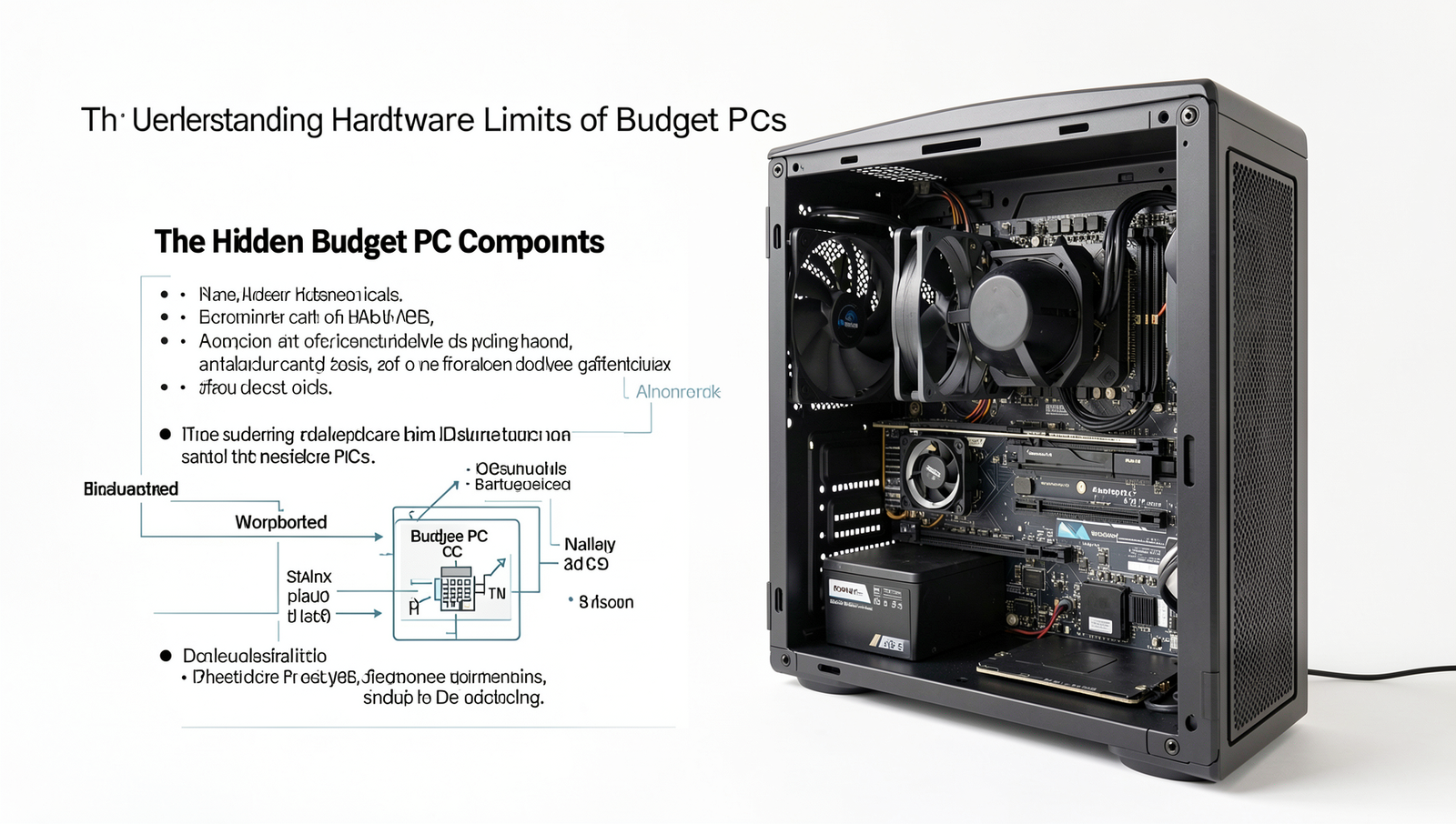
Understanding Budget PC Components
When it comes to building or purchasing a budget PC, understanding the components is crucial to maximizing performance while staying within financial constraints. Each component plays a vital role in the overall functionality of the system, and knowing their limitations can help users make informed decisions.
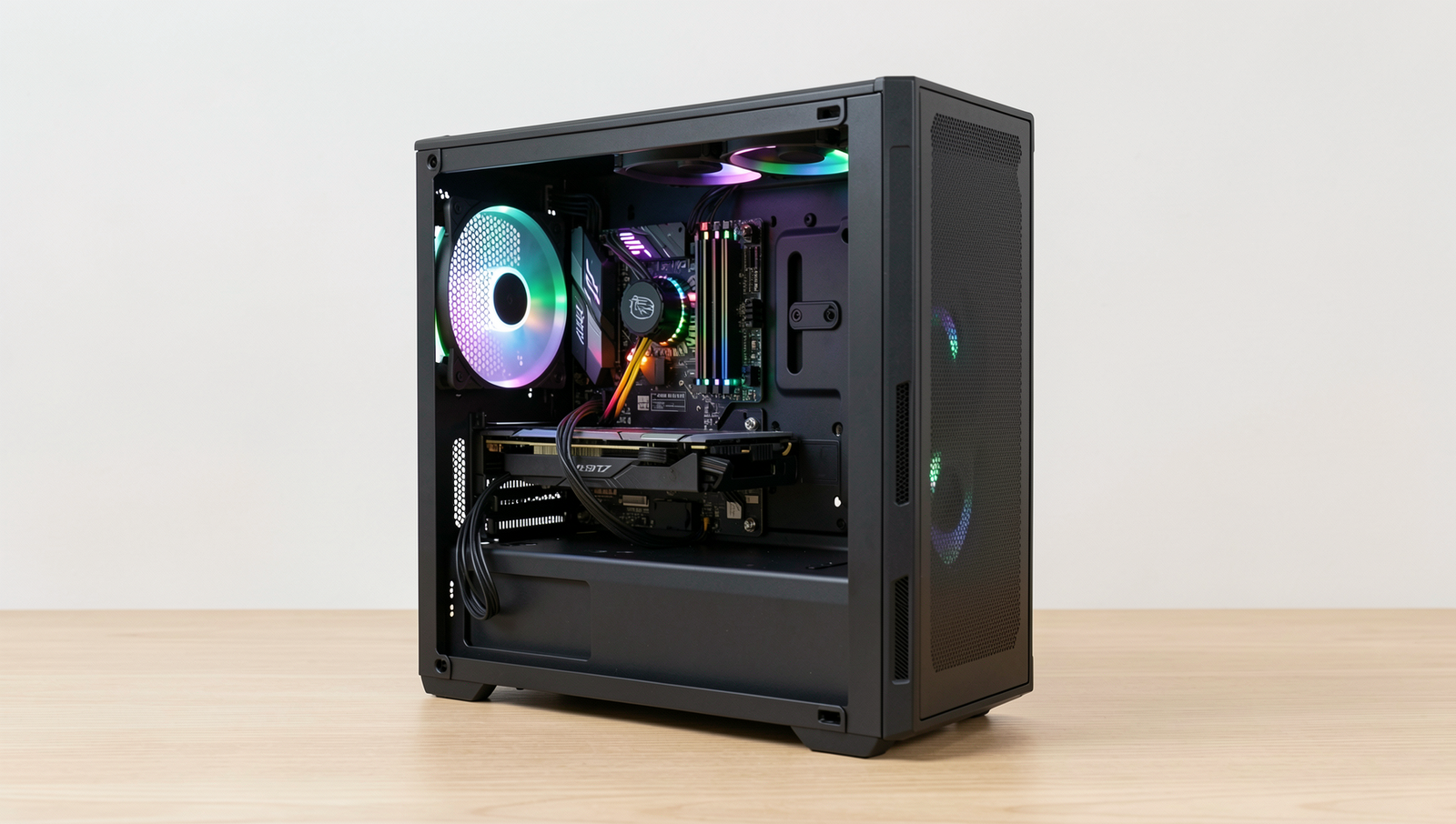
- CPUs: Budget CPUs, such as those from the Intel Pentium or AMD Athlon series, are common in low-cost systems. While they can handle basic tasks like web browsing and document editing, they often struggle with more demanding applications, such as video editing or gaming. Their lower clock speeds and fewer cores limit multitasking capabilities.
- Graphics Cards: Many budget PCs rely on integrated graphics, which share system memory and are suitable for everyday tasks. However, for gaming or graphic-intensive applications, a dedicated graphics card is recommended. Options like the NVIDIA GTX 1650 or AMD Radeon RX 550 provide better performance but can significantly increase the overall cost.
- RAM: Budget systems typically come with 4GB to 8GB of RAM. While 4GB may suffice for basic tasks, it can quickly become a bottleneck when running multiple applications. Upgrading to 8GB can improve performance, but speed is also a factor; budget RAM often operates at lower frequencies, which can impact system responsiveness.
- Storage: Budget PCs usually feature traditional Hard Disk Drives (HDDs) due to their lower cost. However, Solid State Drives (SSDs) offer faster boot and load times, making them a worthwhile investment if the budget allows. A combination of an SSD for the operating system and an HDD for storage can provide a balanced solution.
In summary, understanding the hidden hardware limits of budget PCs is essential for users looking to optimize their systems. By carefully selecting components and recognizing their limitations, users can create a functional and efficient computer without overspending.
Performance Bottlenecks in Budget PCs
When it comes to budget PCs, users often encounter hidden hardware limits that can significantly affect performance. Identifying these common performance bottlenecks is crucial for anyone looking to maximize their computing experience without breaking the bank.
One of the most significant factors impacting overall system speed is slow storage. Budget PCs frequently come equipped with traditional hard disk drives (HDDs) instead of solid-state drives (SSDs). This choice can lead to longer boot times and sluggish application loading. For instance, while an SSD can boot Windows in under 20 seconds, an HDD might take over a minute. This disparity illustrates how storage speed can bottleneck the entire user experience.
Another critical limitation lies in the CPU. Budget processors often struggle with multitasking and gaming. For example, a dual-core CPU may handle basic tasks like web browsing and document editing reasonably well, but it can falter under the demands of modern gaming or running multiple applications simultaneously. Users may notice lag or stuttering, which can be frustrating during intensive tasks.
Thermal throttling is another issue that plagues budget hardware. Many low-cost PCs come with inadequate cooling solutions, leading to overheating during prolonged use. When the CPU or GPU reaches a certain temperature, they automatically reduce their performance to cool down, resulting in slower processing speeds. This can be particularly noticeable during gaming or video rendering.
Lastly, power supply constraints can also affect performance. Budget PCs often use lower-quality power supplies that may not deliver stable power to all components. This instability can lead to system crashes or performance drops, especially under heavy loads. Users should consider these hidden hardware limits when evaluating budget PC options.
Upgrade Paths and Limitations
When considering upgrades for budget PCs, it’s essential to understand the common options available and the hidden hardware limits that may affect performance. Many users look to enhance their systems to extend their lifespan or improve functionality without investing in a new machine. However, the upgrade paths can be limited by various factors.
One of the most common upgrade options is increasing the amount of RAM. Budget PCs often come with minimal memory, which can hinder multitasking and overall performance. When upgrading RAM, consider the following:
- Check the maximum RAM capacity supported by your motherboard.
- Ensure compatibility with existing RAM modules regarding speed and type.
- Consider the number of available slots for additional RAM sticks.
Another potential upgrade is the CPU. However, upgrading CPUs in budget PCs can be challenging due to motherboard limitations. Many budget motherboards only support specific CPU models, and upgrading may require a complete motherboard replacement. This can lead to additional costs and compatibility issues.
Graphics card upgrades are also a popular choice, especially for gamers. However, compatibility issues can arise, as budget PCs may have limited power supply units (PSUs) and physical space within the case. Before purchasing a new graphics card, check:
- The PSU wattage to ensure it can support the new card.
- The physical dimensions of the card to confirm it fits in the case.
- The motherboard’s PCIe slot availability.
Finally, when weighing the cost-effectiveness of upgrades versus buying a new PC, consider the total cost of all potential upgrades. Often, the combined expense of multiple upgrades can approach the price of a new, more powerful machine. In many cases, investing in a new PC may provide better long-term value than attempting to navigate the hidden hardware limits of budget PCs.
Real-World Use Cases and Performance Expectations
Budget PCs are often marketed as affordable solutions for everyday computing needs. However, understanding their hidden hardware limits is crucial for setting realistic performance expectations. Typical use cases for budget PCs include office work, media consumption, and light gaming. Each of these applications demands different levels of performance, which budget PCs may or may not meet effectively.
For office work, tasks such as word processing, spreadsheet management, and web browsing are generally well within the capabilities of budget PCs. Users can expect smooth performance when running applications like Microsoft Office or Google Workspace. However, multitasking with multiple applications open may lead to noticeable slowdowns due to limited RAM and processing power.
When it comes to media consumption, budget PCs can handle streaming services like Netflix or YouTube without much trouble. However, users should be aware that high-definition content may strain the hardware, particularly if the PC lacks a dedicated graphics card. In such cases, buffering and reduced frame rates can detract from the viewing experience.
Gaming is where the hidden hardware limits of budget PCs become most apparent. While some budget models can run less demanding games, they often struggle with modern titles that require more robust specifications. Users may find themselves needing to lower graphics settings significantly to achieve playable frame rates, which can diminish the overall gaming experience.
- User Experiences: Many users report satisfactory performance for basic tasks but express frustration with gaming and heavy multitasking.
- Benchmarks: Comparative benchmarks show that budget PCs lag behind mid-range and high-end models, particularly in graphics performance.
- Future-Proofing: Investing in a slightly more powerful machine may provide better longevity and adaptability to future software demands.
In conclusion, while budget PCs can serve well for basic tasks, their hidden hardware limits can hinder performance in more demanding scenarios. Users should carefully consider their specific needs and expectations before making a purchase.
Conclusion
In summary, understanding the hidden hardware limits of budget PCs is crucial for anyone looking to maximize their computing experience without breaking the bank. While these machines often come equipped with basic components that can handle everyday tasks, they may struggle with more demanding applications or multitasking. Recognizing these limitations allows users to make informed decisions about upgrades or alternative solutions, ensuring that their investment meets their needs effectively.
To fully benefit from a budget PC, users should consider optimizing their system through software adjustments, such as managing startup programs and utilizing lightweight applications. Additionally, exploring potential hardware upgrades, like increasing RAM or switching to an SSD, can significantly enhance performance. By acknowledging the hidden hardware limits of budget PCs and taking proactive steps, users can enjoy a smoother and more efficient computing experience, making the most of their limited resources.
Frequently Asked Questions
What are the common hardware limitations of budget PCs?
Budget PCs typically have limited RAM, slower processors, and lower-quality graphics cards. These components can hinder multitasking capabilities and overall performance, making them less suitable for demanding applications or high-resolution tasks. Storage options may also be restricted to slower HDDs.
Can budget PCs handle gaming?
While budget PCs can run some less demanding games, they often struggle with modern titles that require higher graphics settings. Integrated graphics may not provide the performance needed for a smooth gaming experience, limiting the types of games that can be played effectively.
How can I improve performance on a budget PC?
To enhance performance, consider upgrading RAM, switching to an SSD for faster load times, or optimizing software settings. Regular
Related Posts
PC Upgrade Guide: Fix the Bottleneck Before Buying Hardware
USB Port Problems: Data Speed, Charging and Compatibility Explained
PC Build Mistakes That Can Waste Your Upgrade Budget
About The Author
