PC Speed Check: What Is Really Slowing Your Computer?
techpcalex@gmail.com September 1, 2026 0
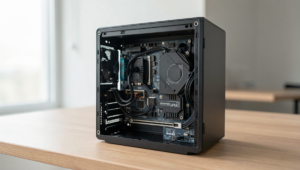
Analyzing computer performance in a sleek office setup.
8 min read • 1,607 words
Table of Contents
TogglePC Speed Check: What Is Really Slowing Your Computer?
In today’s fast-paced digital world, a sluggish computer can be incredibly frustrating. Understanding the factors that contribute to slow performance is crucial for anyone who relies on their PC for work, gaming, or everyday tasks. This article will provide a comprehensive PC Speed Check, highlighting common issues that may be affecting your computer’s speed. By identifying these problems, you can take actionable steps to enhance your system’s performance.
Readers will learn about various culprits behind a slow PC, including the impact of running too many background applications, insufficient RAM, and fragmented hard drives. Additionally, we will discuss how outdated drivers and malware infections can further degrade your system’s efficiency. By the end of this article, you will have a clearer understanding of what slows down your computer and how to address these issues effectively.
Understanding Computer Performance
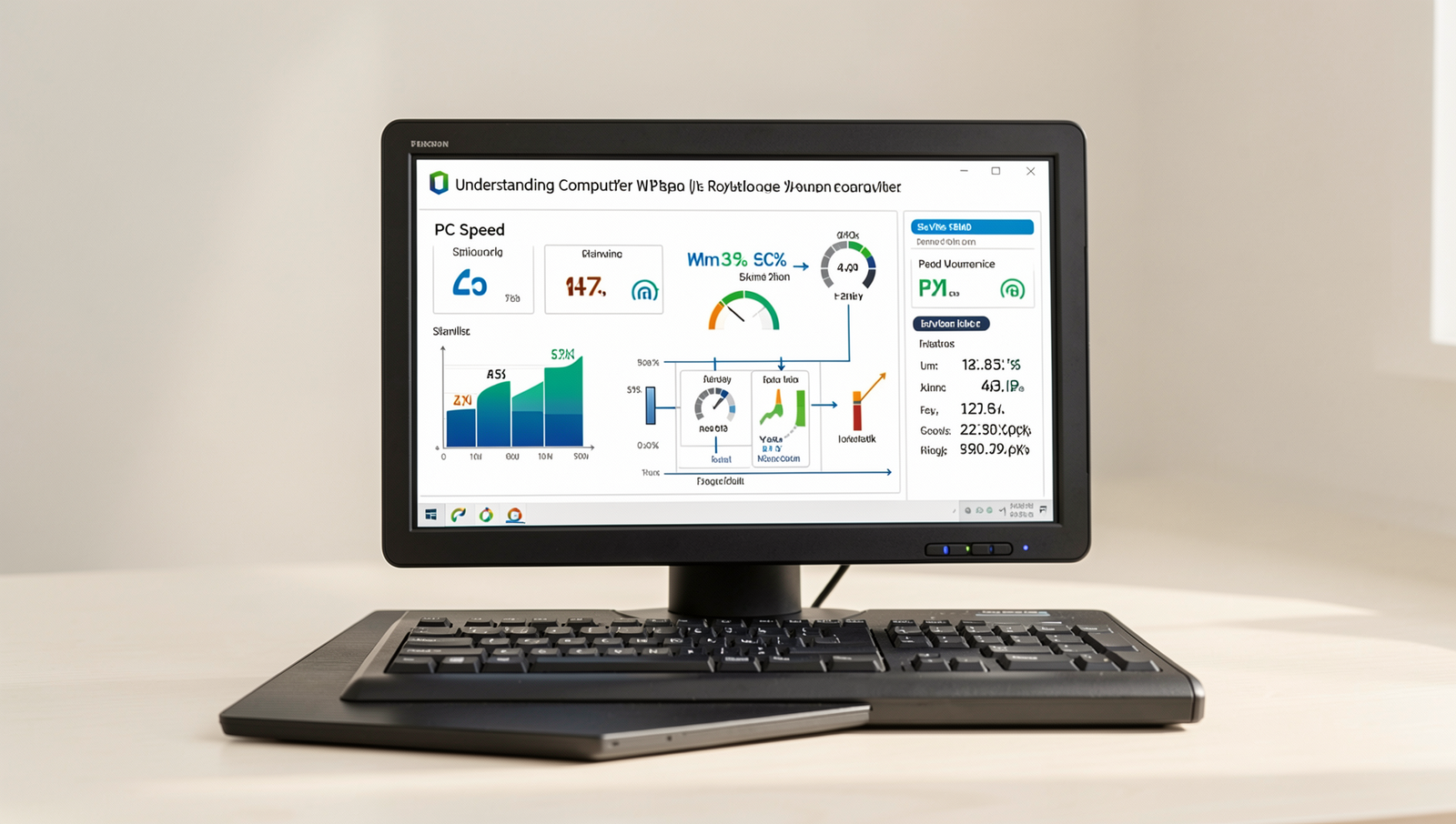
Computer performance refers to how efficiently a computer processes data and executes tasks. This encompasses various aspects, including speed, responsiveness, and the ability to handle multiple applications simultaneously. Speed, in particular, is often measured by the time it takes for a computer to boot up, load applications, and execute commands. Understanding these definitions is crucial for anyone looking to optimize their PC experience.
Several factors can significantly affect computer speed. Here are some of the most common:
- Hardware Specifications: The CPU, RAM, and storage type (HDD vs. SSD) play a vital role in determining speed.
- Software Bloat: Running too many applications or having unnecessary background processes can slow down performance.
- Malware and Viruses: Malicious software can consume resources and hinder performance.
- Fragmented Hard Drive: Over time, files can become fragmented, leading to slower access times.
There are also common misconceptions about speed. Many users believe that simply upgrading hardware will solve all performance issues. While it can help, it’s essential to address software and maintenance aspects as well. Regularly cleaning up your system, uninstalling unused programs, and running antivirus scans can make a significant difference.
Conducting regular performance checks is crucial for maintaining optimal speed. This can involve monitoring system resources, checking for updates, and ensuring that your hard drive is in good condition. By staying proactive, you can prevent slowdowns and keep your computer running smoothly.
Identifying Common Bottlenecks
When conducting a PC speed check, it’s essential to identify the common bottlenecks that can significantly impact your computer’s performance. Understanding these factors can help you make informed decisions about upgrades or optimizations.
One of the primary culprits of slow performance is high CPU usage. The Central Processing Unit (CPU) is the brain of your computer, and when it is overwhelmed with tasks, it can slow down the entire system. For instance, running multiple applications simultaneously or having background processes consuming CPU resources can lead to noticeable lag. You can check CPU usage by opening the Task Manager in Windows with
Ctrl + Shift + Escand observing the performance tab.
Another critical factor is RAM limitations. Random Access Memory (RAM) is vital for multitasking; insufficient RAM can hinder your ability to run multiple applications smoothly. If your system frequently uses the hard drive as virtual memory due to low RAM, you may experience slowdowns. Upgrading your RAM can significantly enhance your system’s ability to handle multiple tasks.
Hard drive speed also plays a crucial role in overall performance. Traditional hard drives (HDDs) are considerably slower than Solid State Drives (SSDs). If your PC is still using an HDD, consider upgrading to an SSD for faster boot times and quicker file access. The difference in speed can be dramatic, often reducing load times by half or more.
Lastly, network issues can affect online performance. Slow internet speeds or high latency can make web browsing and online gaming frustrating. Running a speed test using a command like
ping google.comcan help you diagnose network issues. Ensuring your router is functioning correctly and considering a wired connection can improve your online experience.
Software and Background Processes
When conducting a PC Speed Check, one of the primary factors to consider is the role of the operating system in overall performance. The operating system (OS) manages hardware resources and provides a platform for applications to run. If the OS is outdated or improperly configured, it can lead to significant slowdowns. Regular updates are crucial as they often include performance enhancements and security patches that optimize system efficiency.
Background applications can also have a profound impact on your computer’s speed. Many applications run in the background without your knowledge, consuming valuable CPU and memory resources. For instance, cloud storage services, automatic update checkers, and even web browsers can use up system resources, leading to sluggish performance. To identify these applications, you can use the Task Manager in Windows or Activity Monitor on macOS. Here are some common culprits:
- File syncing services (e.g., Dropbox, Google Drive)
- Messaging apps (e.g., Slack, Skype)
- Web browsers with multiple tabs open
Another critical aspect to consider is malware. Malicious software can severely degrade your computer’s performance by consuming resources or even corrupting files. Running regular antivirus scans is essential to detect and remove any threats. Using trusted security software can help maintain optimal performance and protect your data.
Lastly, the importance of software updates and patches cannot be overstated. These updates not only fix bugs but also improve the functionality and security of your applications. Ensuring that all software is up-to-date can prevent slowdowns and enhance your overall computing experience. Regularly check for updates to keep your system running smoothly.
Conclusion
In summary, conducting a PC Speed Check is essential for identifying the factors that may be hindering your computer’s performance. Common issues such as outdated hardware, excessive background processes, and fragmented hard drives can significantly slow down your system. By regularly monitoring these elements, you can take proactive steps to enhance your computer’s speed and efficiency. Implementing upgrades, optimizing settings, and cleaning up unnecessary files are all effective strategies to ensure your PC runs smoothly.
As you move forward, consider making PC Speed Checks a routine part of your computer maintenance. Not only will this help you keep your system running at its best, but it will also extend the lifespan of your hardware. With the right tools and knowledge, you can easily diagnose and address performance issues, leading to a more enjoyable and productive computing experience. Take charge of your PC’s performance today and enjoy the benefits of a faster, more responsive machine.
Real-World Examples
Understanding what slows down your computer can be complex, but real-world examples can help illustrate common issues. A PC speed check often reveals that many users are unaware of the factors affecting their system’s performance. Let’s explore some practical scenarios that highlight these issues.
Consider a user who relies heavily on their computer for graphic design work. They notice that their software takes longer to load, and rendering times have significantly increased. A PC speed check reveals that their hard drive is nearly full, with only a few gigabytes of free space remaining. This lack of space can cause the operating system to struggle, as it needs room for temporary files and virtual memory. By removing unnecessary files and upgrading to a larger SSD, the user can drastically improve their computer’s performance.
Another example involves a gamer who experiences lag during online play. A PC speed check uncovers that their internet connection is the culprit. While the computer itself may be powerful enough to handle the game, a slow or unstable internet connection can lead to frustrating gameplay. In this case, upgrading the router, using a wired connection instead of Wi-Fi, or even checking for background applications consuming bandwidth can enhance the gaming experience.
Lastly, consider a business professional who frequently multitasks with numerous applications open. They notice that their computer becomes sluggish, especially when switching between programs. A PC speed check shows that their RAM is maxed out, causing the system to rely on slower disk swapping. Upgrading the RAM can provide the necessary boost to handle multiple applications smoothly, allowing for a more efficient workflow.
These examples illustrate that a PC speed check is not just about identifying issues but also about understanding how different components and usage patterns affect overall performance. By addressing these common problems, users can significantly enhance their computing experience.
Frequently Asked Questions
What are common reasons for a slow PC?
Common reasons for a slow PC include outdated hardware, insufficient RAM, malware infections, and too many background applications running simultaneously. Additionally, fragmented hard drives and outdated drivers can significantly hinder your computer’s performance, making it feel sluggish.
How can I check my PC’s performance?
You can check your PC’s performance by using built-in tools like Task Manager on Windows or Activity Monitor on macOS. These tools provide insights into CPU, memory, and disk usage, helping you identify resource-hungry applications that may be slowing down your system.
Does upgrading RAM improve speed?
Upgrading RAM can significantly improve your PC’s speed, especially if you’re running memory-intensive applications or multitasking. More RAM allows your computer to handle more processes simultaneously, reducing the need to swap data to and from the hard drive, which can slow performance.
What role does disk space play in PC speed?
Disk space plays a crucial role in PC speed because insufficient space can lead to performance issues. When your hard drive is nearly full, it can slow down read and write operations, affecting overall system responsiveness and application loading times.