SSD vs HDD: The Performance Difference You Can Actually Feel
techpcalex@gmail.com September 1, 2026 0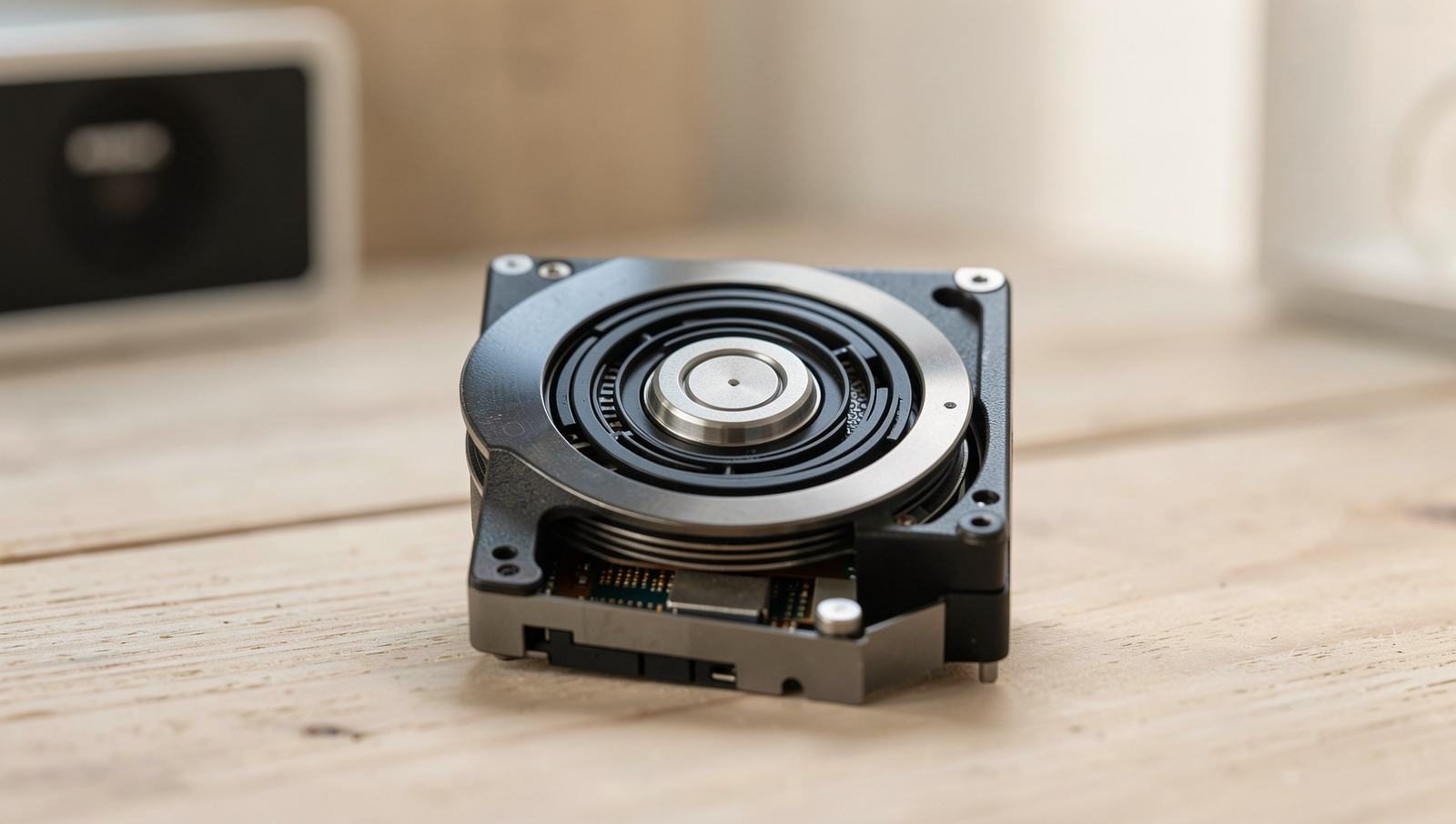
SSD vs HDD: A visual comparison of storage technology.
8 min read • 1,626 words
Table of Contents
ToggleSSD vs HDD: The Performance Difference You Can Actually Feel
In the ongoing debate of SSD vs HDD, understanding the performance differences can significantly impact your computing experience. Solid State Drives (SSDs) have revolutionized data storage with their remarkable speed and efficiency. Unlike traditional Hard Disk Drives (HDDs), which rely on spinning disks and mechanical parts, SSDs utilize flash memory, allowing for read and write speeds that can reach up to 500 MB/s. This difference translates into faster boot times, with SSDs starting up in as little as 10-20 seconds, while HDDs may take 30-60 seconds or longer.
Moreover, applications load significantly faster on SSDs, often reducing load times by 50% or more. This performance boost not only enhances productivity but also contributes to a more enjoyable user experience. Additionally, SSDs consume less power than their HDD counterparts, which can lead to longer battery life in laptops. In this article, we will explore the key differences between SSDs and HDDs, helping you make an informed decision for your storage needs.
Introduction to SSDs and HDDs
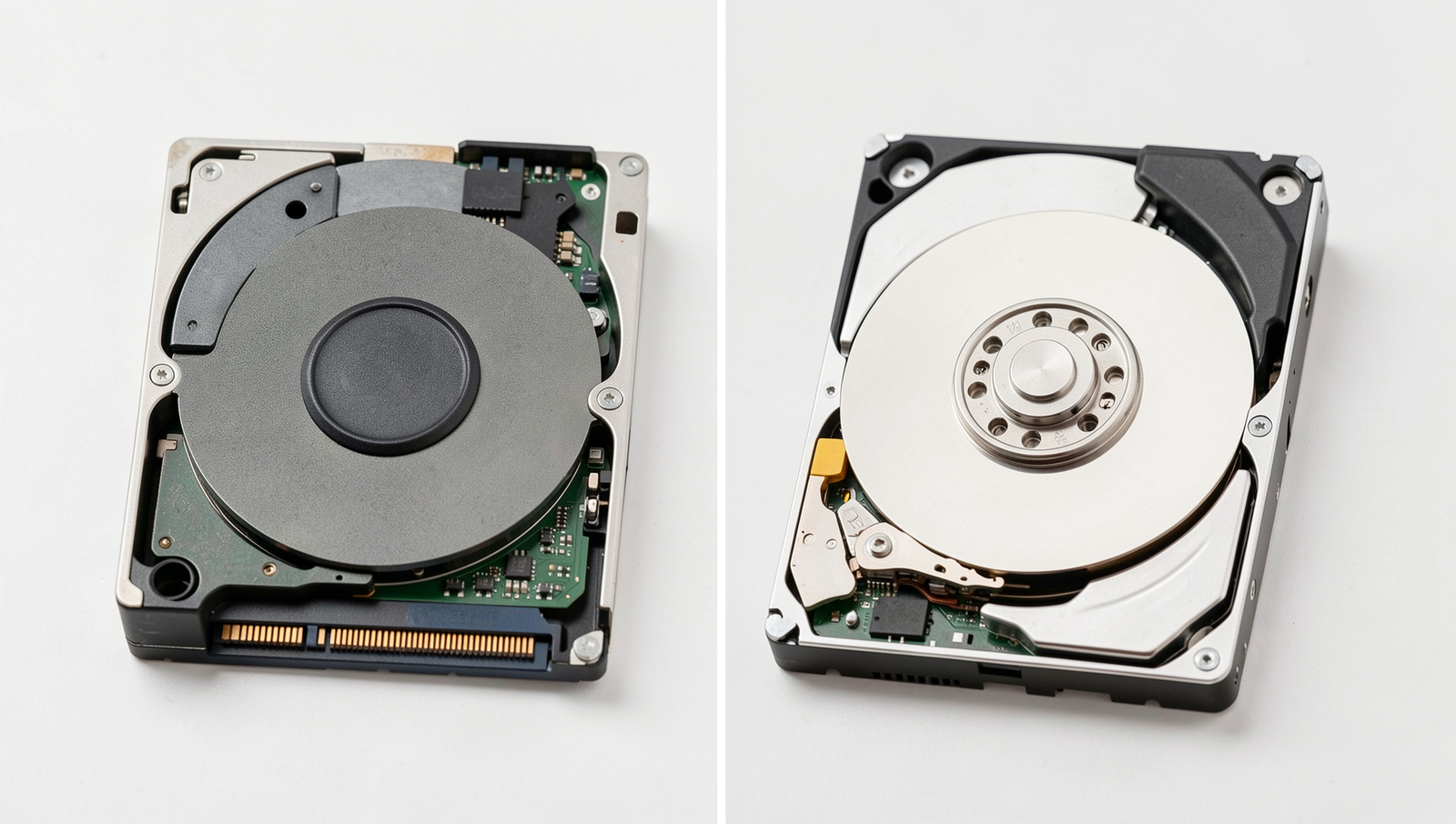
In the world of data storage, two primary technologies dominate the landscape: Solid State Drives (SSDs) and Hard Disk Drives (HDDs). An SSD is a type of storage device that uses flash memory to store data, providing faster access times and improved durability compared to traditional HDDs. In contrast, an HDD is a mechanical storage device that uses spinning disks to read and write data, which can lead to slower performance due to its moving parts.
The evolution of storage technology has been remarkable. Early computers relied on magnetic tapes and floppy disks, which were slow and had limited capacity. The introduction of HDDs in the 1950s marked a significant advancement, allowing for larger storage capacities and faster data retrieval. However, as technology progressed, the limitations of HDDs became apparent, particularly in terms of speed and reliability. This paved the way for the development of SSDs in the late 20th century, which have since gained popularity for their superior performance.
In modern computing, the speed of storage devices plays a crucial role in overall system performance. Tasks such as booting up an operating system, loading applications, and transferring files can be significantly impacted by the type of storage used. For instance, an SSD can reduce boot times to mere seconds, while an HDD may take several minutes. This difference is particularly noticeable in high-demand environments such as gaming, video editing, and data analysis.
When considering the use cases for SSDs and HDDs, it is essential to understand their strengths and weaknesses:
- SSDs: Ideal for operating systems, applications, and gaming due to their speed and responsiveness.
- HDDs: Suitable for bulk storage, such as archiving large files, media libraries, and backups, where speed is less critical.
In conclusion, the choice between SSD vs HDD ultimately depends on the specific needs of the user, balancing speed, capacity, and cost-effectiveness.
Performance Metrics: Speed and Access Time
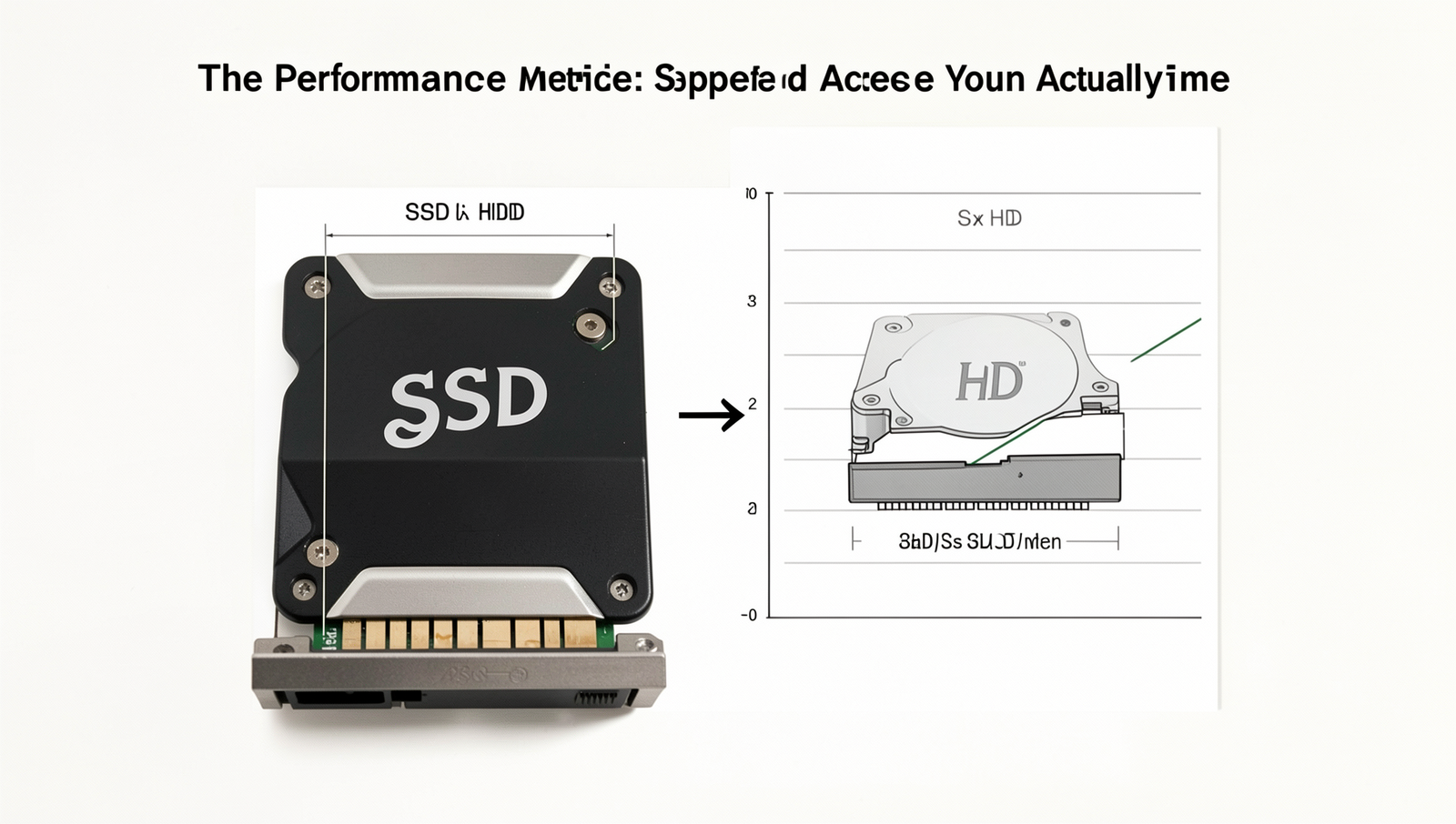
When comparing SSD vs HDD, one of the most significant factors to consider is the performance metrics, particularly read and write speeds, as well as access times. Solid State Drives (SSDs) utilize flash memory, which allows for much faster data retrieval compared to Hard Disk Drives (HDDs), which rely on spinning disks and mechanical arms to access data.
In terms of read and write speeds, SSDs can achieve speeds of up to 550 MB/s for sequential reads and 520 MB/s for sequential writes. In contrast, traditional HDDs typically offer speeds ranging from 80 to 160 MB/s. This stark difference can drastically affect how quickly files are accessed and saved. For instance, booting up an operating system from an SSD can take as little as 10-15 seconds, while an HDD may require 30-60 seconds or more.
Access time is another critical metric that impacts overall system performance. SSDs have access times measured in microseconds, while HDDs have access times in milliseconds. This means that when you open applications or files, SSDs can retrieve the data almost instantaneously, whereas HDDs may experience noticeable delays. This difference becomes particularly apparent when multitasking or running resource-intensive applications.
Real-world scenarios further illustrate the performance gap between SSDs and HDDs. For example:
- Loading a large video game: An SSD can load the game in under a minute, while an HDD may take several minutes.
- Transferring large files: Moving a 10 GB file can take just a few seconds on an SSD, compared to several minutes on an HDD.
- Booting up a computer: An SSD can get you to the desktop in under 20 seconds, while an HDD might take over a minute.
Benchmark tests consistently show these performance metrics, confirming that SSDs outperform HDDs in nearly every aspect. In conclusion, when considering SSD vs HDD, the speed and access time differences are crucial factors that can significantly enhance your computing experience.
Durability and Reliability
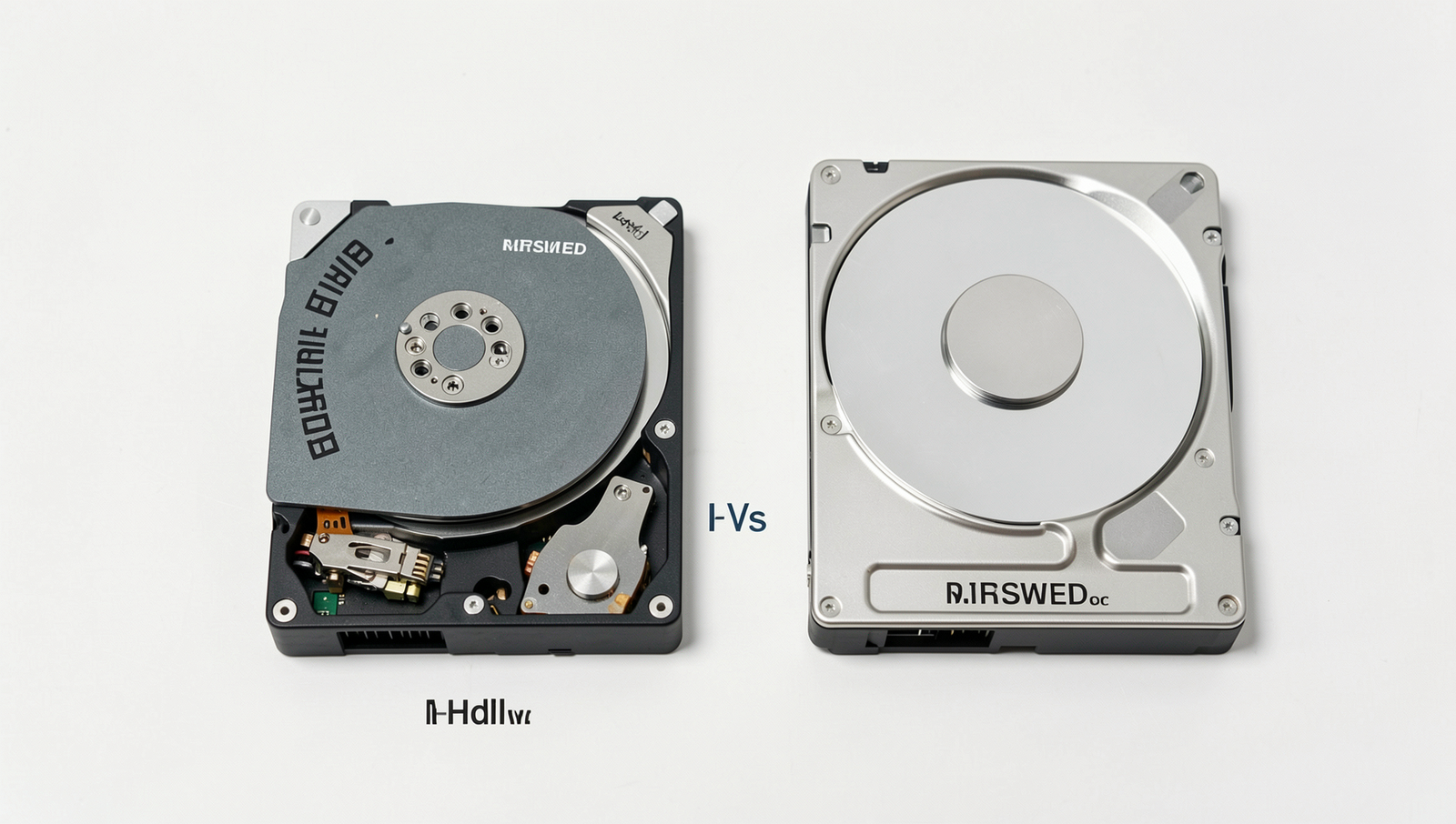
When comparing SSD vs HDD, one of the most significant factors to consider is durability and reliability. The physical differences between these two types of storage devices play a crucial role in their performance and longevity. Hard Disk Drives (HDDs) contain moving parts, including spinning disks and read/write heads. This mechanical nature makes them more susceptible to physical damage from drops or shocks. In contrast, Solid State Drives (SSDs) have no moving parts, relying instead on flash memory to store data. This fundamental difference contributes to the overall durability of SSDs, making them a better choice for portable devices or environments where they may be subjected to physical stress.
In terms of failure rates and lifespan, SSDs generally outperform HDDs. While HDDs typically have a lifespan of around 3 to 5 years, SSDs can last anywhere from 5 to 10 years or more, depending on usage and technology. The failure rates of SSDs are also lower, particularly because they do not suffer from mechanical wear and tear. However, it is essential to note that SSDs can wear out over time due to the limited number of write cycles, although modern SSDs have improved significantly in this regard.
Environmental factors can also impact the reliability of both SSDs and HDDs. For instance, HDDs are more vulnerable to extreme temperatures and humidity levels, which can lead to data loss or drive failure. SSDs, on the other hand, tend to perform better in harsh conditions, making them suitable for industrial applications or outdoor use.
- SSDs are less likely to fail due to physical shocks.
- HDDs can suffer from mechanical failures due to moving parts.
- SSDs have a longer lifespan under typical usage conditions.
- HDDs are more affected by environmental factors like temperature and humidity.
In the event of data loss, recovery options differ between SSDs and HDDs. While data recovery from HDDs can often be accomplished through specialized services, recovering data from SSDs can be more challenging due to their architecture. This makes SSDs a more reliable option for those who prioritize data security and longevity.
Cost vs. Performance: Making the Right Choice
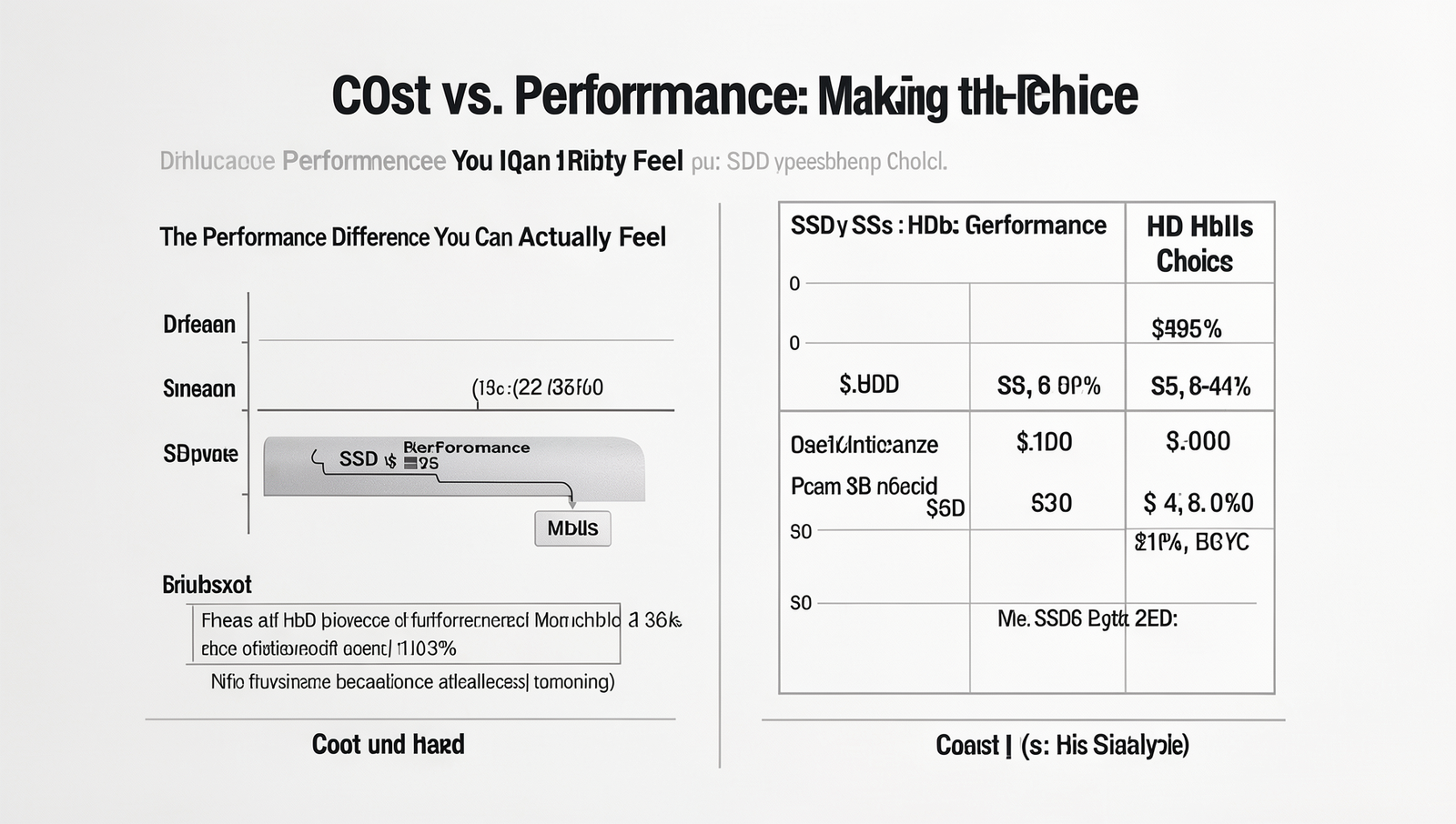
When it comes to choosing between SSDs (Solid State Drives) and HDDs (Hard Disk Drives), understanding the cost versus performance ratio is crucial. SSDs typically offer superior performance, but they come at a higher price point. As of now, the average cost of SSDs is around $0.10 to $0.20 per GB, while HDDs can be found for as low as $0.03 to $0.05 per GB. This price difference can significantly influence your decision based on your specific needs.
For users who require high-speed data access, such as gamers and professionals working with large files, the investment in an SSD can be justified. The performance gains are tangible; for instance, an SSD can reduce boot times from over a minute to just a few seconds. This speed advantage can enhance productivity, especially for tasks like video editing or 3D rendering, where loading times can impact workflow.
On the other hand, casual users who primarily use their computers for web browsing, document editing, or streaming may find HDDs to be a more cost-effective solution. The slower read and write speeds of HDDs may not be noticeable for everyday tasks, allowing users to save money while still having ample storage space.
- Gamers: SSDs provide faster load times, improving the gaming experience.
- Professionals: Tasks like video editing benefit greatly from the speed of SSDs.
- Casual Users: HDDs offer more storage for less money, suitable for basic computing needs.
Looking ahead, the storage technology landscape is evolving. As SSD prices continue to decline and capacities increase, they are becoming more accessible to a broader audience. Future trends suggest that SSDs may soon dominate the market, making the SSD vs HDD debate increasingly relevant for consumers considering long-term investments in storage solutions.
Conclusion
In the ongoing debate of SSD vs HDD, it is clear that solid-state drives offer significant advantages over traditional hard disk drives. The most notable benefits include faster data access speeds, improved boot times, and enhanced overall system responsiveness. For users who prioritize performance, especially in gaming, video editing, or running demanding applications, the transition to an SSD can result in a noticeably smoother experience. Additionally, SSDs are generally more reliable due to their lack of moving parts, which reduces the risk of mechanical failure.
As you consider upgrading your storage solution, weigh the benefits of SSDs against your specific needs and budget. While SSDs may come at a higher price per gigabyte compared to HDDs, the performance difference you can actually feel often justifies the investment. Ultimately, whether you choose SSD vs HDD will depend on your usage patterns, but for most users, an SSD is a worthwhile upgrade that can significantly enhance computing performance.