RAM Explained: What Your PC Memory Is Really Doing
8 min read • 1,645 words
Table of Contents
ToggleRAM Explained: What Your PC Memory Is Really Doing
Understanding RAM, or Random Access Memory, is crucial for anyone looking to optimize their computer’s performance. RAM is a type of volatile memory that temporarily stores data for quick access by the CPU. This means that when your computer is powered on, RAM plays a vital role in determining how efficiently your system can run applications and manage tasks. The more RAM your computer has, the more applications it can handle simultaneously without experiencing slowdowns, making it a key component for multitasking and performance.
In this article, we will delve into the intricacies of RAM, including how it is measured in gigabytes (GB) and the common sizes available today, ranging from 4GB to 64GB or more. We will also explore how RAM speed, measured in megahertz (MHz), impacts data processing speeds. By the end of this article, you will have a clear understanding of what RAM does and why it matters for your computing experience.
Understanding RAM Basics
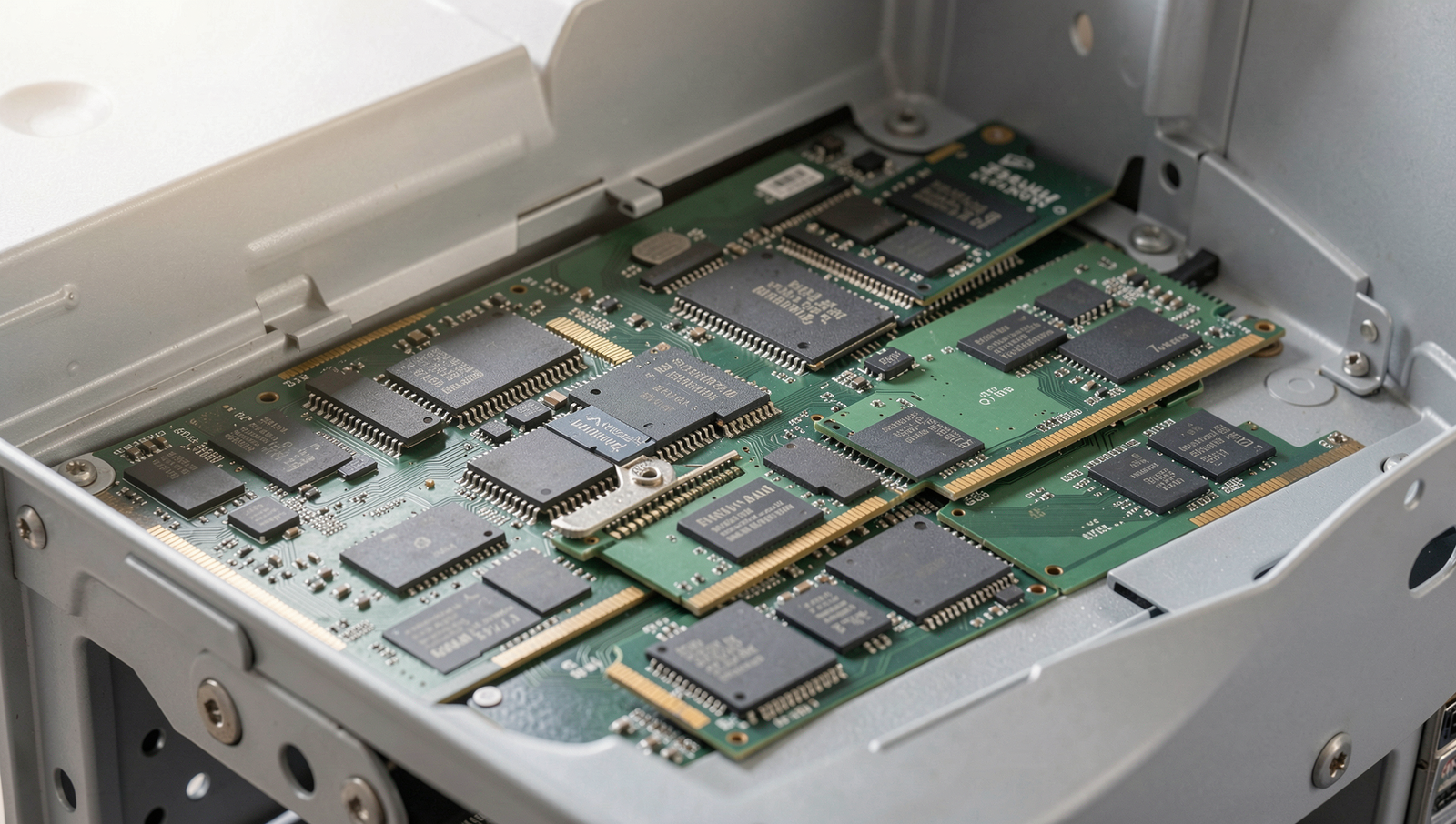
RAM, or Random Access Memory, is a crucial component of any computer system. It serves as the short-term memory of the device, allowing for quick access to data that the CPU needs to perform tasks. Unlike long-term storage solutions like hard drives or SSDs, RAM is volatile, meaning it loses its data when power is turned off. This characteristic makes it essential for running applications and processing data efficiently.
There are several types of RAM, with the most common being DRAM (Dynamic RAM) and SRAM (Static RAM). DRAM is widely used in personal computers and servers due to its cost-effectiveness and high density. It requires constant refreshing to maintain data integrity, which can slow down performance. In contrast, SRAM is faster and more reliable because it does not need to be refreshed as often. However, it is more expensive and less dense, making it suitable for cache memory in CPUs rather than main memory.
- DRAM: Slower, needs refreshing, used in main memory.
- SRAM: Faster, no refreshing needed, used in cache memory.
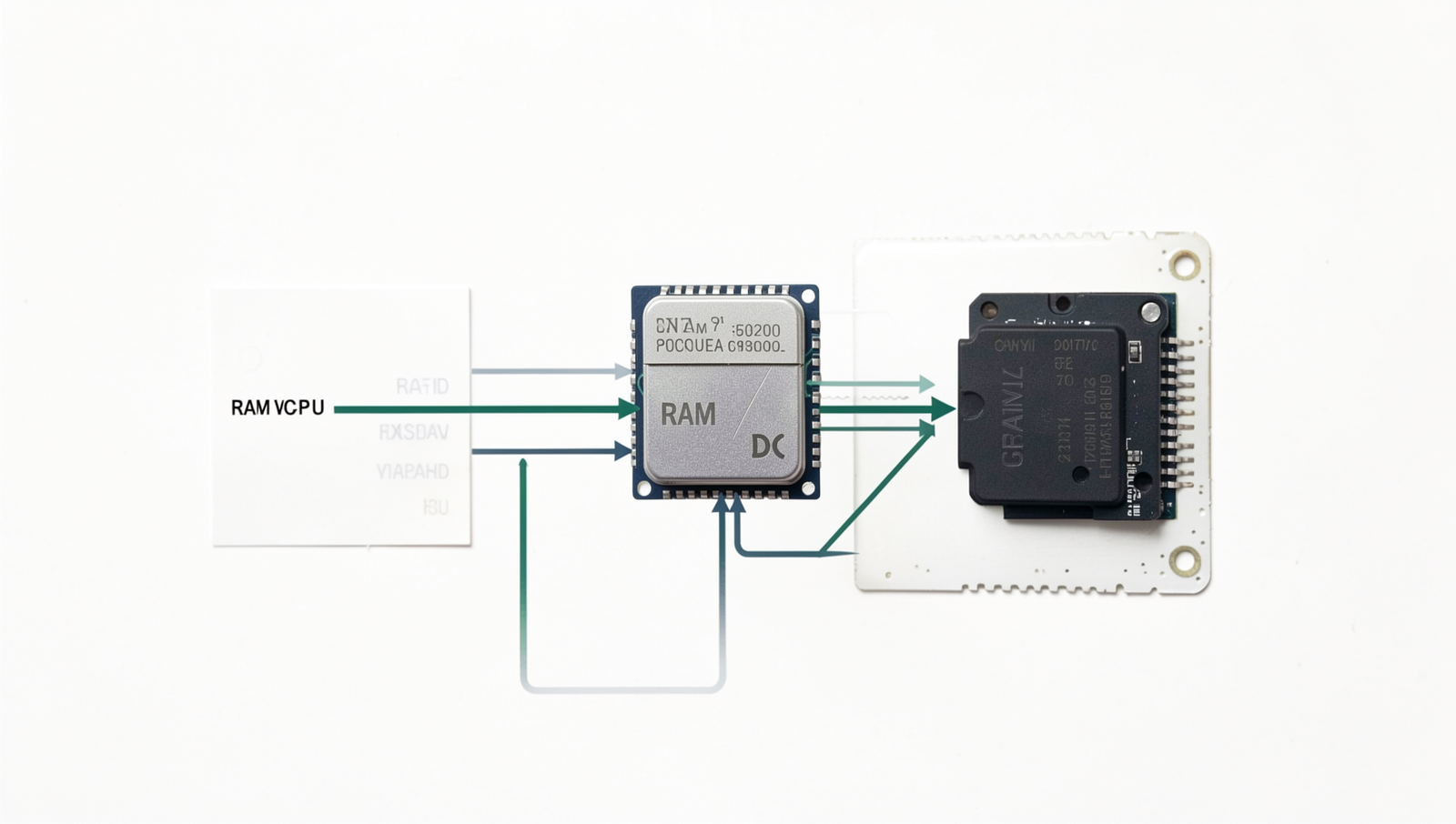
RAM interacts closely with the CPU and storage devices. When you run a program, the CPU retrieves data from the storage and loads it into RAM for quick access. This process is vital for multitasking, as it allows multiple applications to run simultaneously without significant lag. The speed and capacity of RAM directly influence a computer’s performance. Higher RAM speeds enable faster data transfer rates, while increased capacity allows for more applications to be open at once without slowing down the system.
In summary, understanding RAM is essential for optimizing your computer’s performance. The type, speed, and capacity of RAM can significantly affect how efficiently your system operates, making it a key factor in overall computing power.
How RAM Works
RAM, or Random Access Memory, is a crucial component of any computer system, acting as the short-term memory that stores data temporarily while the system is in use. The process of data storage and retrieval in RAM is incredibly fast, allowing the CPU to access the information it needs without delay. When you open an application or file, the operating system loads it from the hard drive into RAM, enabling quicker access and smoother performance.
One of the defining characteristics of RAM is its volatility. This means that all data stored in RAM is lost when the power is turned off. Unlike hard drives or SSDs, which retain data even when the computer is shut down, RAM requires a constant power supply to maintain the information. This volatility has significant implications for data management; for instance, unsaved work can be lost if a computer crashes or loses power unexpectedly.
Memory addressing is another critical aspect of how RAM functions. Each byte of data in RAM has a unique address, which the CPU uses to locate and retrieve information efficiently. The way memory is addressed can significantly affect performance. For example, if a program requires access to a large amount of data, the CPU can quickly retrieve it from RAM using these addresses, minimizing latency and enhancing overall speed.
- Cache Memory: This is a smaller, faster type of volatile memory that provides high-speed data access to the CPU. It stores frequently accessed data and instructions, reducing the time it takes to fetch information from RAM.
- Hierarchy: Cache memory is organized in levels (L1, L2, L3), with L1 being the fastest and closest to the CPU, while RAM serves as a larger but slower storage space.
In summary, understanding how RAM works is essential for optimizing computer performance. Its role in data storage and retrieval, volatility, memory addressing, and its relationship with cache memory all contribute to the efficiency of a computer system.
Upgrading and Optimizing RAM
Upgrading your RAM can significantly enhance your computer’s performance, especially if you notice certain signs indicating that your system may be struggling. Common signs that you need more RAM include:
- Your computer frequently freezes or crashes during multitasking.
- Applications take a long time to open or respond.
- You experience slow performance when running memory-intensive programs, such as video editing software or games.
- Your system runs out of memory, prompting error messages or slowdowns.
When considering an upgrade, it’s essential to choose the right RAM for your needs. Factors to consider include:
- Capacity: Determine how much RAM your system currently has and how much you need based on your usage. For basic tasks, 8GB may suffice, while gaming or professional applications may require 16GB or more.
- Speed: RAM speed is measured in MHz. Higher speeds can improve performance, but ensure compatibility with your motherboard.
- Type: Check whether your system uses DDR3, DDR4, or DDR5 RAM, as these types are not interchangeable.
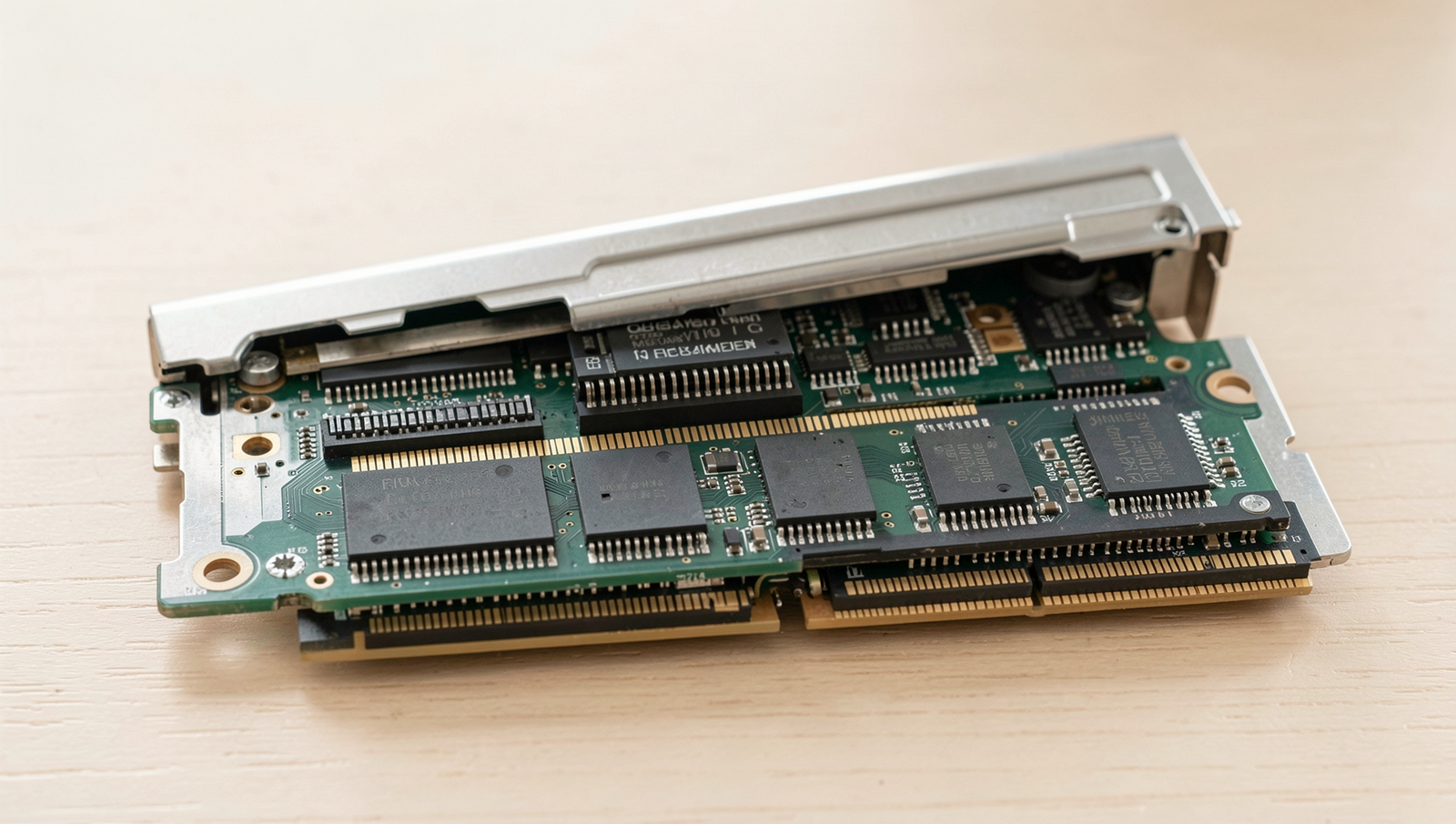
Upgrading RAM in a desktop or laptop can be straightforward. Here are the general steps:
1. Power off your computer and unplug it from the wall.
2. Open the case or access panel to reach the RAM slots.
3. Remove the existing RAM sticks by releasing the clips on either side.
4. Align the new RAM sticks with the slots and press down firmly until they click into place.
5. Close the case or access panel and power on your computer.
To optimize RAM usage in your operating system, consider these tips:
- Close unnecessary applications running in the background.
- Use lightweight alternatives for resource-heavy software.
- Regularly update your operating system and drivers to improve efficiency.
- Utilize built-in tools to monitor RAM usage and identify memory hogs.
By understanding how RAM works and taking steps to upgrade and optimize it, you can ensure your PC runs smoothly and efficiently.
Future of RAM Technology
As technology continues to evolve, so does the landscape of RAM. Emerging technologies such as DDR5 are set to redefine the capabilities of memory in personal computers and servers. DDR5 offers significant improvements over its predecessor, DDR4, including higher data rates, increased bandwidth, and improved energy efficiency. This leap in technology is not just about speed; it also enhances the overall performance of systems, making it particularly beneficial for gaming and professional applications.
In gaming, the advancements in RAM technology allow for smoother gameplay, faster load times, and the ability to handle more complex graphics and environments. For example, games that utilize high-resolution textures and real-time rendering benefit from the increased bandwidth provided by DDR5. Similarly, professional applications such as video editing, 3D modeling, and data analysis can leverage these advancements to process large datasets more efficiently, resulting in shorter rendering times and improved multitasking capabilities.
- Energy Efficiency: Future RAM technologies are focusing on reducing power consumption while maintaining high performance. This is crucial for mobile devices and laptops where battery life is a priority.
- Performance Trends: The trend towards higher speeds and lower latencies continues, with expectations for RAM to support faster processors and more demanding applications.
- Challenges: Despite these advancements, there are challenges such as manufacturing costs, compatibility issues with existing hardware, and the need for software optimization to fully utilize the potential of new RAM technologies.
In conclusion, as RAM technology progresses, it will play a pivotal role in shaping the future of computing. Understanding these developments is essential for both consumers and professionals who wish to stay ahead in an ever-evolving digital landscape.
Conclusion
In summary, understanding RAM is essential for anyone looking to optimize their computer’s performance. RAM, or Random Access Memory, serves as the short-term memory of your PC, allowing it to store and access data quickly. This speed is crucial for running applications smoothly and multitasking effectively. As we have explored, the amount of RAM in your system can significantly impact its overall efficiency, especially when handling resource-intensive tasks such as gaming, video editing, or running virtual machines. By upgrading your RAM, you can experience noticeable improvements in speed and responsiveness.
As you consider the benefits of RAM explained throughout this article, it’s clear that investing in adequate memory is a smart move for enhancing your computing experience. If you find your PC lagging or struggling with multiple applications, it may be time to evaluate your current RAM configuration. Take the next steps by researching compatible upgrades or consulting with a professional to ensure your system runs at its best.
Frequently Asked Questions
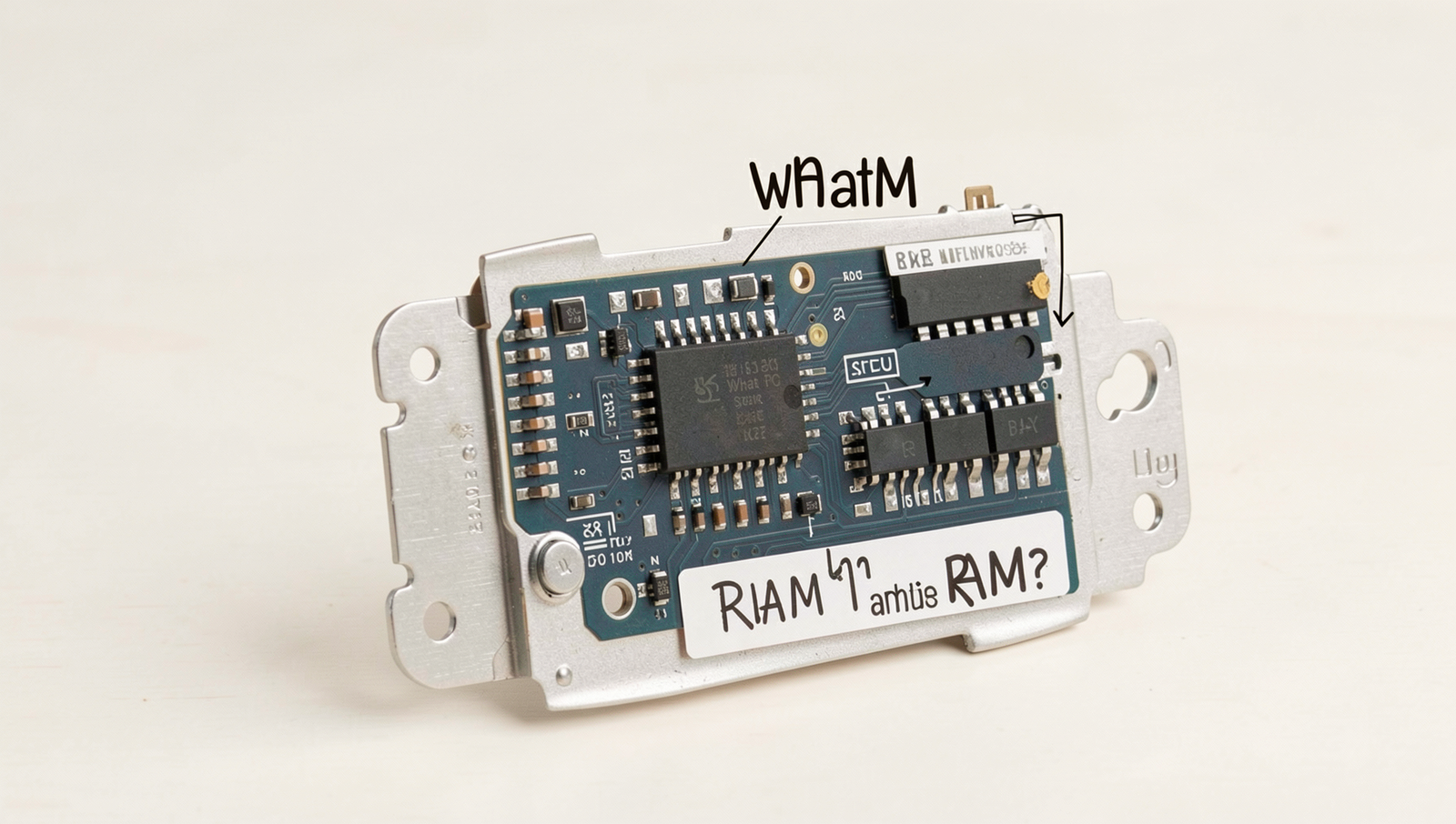
What is RAM?
RAM, or Random Access Memory, is a type of computer memory that temporarily stores data and machine code currently being used. It allows for quick read and write access to a storage medium, enabling your computer to run applications and process tasks efficiently.
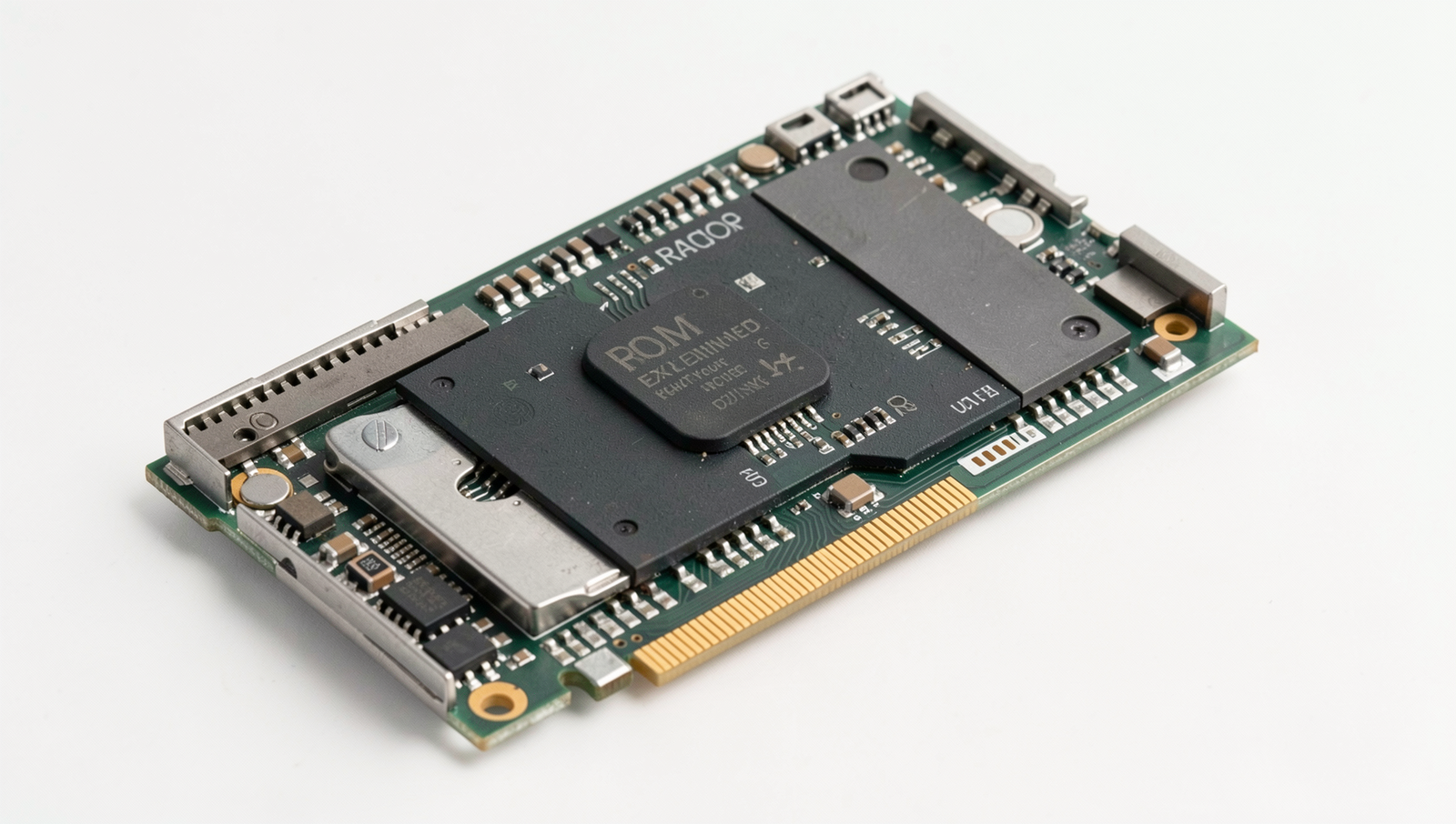
How does RAM affect performance?
The amount of RAM in a computer significantly impacts its performance. More RAM allows for better multitasking and faster loading times for applications. Insufficient
Related Posts
PC Performance Secrets Hidden Inside Windows

USB Port Problems: Data Speed, Charging and Compatibility Explained
The Hidden Hardware Limits of Budget PCs
About The Author
