The Real Difference Between CPU Cores and Clock Speed
8 min read • 1,642 words
Table of Contents
ToggleThe Real Difference Between CPU Cores and Clock Speed
Understanding the real difference between CPU cores and clock speed is essential for anyone looking to optimize their computer’s performance. CPU cores are individual processing units within a CPU that can execute tasks independently, allowing for better multitasking and parallel processing. On the other hand, clock speed, measured in GHz, indicates how many cycles a CPU can perform per second. While many people assume that a higher clock speed automatically means better performance, this is not always the case.
In this article, readers will learn how more cores can enhance multitasking capabilities, while higher clock speeds can improve single-threaded performance. It’s important to note that a CPU with more cores but a lower clock speed can outperform a CPU with fewer cores at a higher clock speed, demonstrating that clock speed alone does not determine CPU performance. Factors such as architecture and core count also play significant roles in overall efficiency.
Understanding CPU Cores
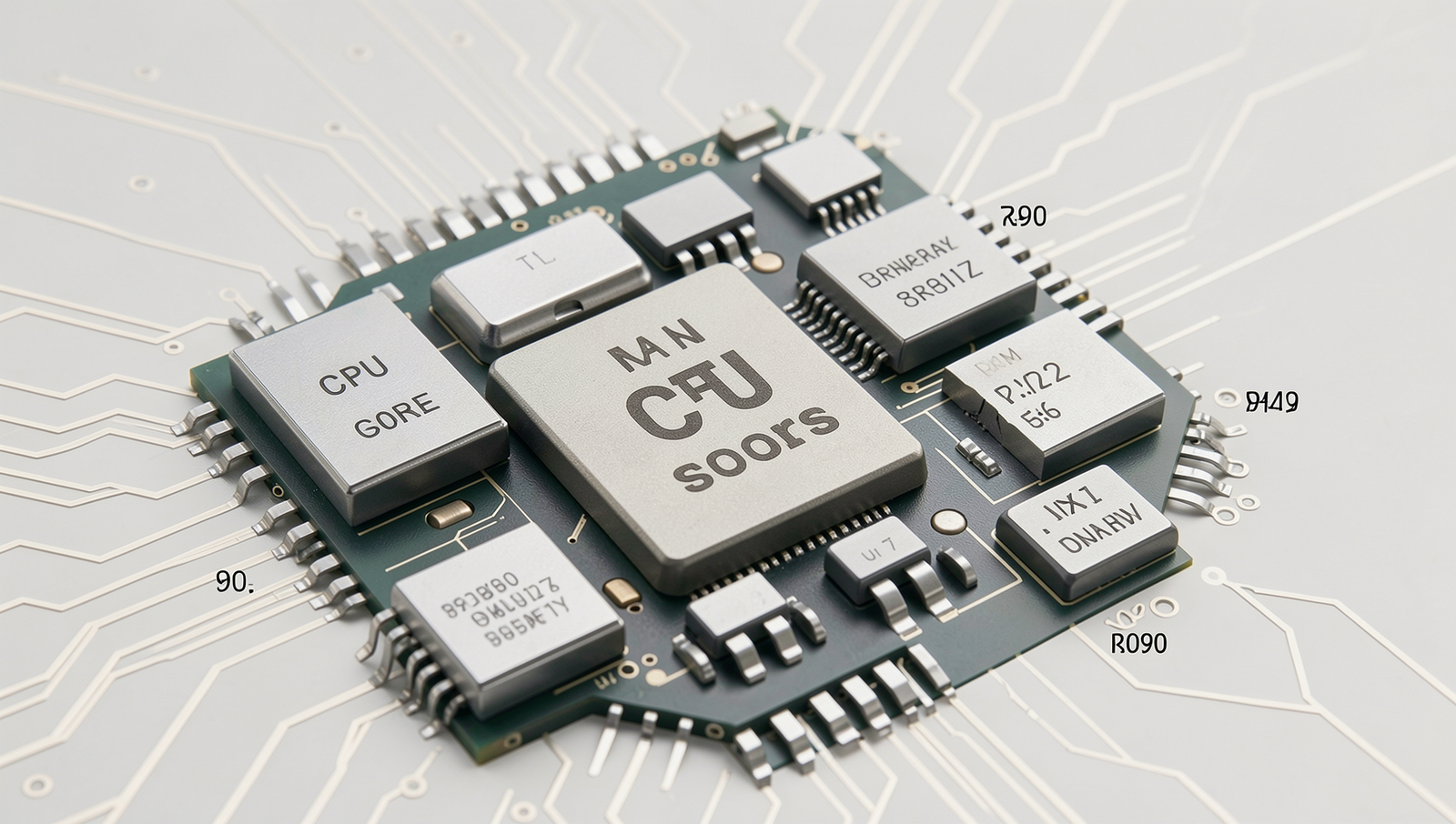
CPU cores are the fundamental processing units within a central processing unit (CPU). Each core can independently execute tasks, allowing for parallel processing. This means that a multi-core processor can handle multiple tasks simultaneously, significantly enhancing its performance compared to a single-core processor. The real difference between CPU cores and clock speed lies in how they manage workloads and execute instructions.
Having multiple cores in a CPU greatly improves multitasking capabilities. For instance, when running several applications at once, such as a web browser, a word processor, and a media player, a multi-core CPU can allocate different tasks to different cores. This distribution of workload reduces the time it takes to complete each task, resulting in a smoother user experience. In contrast, a single-core processor must switch between tasks, which can lead to lag and decreased performance.
To illustrate the difference in performance between single-core and multi-core processors, consider the following points:
- Single-core performance: A single-core CPU can only handle one task at a time. This limitation can become apparent when running resource-intensive applications, such as video editing software or 3D rendering programs.
- Multi-core performance: A dual-core or quad-core CPU can manage multiple tasks simultaneously, allowing for better performance in multitasking scenarios. For example, a quad-core processor can run four applications at once without significant slowdowns.
Applications that benefit from multiple cores include video editing software like Adobe Premiere Pro, 3D modeling tools like Blender, and gaming engines that require substantial processing power. These applications are designed to take advantage of multi-core architectures, resulting in faster rendering times and improved overall performance.
Exploring Clock Speed
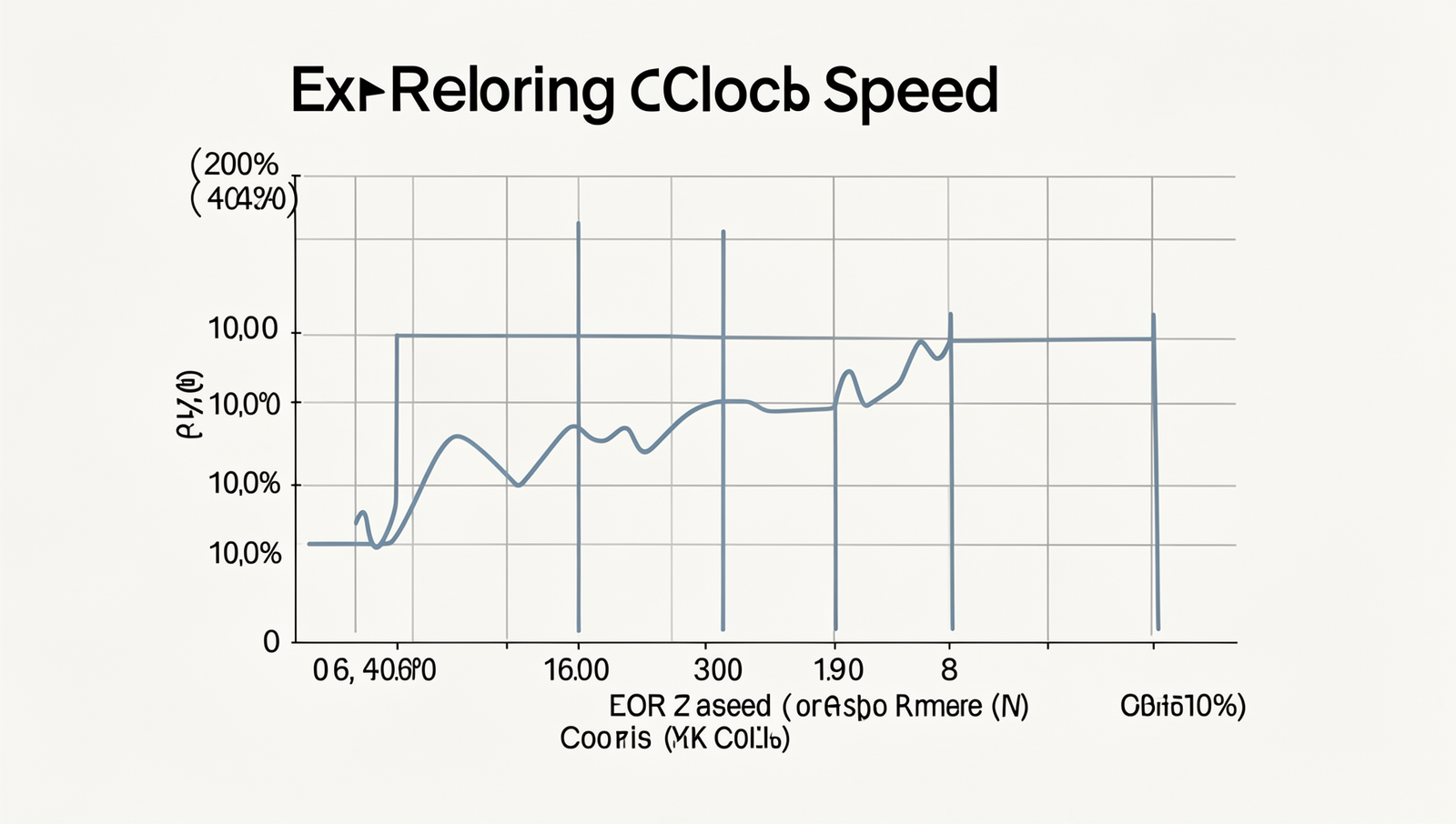
Clock speed, measured in gigahertz (GHz), refers to the frequency at which a CPU can execute instructions. Essentially, it indicates how many cycles per second a CPU can perform, with one GHz equating to one billion cycles per second. Higher clock speeds generally suggest that a CPU can process more instructions in a given timeframe, which can lead to improved performance in various applications.
The impact of clock speed on processing speed is significant. For instance, a CPU with a clock speed of 3.0 GHz can theoretically execute more instructions per second than a CPU with a clock speed of 2.5 GHz. This difference can be particularly noticeable in tasks that require intense computation, such as gaming, video editing, and 3D rendering. However, it is essential to understand that clock speed is not the sole determinant of a CPU’s performance.
Relying solely on clock speed for performance evaluation can be misleading. Several factors contribute to a CPU’s overall efficiency, including the number of cores, architecture, cache size, and thermal management. A CPU with a lower clock speed but more cores may outperform a higher clock speed CPU in multi-threaded applications. For example, a quad-core processor running at 2.5 GHz can handle multiple tasks simultaneously better than a dual-core processor running at 3.5 GHz.
- Example 1: Intel Core i9-11900K (3.5 GHz) vs. AMD Ryzen 9 5900X (3.7 GHz)
- Example 2: Intel Core i7-10700K (3.8 GHz) vs. AMD Ryzen 7 5800X (3.8 GHz)
In conclusion, while clock speed is an important factor in determining CPU performance, it is crucial to consider the real difference between CPU cores and clock speed to gain a comprehensive understanding of a processor’s capabilities.
Comparative Analysis of Cores and Clock Speed
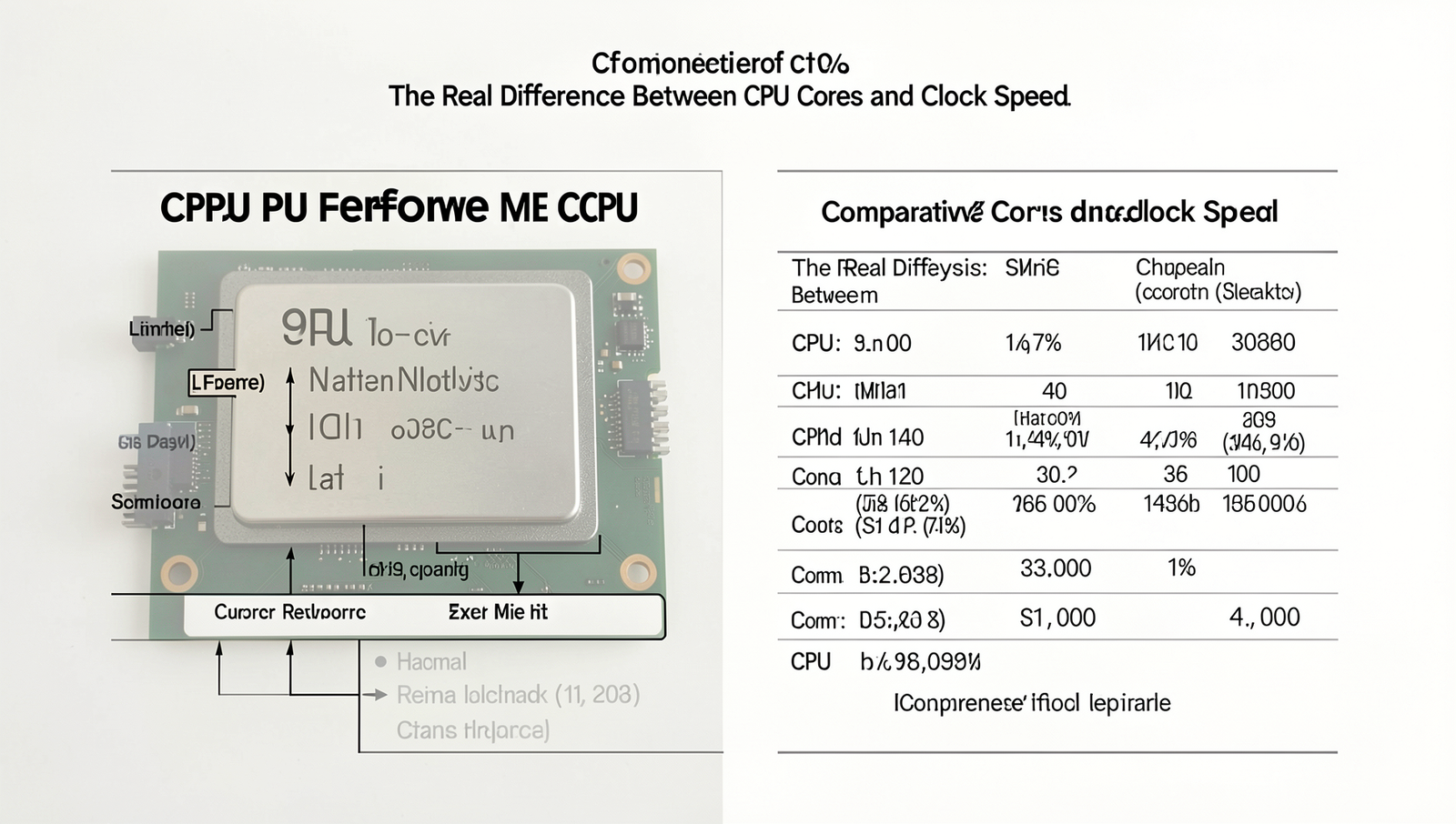
When evaluating the real difference between CPU cores and clock speed, it is essential to understand how these two factors interact to influence overall performance. CPU cores are the individual processing units within a CPU, while clock speed refers to the frequency at which these cores operate, measured in gigahertz (GHz). Both elements play crucial roles in determining how efficiently a CPU can handle tasks.
In many scenarios, having more cores can lead to better performance than simply having a higher clock speed. For instance, in tasks that can be parallelized, such as video rendering or 3D modeling, a CPU with multiple cores can process different segments of the task simultaneously. This capability allows it to complete the job faster than a CPU with fewer cores, even if the latter has a higher clock speed. Here are some scenarios where more cores outperform higher clock speeds:
- Multitasking: Running multiple applications at once benefits from additional cores, as each application can be assigned to a different core.
- Gaming: Modern games are increasingly optimized for multi-core processors, allowing for smoother gameplay and better frame rates.
- Content Creation: Tasks like video editing or 3D rendering can leverage multiple cores to significantly reduce processing time.
However, the importance of architecture cannot be overlooked. The design and efficiency of the CPU architecture can greatly influence performance beyond just the number of cores and clock speed. For example, a CPU with fewer, more efficient cores may outperform one with more cores that are less efficient. Factors such as cache size, thermal design power (TDP), and manufacturing process also contribute to overall performance.
In conclusion, while both CPU cores and clock speed are vital for performance, their effectiveness often depends on the specific tasks being performed and the architecture of the CPU itself.
Choosing the Right CPU for Your Needs
When selecting a CPU, understanding the real difference between CPU cores and clock speed is crucial. Both factors significantly impact performance, but their importance varies depending on your specific use case. Here are some key considerations to keep in mind:
- Core Count: More cores allow for better multitasking and parallel processing. If you frequently run multiple applications simultaneously or engage in tasks like video editing, a higher core count is beneficial.
- Clock Speed: Measured in gigahertz (GHz), clock speed indicates how many cycles a CPU can perform in a second. Higher clock speeds can improve performance in single-threaded applications, such as many games.
- Thermal Design Power (TDP): Consider the TDP rating, as it affects cooling requirements and power consumption. A CPU with a high TDP may require better cooling solutions.
Different use cases can guide your CPU selection:
- Gaming: For gaming, a CPU with a higher clock speed and at least four cores is generally recommended. Games often rely on single-threaded performance, so prioritize clock speed while ensuring enough cores for modern titles.
- Content Creation: If you are into video editing, 3D rendering, or graphic design, opt for a CPU with more cores. Programs like Adobe Premiere Pro and Blender can utilize multiple cores effectively, leading to faster rendering times.
- General Productivity: For everyday tasks like web browsing and document editing, a mid-range CPU with a balance of cores and clock speed will suffice.
Future-proofing your CPU choice is also essential. As software becomes more demanding and technologies like AI and machine learning evolve, investing in a CPU with more cores can ensure longevity. Consider a processor that supports the latest standards, such as PCIe 4.0 or DDR5 memory, to stay ahead of the curve.
In conclusion, the right CPU for your needs depends on your specific tasks and future requirements. Balancing core count and clock speed will help you make an informed decision that meets your performance expectations.
Conclusion
Understanding the real difference between CPU cores and clock speed is essential for making informed decisions when selecting a processor for your needs. CPU cores refer to the number of independent processing units within a CPU, allowing for parallel processing and improved multitasking capabilities. On the other hand, clock speed, measured in gigahertz (GHz), indicates how fast a CPU can execute instructions. While higher clock speeds can enhance performance for single-threaded tasks, having more cores can significantly boost performance in multi-threaded applications, such as video editing and gaming.
When choosing a CPU, consider your specific use case. If you primarily engage in tasks that benefit from multiple threads, such as content creation or running virtual machines, prioritize a processor with more cores. Conversely, for gaming or applications that rely on single-thread performance, a higher clock speed may be more advantageous. Ultimately, understanding these differences will help you select the right CPU for optimal performance.
Frequently Asked Questions
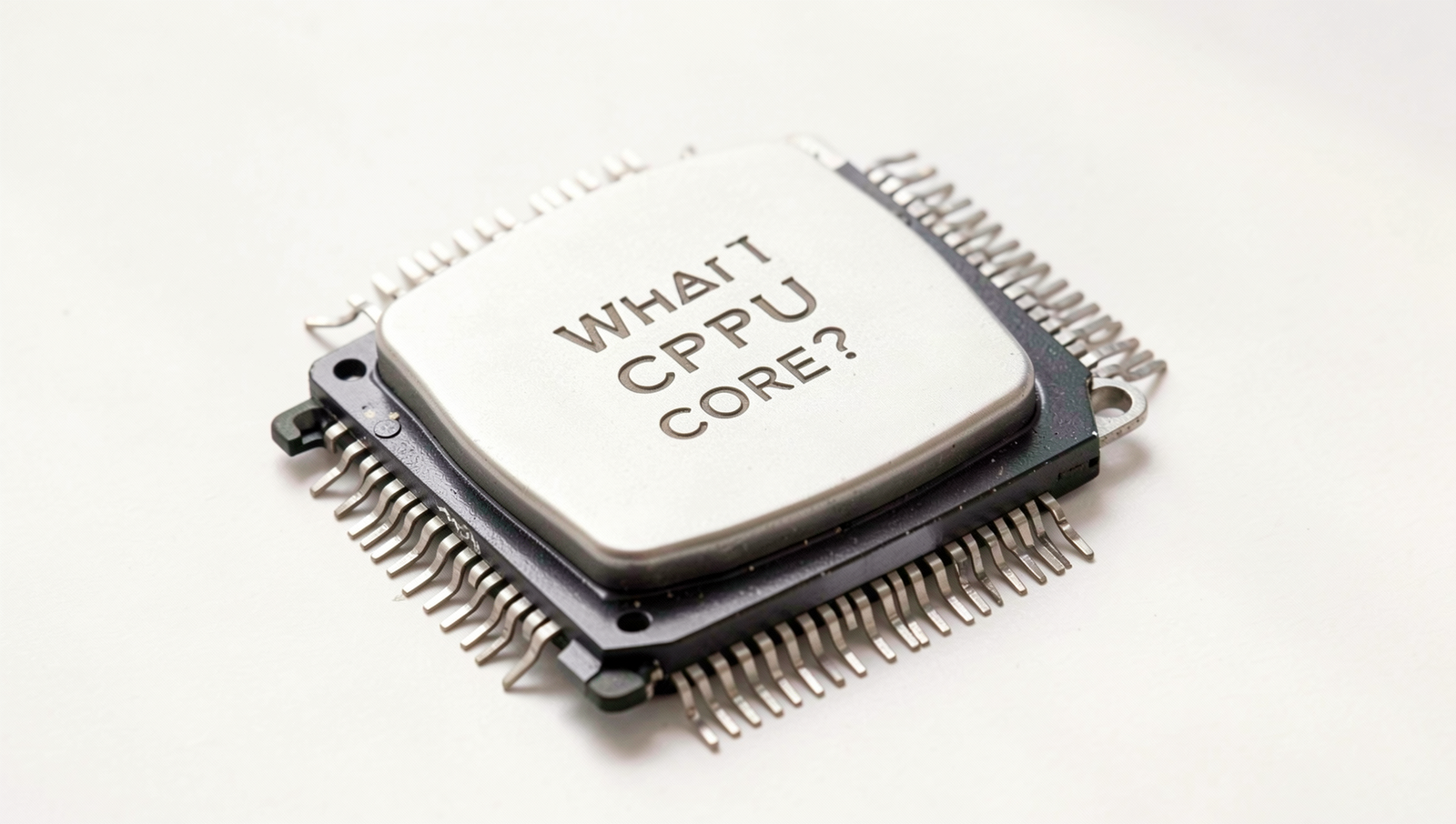
What is a CPU core?
A CPU core is an individual processing unit within a CPU that can execute tasks. Modern processors often have multiple cores, allowing them to perform several operations simultaneously. This parallel processing capability enhances multitasking and improves overall system performance.
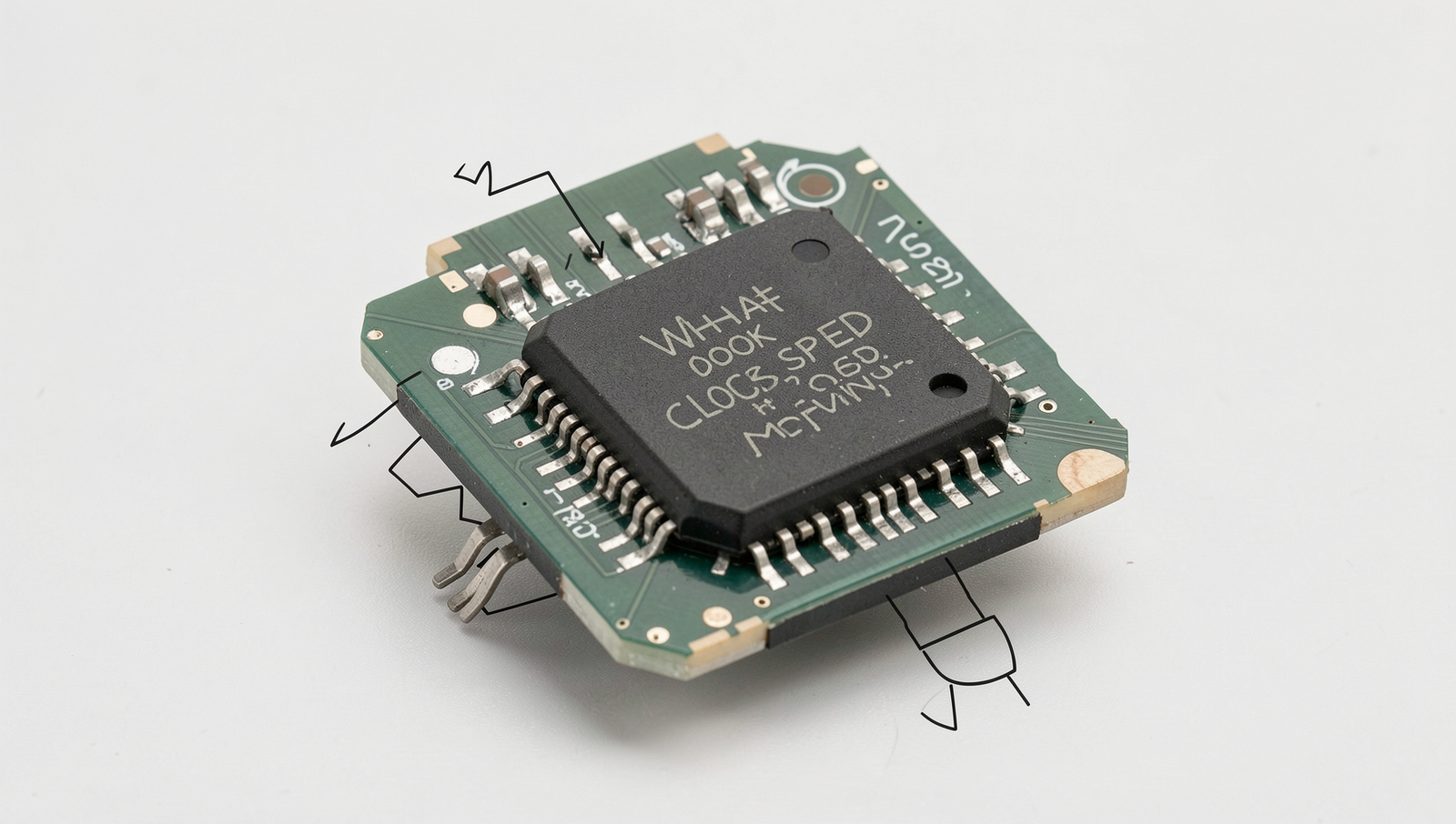
What does clock speed mean?
Clock speed, measured in gigahertz (GHz), indicates how many cycles a CPU can execute per second. A higher clock speed generally means the CPU can process instructions faster, leading to improved performance in tasks that rely on single-threaded execution.
How do CPU cores and clock speed affect performance?
CPU cores and clock speed both play crucial roles in performance.
Related Posts

DNS Explained: The PC Setting That Can Affect Web Speed

RAM Explained: What Your PC Memory Is Really Doing

PC Performance Secrets Hidden Inside Windows
About The Author
