Old PC Revival: Hardware Upgrades That Still Make Sense
techpcalex@gmail.com September 1, 2026 0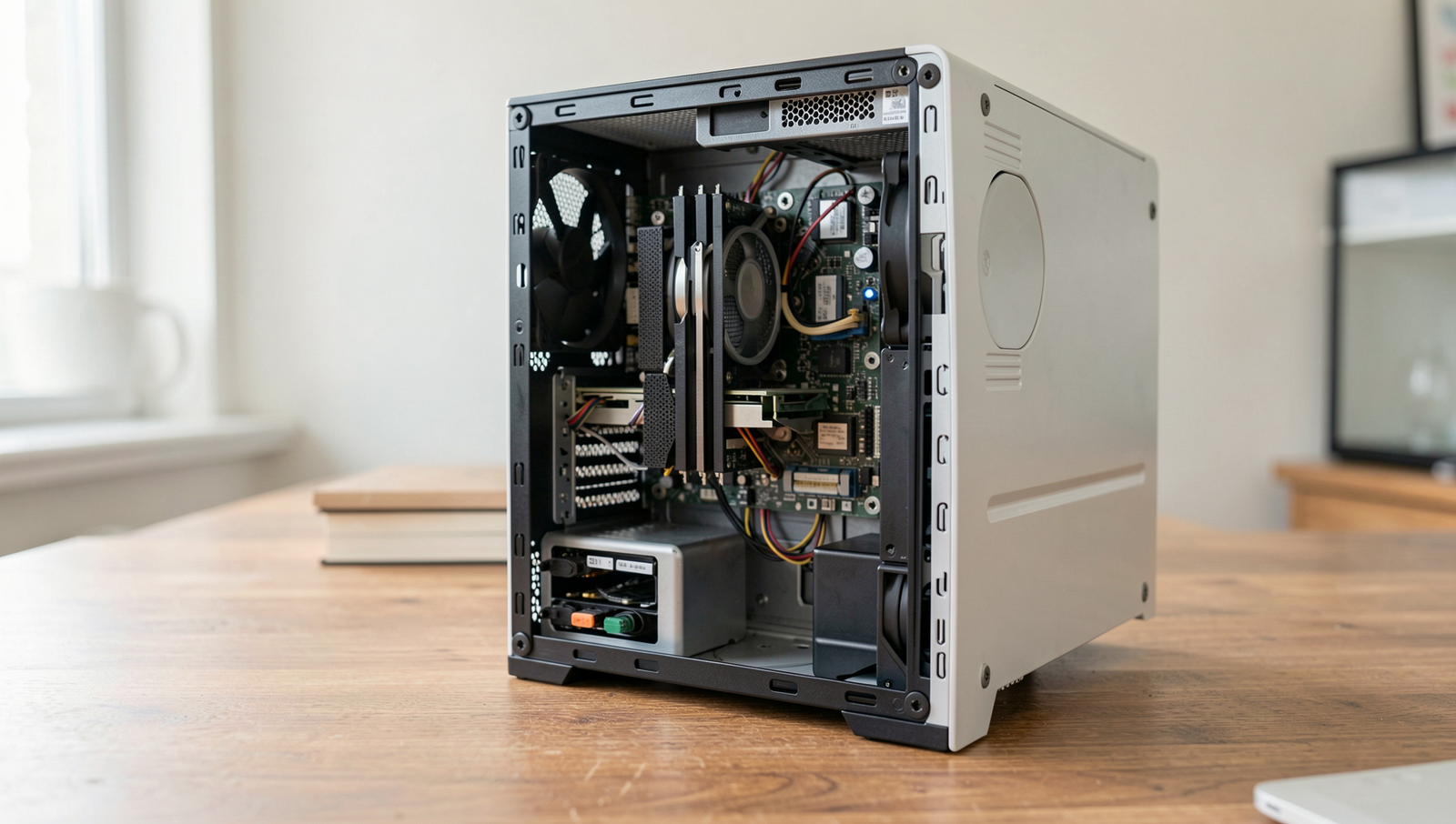
Reviving old PCs with smart hardware upgrades.
8 min read • 1,643 words
Table of Contents
ToggleOld PC Revival: Hardware Upgrades That Still Make Sense
In a world where technology evolves at lightning speed, many individuals find themselves with old PCs that struggle to keep up with modern demands. However, before you consider tossing that outdated machine, it’s essential to explore the potential of old PC upgrades. Upgrading specific components can breathe new life into your aging system, making it more capable of handling everyday tasks and even gaming. This article will guide you through the most impactful upgrades that can enhance performance without the need for a complete system overhaul.
By focusing on key areas such as RAM, storage, graphics, and cooling solutions, you can significantly improve your PC’s functionality. For instance, increasing RAM can enhance multitasking capabilities, while swapping out an HDD for an SSD can lead to faster boot and load times. Additionally, upgrading the GPU can elevate your gaming experience, and a new power supply can ensure stability for newer components. Join us as we delve into these upgrades and discover how they can transform your old PC into a more efficient machine.
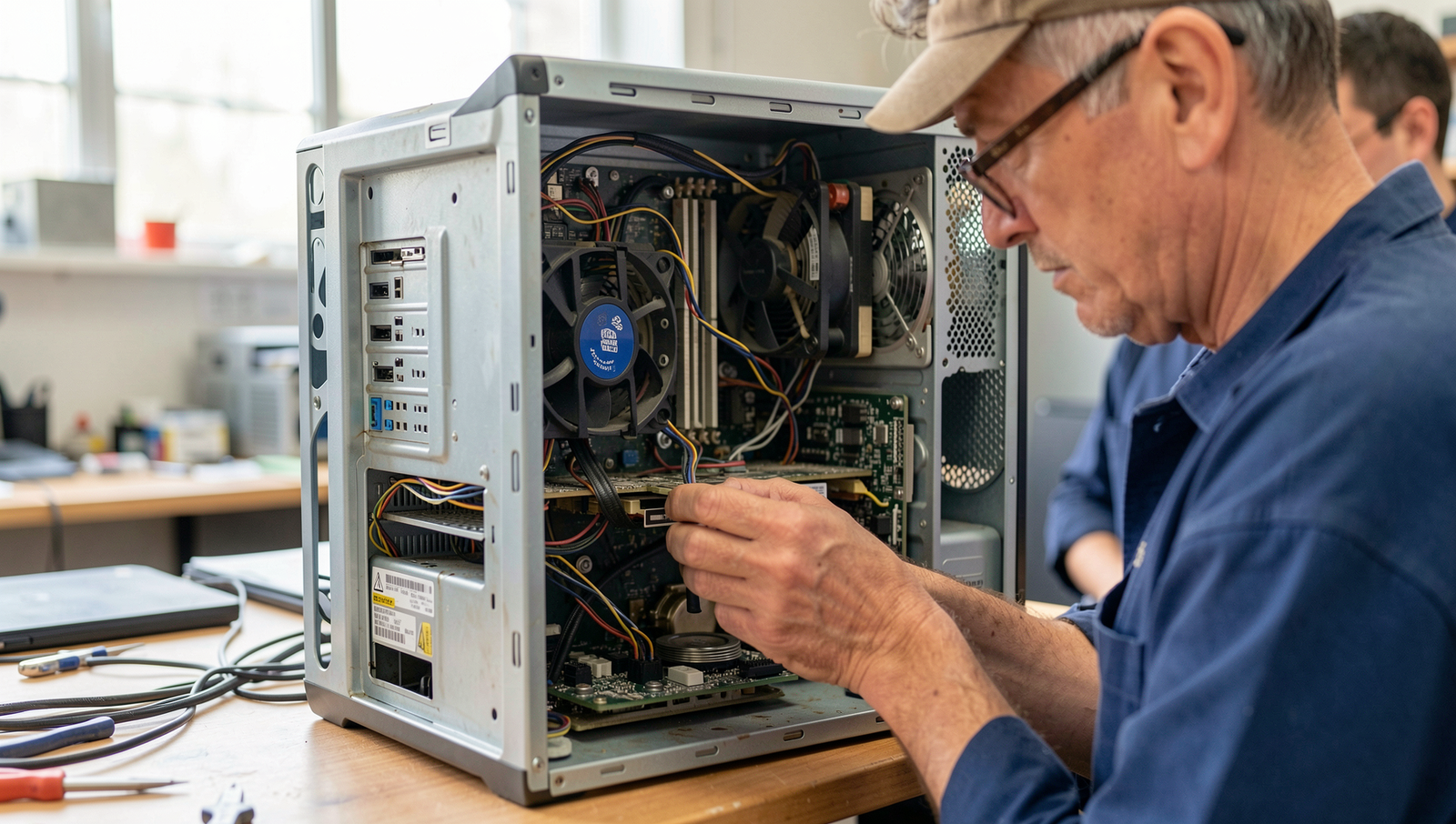
Assessing Your Old PC’s Potential
Before diving into the world of old PC upgrades, it’s essential to assess your machine’s current capabilities. Start by evaluating the hardware specifications. This includes checking the processor type, RAM size, storage capacity, and graphics card. You can find this information by using the System Information tool in Windows or by running the command
lscpuin Linux. Knowing these specifications will help you understand what components can be upgraded and which ones are still viable.
Next, identify the primary use cases for your PC. Are you looking to enhance its performance for gaming, video editing, or general productivity? Each use case has different requirements. For instance, if gaming is your goal, a better graphics card and additional RAM may be necessary. Conversely, if you primarily use your PC for browsing and document editing, a simple RAM upgrade might suffice.
Compatibility with modern components is another crucial factor. Research whether your motherboard supports newer CPUs or RAM types. You can often find compatibility lists on the manufacturer’s website. Additionally, ensure that your power supply unit (PSU) can handle any new components you plan to install.
Lastly, check for any physical damage or wear on your PC. Look for dust buildup, damaged ports, or worn-out cables. Cleaning out dust can significantly improve airflow and cooling, which is vital for maintaining performance. If you notice any physical issues, address them before proceeding with upgrades.
By thoroughly assessing these aspects, you can make informed decisions about which old PC upgrades will provide the most benefit.
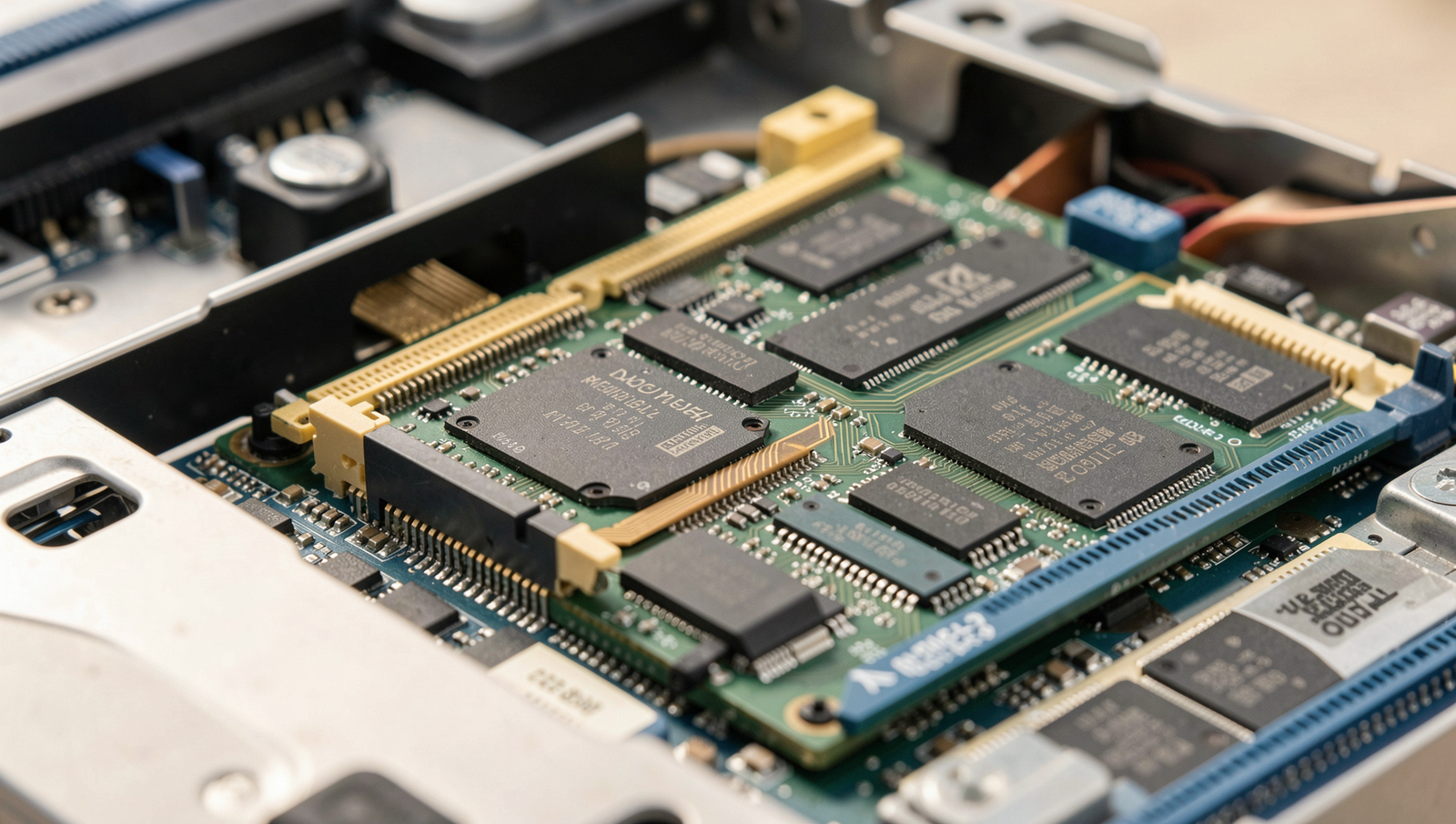
Upgrading RAM for Enhanced Performance
One of the most effective ways to breathe new life into an old PC is by upgrading its RAM. This enhancement can significantly improve multitasking capabilities and overall system responsiveness. However, before diving into the upgrade process, it’s essential to understand a few key factors.
First, check the maximum RAM capacity supported by your motherboard. Each motherboard has a specific limit on how much RAM it can handle, which is determined by its chipset and design. You can usually find this information in the motherboard’s manual or on the manufacturer’s website. For example, if your motherboard supports a maximum of 16GB, installing more than that will not yield any benefits.
Next, choose the right type and speed of RAM. Most older PCs use DDR3 or DDR4 memory, but it’s crucial to ensure compatibility with your existing hardware. Additionally, consider the speed of the RAM, measured in MHz. Faster RAM can lead to better performance, but only if your motherboard supports those speeds. For instance, if your motherboard supports up to 2400MHz RAM, installing 3200MHz RAM will not provide any advantage.
- Understand the maximum RAM capacity of your motherboard.
- Choose the right type and speed of RAM.
- Consider dual-channel configurations for better performance.
When upgrading, consider using a dual-channel configuration, which can double the data transfer rate between the RAM and the memory controller. This setup requires installing RAM modules in pairs of the same size and speed. After purchasing the new RAM, install it carefully in the designated slots on your motherboard. Once installed, boot up your PC and test the new RAM modules using a tool like
MemTest86to ensure they are functioning correctly.
By following these steps, you can effectively upgrade the RAM in your old PC, resulting in enhanced performance and a smoother computing experience.
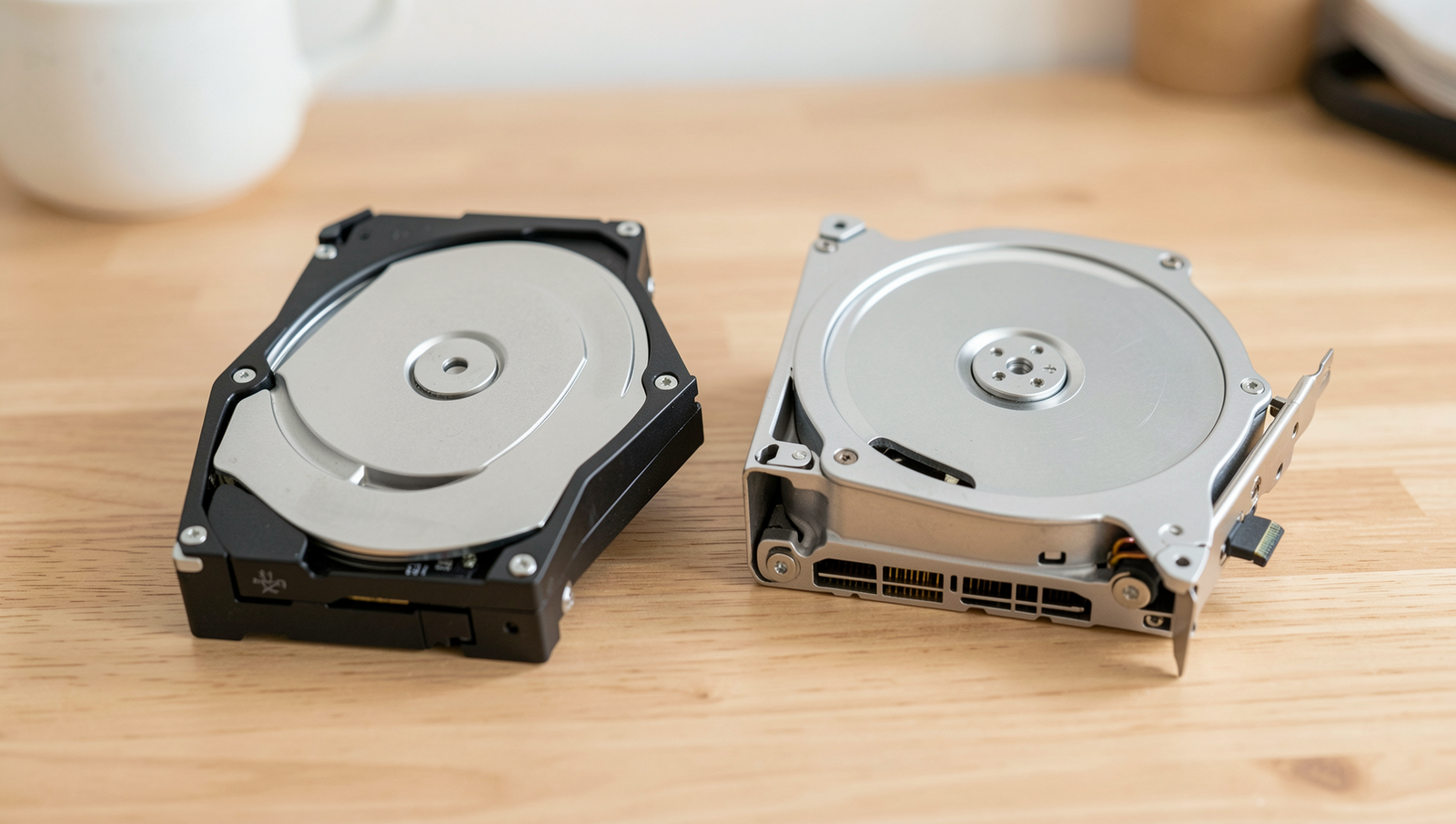
Revamping Storage Solutions
One of the most impactful upgrades for an old PC is revamping its storage solutions. Traditional hard disk drives (HDDs) can significantly slow down your system, making it feel sluggish and unresponsive. By replacing an HDD with a solid-state drive (SSD), users can experience dramatically faster boot and load times. An SSD can reduce boot times to mere seconds and enhance the overall performance of applications, making it a worthwhile investment for anyone looking to breathe new life into their aging machine.
For those who require a balance between speed and storage capacity, hybrid drives are an excellent option. These drives combine the best features of both SSDs and HDDs, offering a small amount of flash storage for quick access to frequently used files, while still providing a larger capacity for less-accessed data. This can be particularly beneficial for gamers or content creators who need both speed and space without breaking the bank.
In addition to internal upgrades, utilizing external storage options can also help expand your PC’s capabilities. External hard drives or SSDs can provide additional space for backups, media files, and other large data sets. This not only frees up internal storage but also allows for easy transfer of files between devices.
- Replace HDD with SSD for faster boot and load times.
- Consider hybrid drives for a balance of speed and capacity.
- Utilize external storage options for additional space.
- Backup data before making any storage changes.
Before making any storage changes, it’s crucial to backup your data. This ensures that your important files are safe in case anything goes wrong during the upgrade process. By following these steps, you can effectively enhance your old PC’s performance and extend its lifespan.
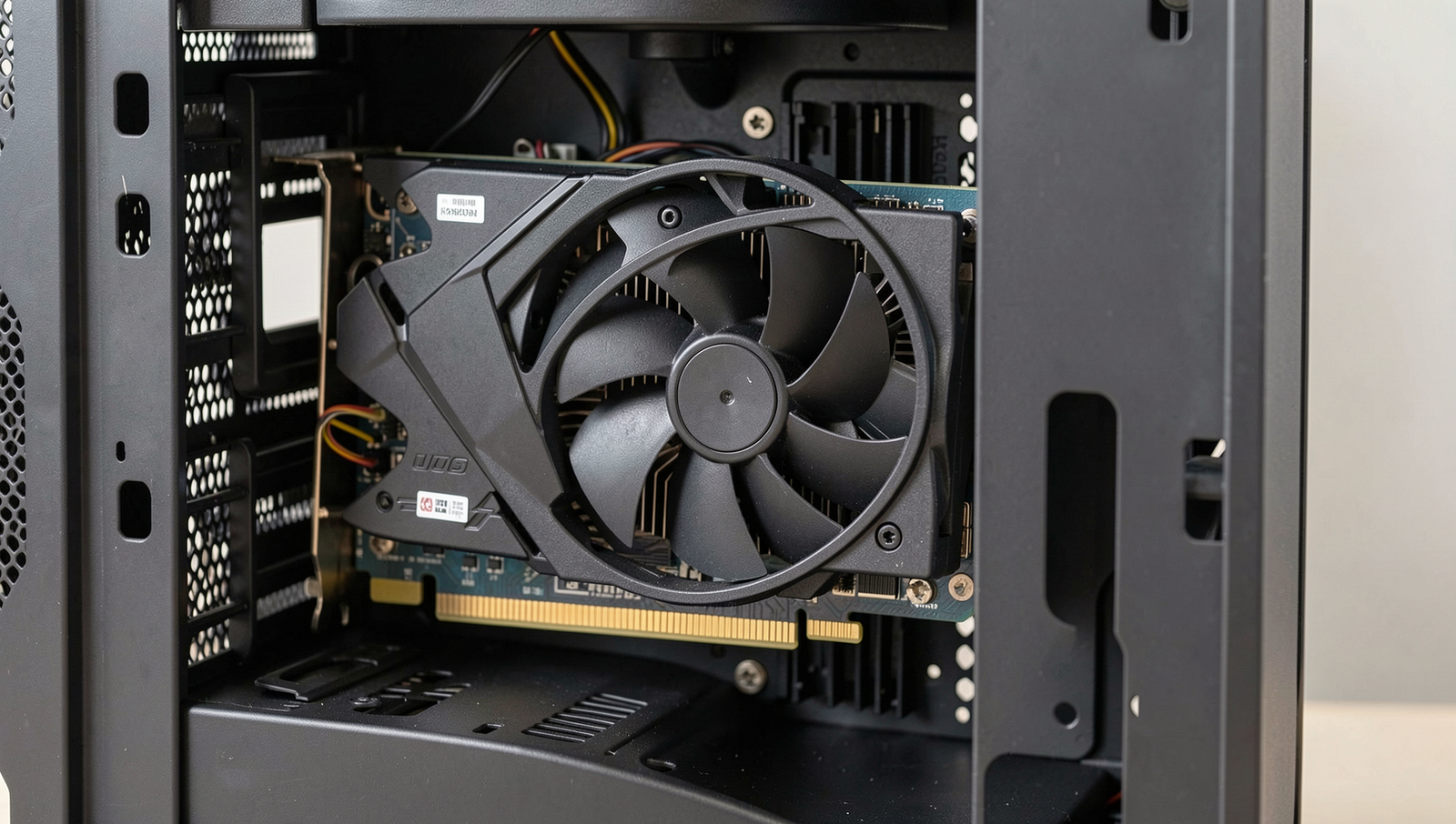
Graphics Card Upgrades for Better Visuals
Upgrading the graphics card is one of the most impactful old PC upgrades you can make to enhance visual performance. A new graphics card can breathe life into older systems, allowing for better gaming experiences, improved video playback, and enhanced productivity in graphic design applications. However, before making a purchase, it’s essential to consider several factors to ensure compatibility and performance.
First and foremost, assess your power supply unit (PSU). A new graphics card may require more power than your current PSU can provide. Check the wattage and the number of PCIe power connectors available. If your PSU is underpowered, you might need to upgrade it as well. Use the following command to check your PSU’s wattage:
powercfg /batteryreportNext, choose a graphics card that fits your performance needs. If you’re a casual gamer, a mid-range card may suffice, while serious gamers might opt for high-end models. Research benchmarks and reviews to find a card that meets your requirements without breaking the bank. Popular choices include:
- NVIDIA GeForce GTX 1660 Super
- AMD Radeon RX 5600 XT
- NVIDIA GeForce RTX 3060
Additionally, consider the physical size of the graphics card. Ensure it fits within your case, as some high-performance cards can be quite large. Measure the available space before purchasing. Finally, after installing the new graphics card, don’t forget to install the necessary drivers and software for optimal performance. You can usually find the latest drivers on the manufacturer’s website. Use the following command to install drivers:
sudo apt install nvidia-driver-By following these steps, you can successfully upgrade your old PC’s graphics capabilities, making it more suitable for modern applications and games.
Conclusion
Reviving an old PC through hardware upgrades can breathe new life into a machine that may have seemed obsolete. By focusing on key components such as RAM, storage, and graphics cards, users can significantly enhance performance without the need for a costly new system. Upgrading RAM can improve multitasking capabilities, while replacing a traditional hard drive with a solid-state drive (SSD) can drastically reduce boot times and application loading. Additionally, a modern graphics card can elevate gaming experiences and improve video rendering, making these upgrades worthwhile investments.
As you consider your next steps, evaluate which upgrades align best with your computing needs and budget. Research compatible components and take advantage of online resources and communities for guidance. With the right approach, old PC upgrades can transform your outdated system into a capable machine, extending its lifespan and saving you money in the long run. Embrace the potential of your old PC and enjoy the benefits of enhanced performance and efficiency.
Frequently Asked Questions
What hardware upgrades can significantly improve an old PC’s performance?
Upgrading RAM is one of the most effective ways to enhance performance, as it allows for better multitasking. Additionally, replacing an old hard drive with a solid-state drive (SSD) can drastically improve boot times and application loading speeds.
Is it worth upgrading the CPU in an old PC?
Upgrading the CPU can be worthwhile if the motherboard supports a more powerful processor. However, if the motherboard is outdated, it might be more cost-effective to invest in a new system instead of spending on an old architecture.
Can I upgrade my old PC’s graphics card?
Yes, upgrading the graphics card can significantly enhance gaming and graphic-intensive tasks. Ensure that your power supply can handle the new card and that it fits within your case.