Modern PC Problems That Look Like Hardware Failures
techpcalex@gmail.com September 1, 2026 0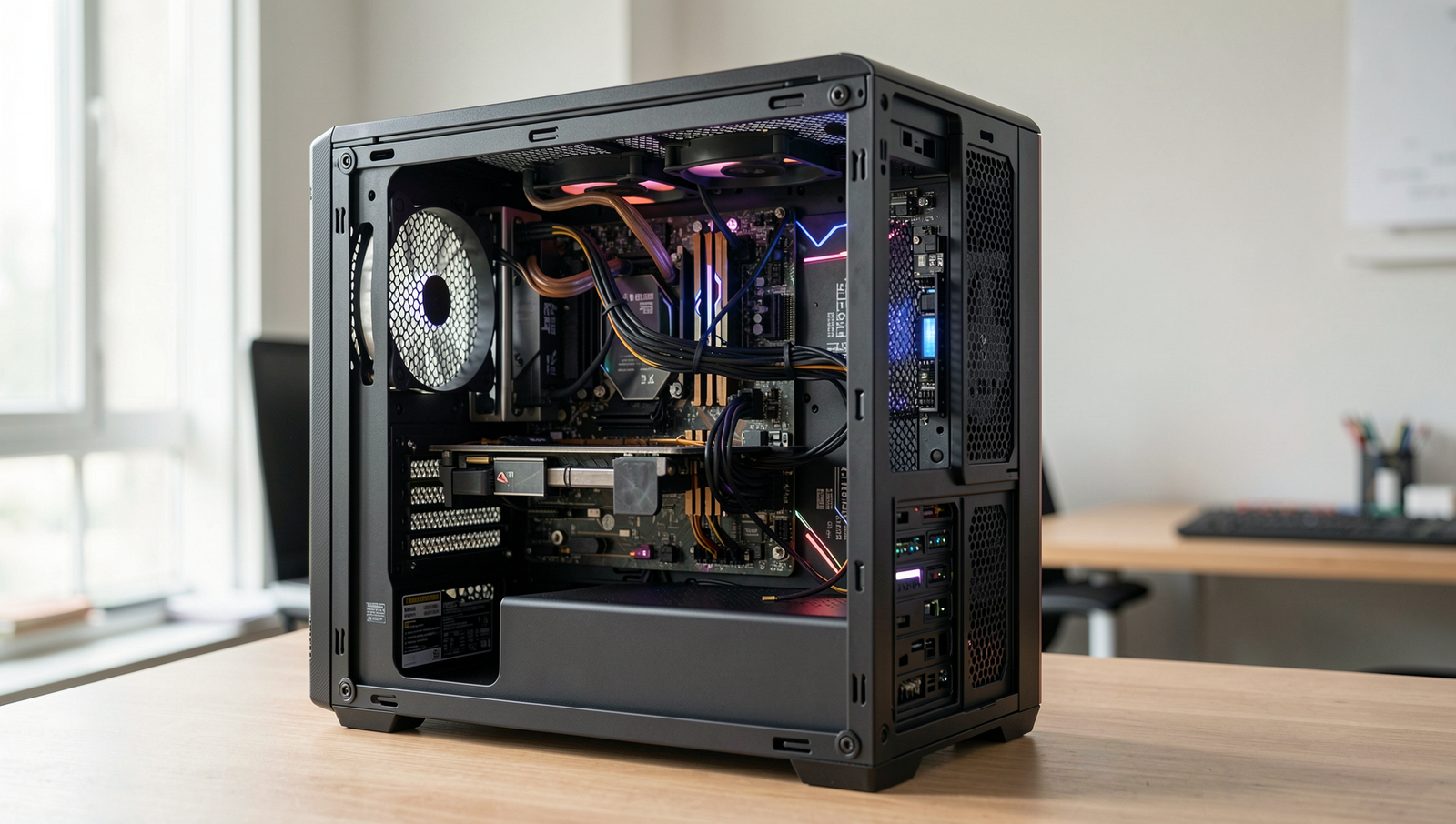
Exploring modern PC problems that mimic hardware failures.
8 min read • 1,640 words
Table of Contents
ToggleModern PC Problems That Look Like Hardware Failures
In today’s technology-driven world, many users encounter modern PC problems that can easily be mistaken for hardware failures. Understanding the distinction between software issues and actual hardware malfunctions is crucial for effective troubleshooting. This article will delve into common problems that may appear to be hardware-related but are often rooted in software conflicts, corrupted drivers, or environmental factors. By recognizing these issues, users can save time and money on unnecessary repairs.
For instance, overheating due to dust buildup can lead to performance issues that mimic hardware failure, while faulty RAM may cause system instability, often mistaken for a failing motherboard. Additionally, power supply problems can result in random shutdowns, further complicating the diagnosis. By exploring these modern PC problems, readers will gain valuable insights into identifying and resolving issues, ensuring their systems run smoothly and efficiently.
Common Symptoms Mistaken for Hardware Failures
In the realm of modern PC problems, users often encounter issues that appear to be hardware failures but are, in fact, software-related. Understanding these symptoms can save time and money, as well as prevent unnecessary hardware replacements. Below are some common symptoms that might lead users to believe their hardware is failing.
- Frequent crashes and blue screens of death (BSOD): One of the most alarming signs for any PC user is encountering frequent crashes or BSODs. While these can indeed indicate hardware issues, they are often triggered by software conflicts, outdated drivers, or corrupted system files. For instance, a recent software update might not be compatible with existing drivers, leading to instability.
- Unexpected shutdowns or restarts: If your PC shuts down or restarts without warning, it can be a cause for concern. However, this problem can stem from software glitches, overheating due to dust buildup, or even power supply issues. Checking for overheating by monitoring CPU temperatures can be a good first step before assuming hardware failure.
- Slow performance that mimics hardware bottlenecks: Users often perceive a sluggish PC as a sign of failing hardware, but this can frequently be attributed to software issues. Background processes, malware, or insufficient RAM can all lead to slow performance. Running a system cleanup or checking for malware can sometimes resolve these issues without the need for hardware upgrades.
- Peripheral devices not responding or malfunctioning: When peripherals like printers, mice, or keyboards stop working, users may jump to the conclusion that the hardware is defective. However, this can often be resolved by updating drivers or checking for software conflicts. For example, a simple
sudo apt-get updatecommand can refresh drivers on a Linux system, potentially resolving the issue.
By recognizing these common symptoms, users can take appropriate steps to troubleshoot their PCs effectively, often resolving issues without resorting to costly hardware replacements.
Software Issues That Mimic Hardware Problems
In the realm of modern PC problems, many users often misdiagnose issues that stem from software rather than hardware failures. Understanding these software-related issues is crucial for effective troubleshooting and can save time and money. Here are some common software problems that can mimic hardware failures:
- Corrupted Operating System Files: One of the most prevalent issues is corrupted operating system files. These files are essential for the proper functioning of your system, and when they become damaged, users may experience frequent crashes, blue screens, or unexpected restarts. For example, if a critical system file is corrupted, applications may fail to launch, leading users to believe their hard drive is failing.
- Driver Conflicts: Another common issue arises from driver conflicts. When multiple devices are trying to use the same resources or when a new driver is incompatible with existing hardware, it can lead to device malfunctions. For instance, a printer may stop working suddenly, prompting users to suspect a hardware issue, when in fact, a simple driver update or rollback could resolve the problem.
- Malware Infections: Malware infections are notorious for degrading system performance. These malicious programs can consume system resources, slow down operations, and even cause applications to crash. Users might think their computer is experiencing hardware failure when, in reality, a malware scan could reveal the underlying issue. Running a reliable antivirus program can help identify and eliminate these threats.
- Incompatible Software Updates: Lastly, incompatible software updates can lead to system errors that mimic hardware problems. For example, after a major update, users may find that certain applications no longer function correctly or that the system becomes unstable. In such cases, reverting to a previous version of the software or seeking patches can often restore normal functionality.
By recognizing these software issues, users can better diagnose their systems and avoid unnecessary hardware replacements, ultimately leading to a more efficient troubleshooting process.
Overheating and Its Misdiagnosis
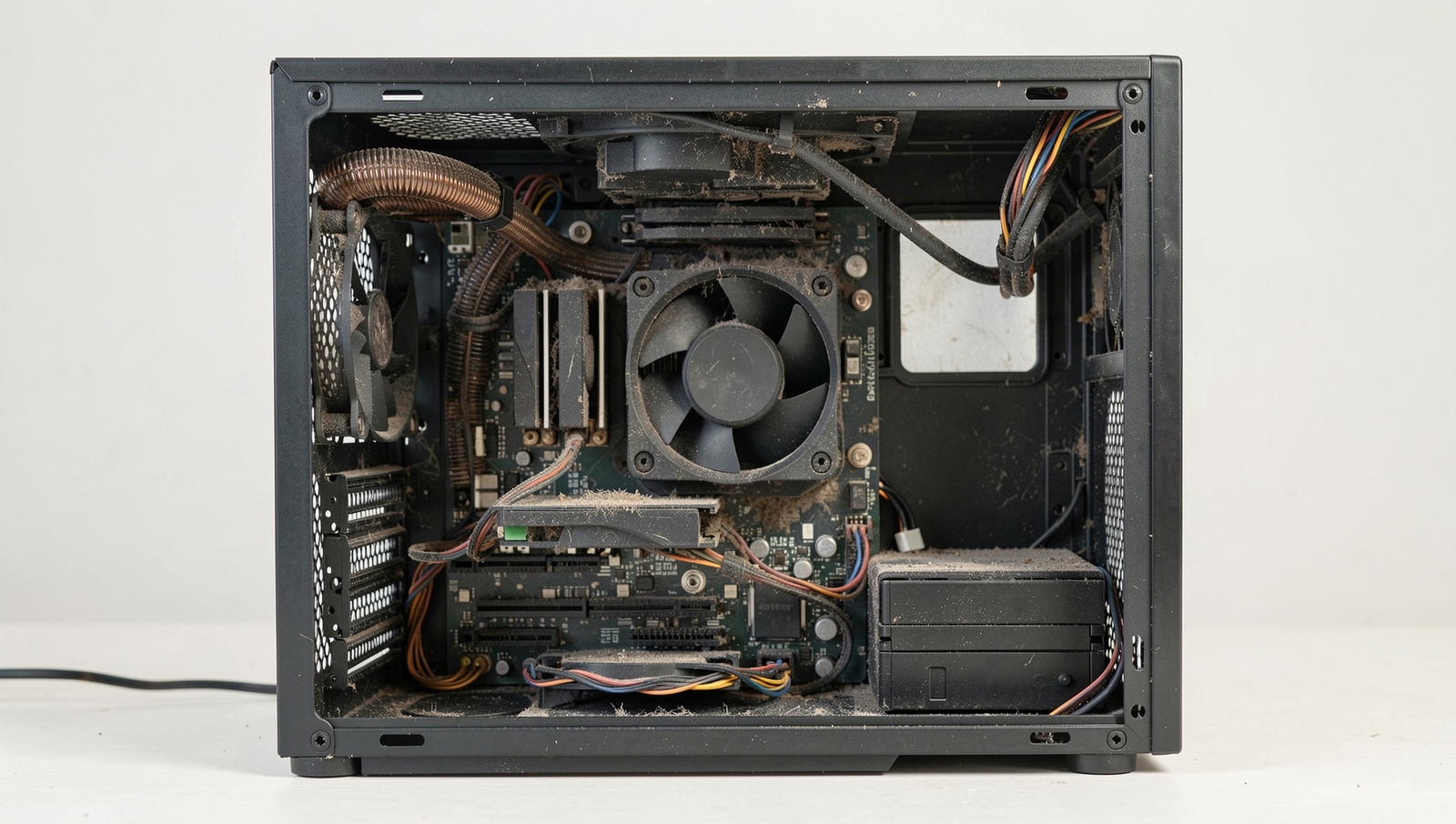
One of the most prevalent issues faced by modern PC users is overheating, which can often be misdiagnosed as a hardware failure. Overheating can lead to significant performance drops, system instability, and even permanent damage to components if not addressed promptly. Understanding the causes of overheating is crucial for effective troubleshooting.
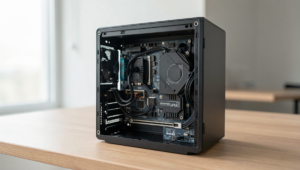
One common cause of overheating is dust buildup within the PC case. Dust can accumulate on fans, heat sinks, and other cooling components, obstructing airflow and causing the system to retain heat. This can lead to thermal throttling, where the CPU or GPU reduces its performance to lower temperatures. Regular cleaning of the internal components is essential to prevent this issue. Users should consider the following steps:
- Power down the PC and unplug it from the wall.
- Open the case and use compressed air to blow out dust from fans and heat sinks.
- Ensure that all fans are functioning properly and replace any that are faulty.
Another factor contributing to overheating is a faulty cooling system. If the CPU cooler or case fans are not operating efficiently, the system may struggle to dissipate heat effectively. This can result in performance drops and system crashes. Users should regularly monitor fan speeds and replace any malfunctioning cooling components.
Additionally, the degradation of thermal paste between the CPU/GPU and their respective heat sinks can lead to poor heat transfer, causing temperatures to rise. Over time, thermal paste can dry out and lose its effectiveness. It is advisable to reapply thermal paste every few years or when upgrading components.
Lastly, software misreporting temperature readings can complicate the diagnosis of overheating issues. Some monitoring tools may display inaccurate temperatures, leading users to believe that their hardware is functioning correctly. It is essential to use reliable software for temperature monitoring to ensure accurate readings.
Power Supply Problems That Aren’t Hardware Failures
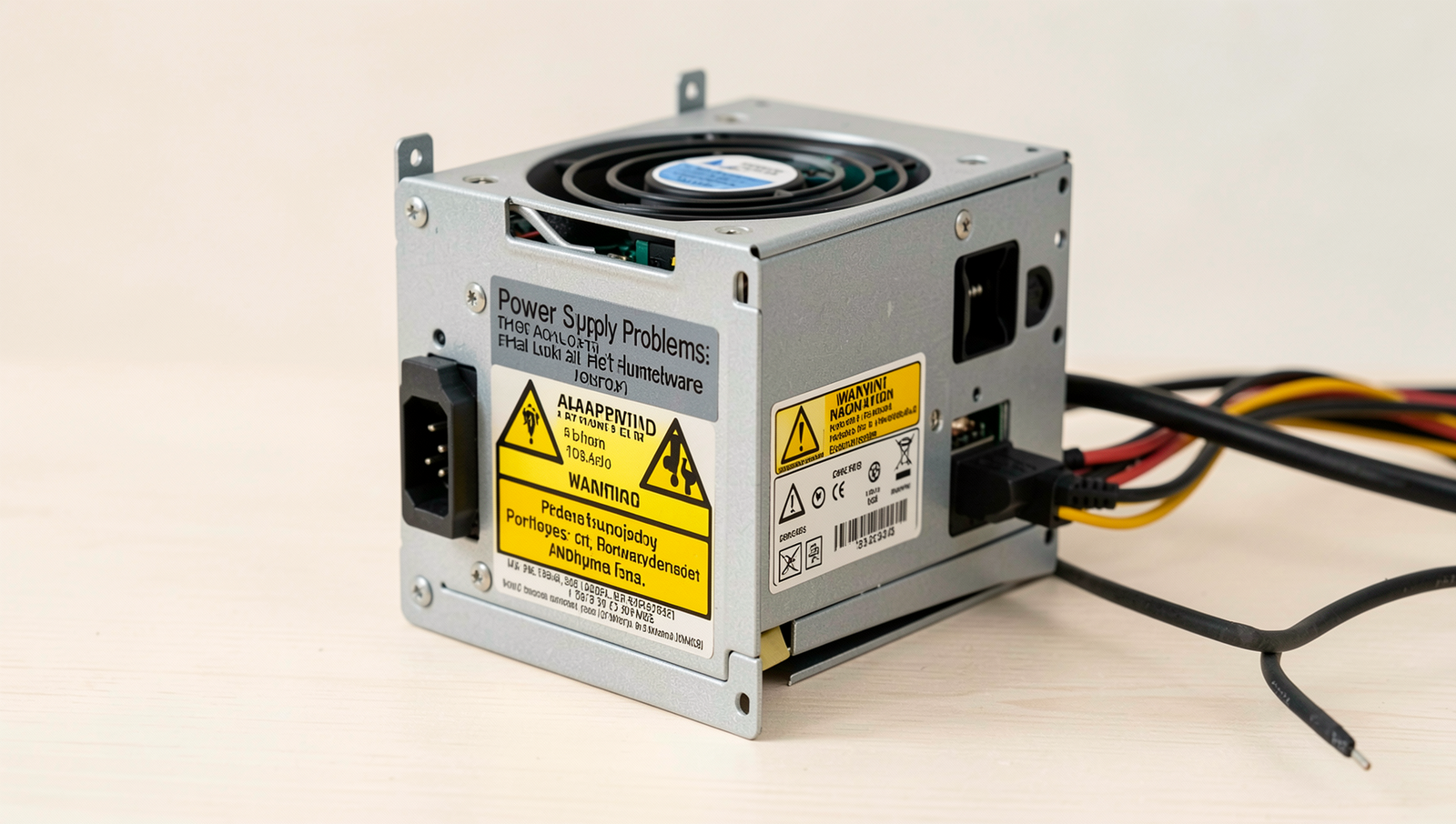
When troubleshooting modern PC problems, many users immediately suspect hardware failures, particularly with the power supply. However, there are several non-hardware-related issues that can manifest as power supply problems, leading to instability and confusion. Understanding these can save time and resources.
One common issue is a fluctuating power supply. This can occur due to inconsistent voltage from the wall outlet or issues with the electrical circuit in your home. Such fluctuations can lead to unexpected shutdowns or reboots, making it seem like the power supply unit (PSU) is failing. To diagnose this, consider using a multimeter to check the voltage levels or consult an electrician if you suspect wiring issues.
Another potential culprit is faulty power cables. Over time, cables can become damaged or frayed, leading to intermittent connectivity. This can cause your PC to power off unexpectedly or fail to boot. Inspecting the cables for visible damage and replacing them if necessary can resolve these issues. Additionally, ensure that all connections are secure and properly seated.
Surge protectors and uninterruptible power supplies (UPS) can also introduce problems. While these devices are intended to protect your hardware, they can sometimes malfunction or become outdated. A faulty surge protector may not provide a stable power supply, leading to erratic behavior in your PC. If you suspect this, try connecting your PC directly to the wall outlet to see if the issues persist.
Lastly, software settings can significantly affect power management. Operating systems often have power-saving features that can inadvertently cause performance issues. For example, settings that put the hard drive to sleep too quickly can lead to delays in accessing data. Adjusting these settings in your system’s power management options can help alleviate some of these problems.
- Check for voltage stability in your electrical supply.
- Inspect power cables for damage or loose connections.
- Test your surge protector or UPS by connecting directly to the wall.
- Review and adjust power management settings in your OS.
Conclusion
In today’s digital landscape, many modern PC problems can mimic hardware failures, leading users to prematurely conclude that their devices require costly repairs or replacements. Common issues such as software conflicts, outdated drivers, and malware infections can often be mistaken for hardware malfunctions. By understanding these nuances, users can save time and money while ensuring their systems run efficiently. Regular maintenance, including software updates and virus scans, can significantly reduce the likelihood of encountering these misleading symptoms.
As technology continues to evolve, it is essential for users to stay informed about potential modern PC problems and their solutions. By adopting a proactive approach to troubleshooting, individuals can enhance their computing experience and extend the lifespan of their devices. If you encounter persistent issues, consider consulting with a professional technician who can accurately diagnose the problem, ensuring that your PC remains in optimal condition without unnecessary expenses.
Frequently Asked Questions
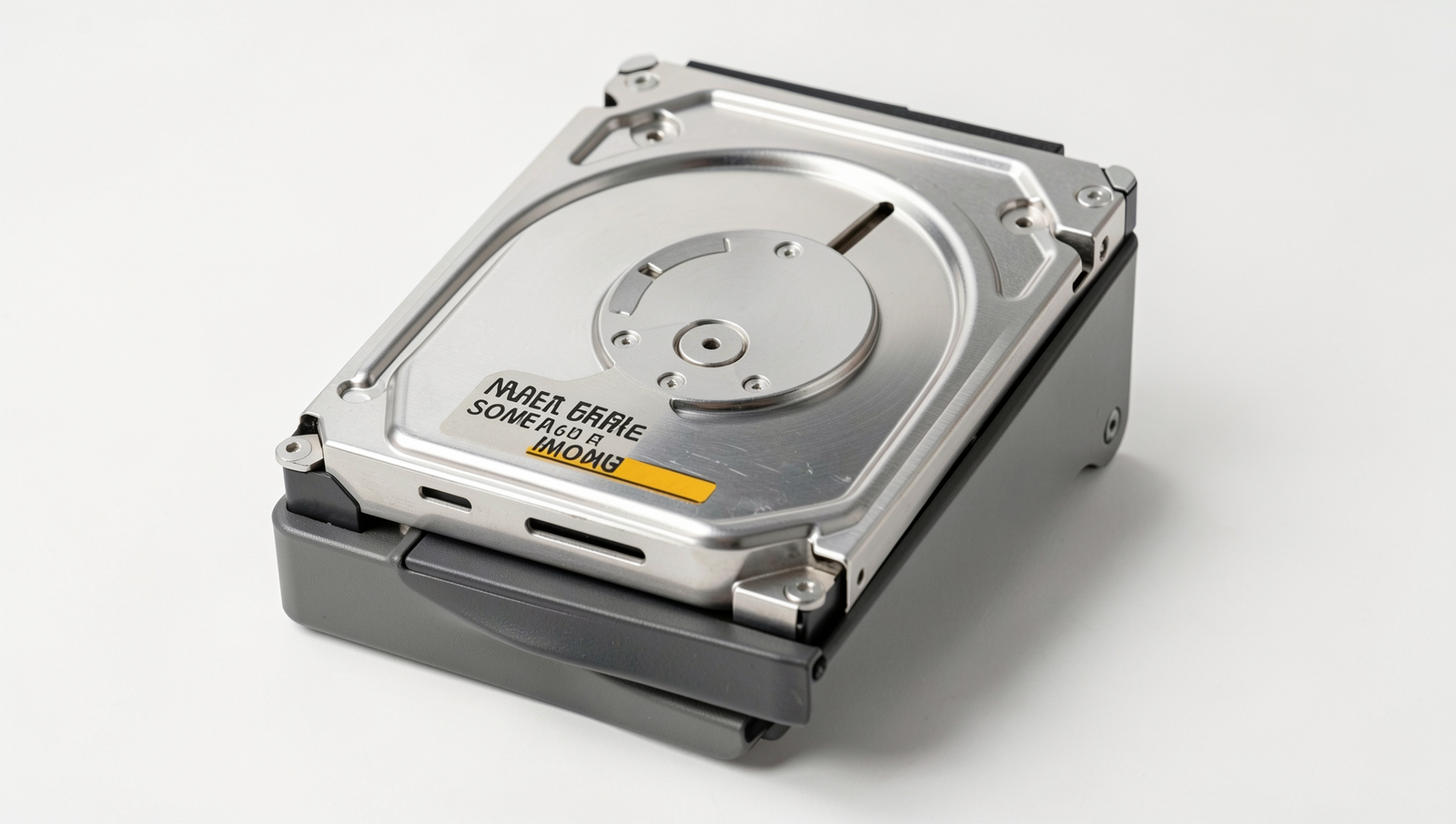
What are some signs of a failing hard drive?
Common signs of a failing hard drive include unusual noises like clicking or grinding, frequent crashes, slow performance, and corrupted files. If you notice these symptoms, it’s crucial to back up your