WiFi vs Ethernet: Which Connection Is Better for Your PC?
techpcalex@gmail.com September 1, 2026 0
Exploring WiFi vs Ethernet for optimal PC connectivity.
8 min read • 1,641 words
Table of Contents
ToggleWiFi vs Ethernet: Which Connection Is Better for Your PC?
In the ongoing debate of WiFi vs Ethernet, understanding the strengths and weaknesses of each connection type is crucial for optimizing your PC’s performance. As technology evolves, the choice between a wired or wireless connection can significantly impact your online experience, whether you’re gaming, streaming, or simply browsing the web. This article will delve into the key differences between WiFi and Ethernet, helping you make an informed decision based on your specific needs.
Ethernet connections are renowned for their speed and reliability, often outperforming WiFi in terms of stability and bandwidth. This makes them particularly advantageous for activities that demand high data transfer rates, such as gaming and streaming. Conversely, WiFi offers unparalleled convenience and flexibility, making it the go-to choice for mobile devices and dynamic setups. By the end of this article, you’ll have a clearer understanding of which connection is better suited for your PC and lifestyle.
Introduction to WiFi and Ethernet
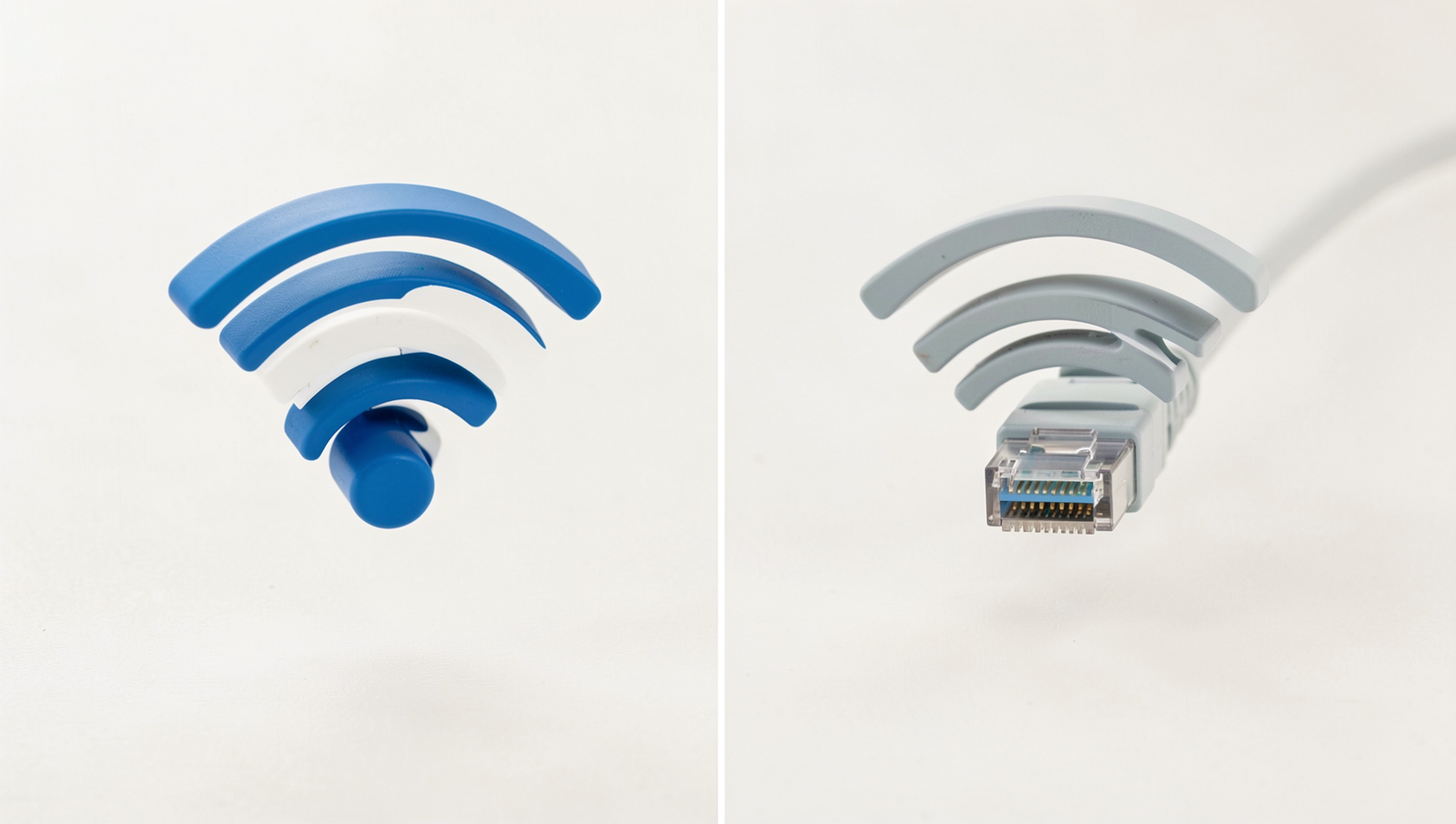
In the modern digital age, connectivity is paramount, and two primary methods for connecting devices to the internet are WiFi and Ethernet. Understanding the differences between these two technologies is crucial for optimizing your home or office network performance. WiFi, short for Wireless Fidelity, allows devices to connect to the internet wirelessly through radio waves. This technology has become ubiquitous, enabling smartphones, laptops, and tablets to access the internet without the need for physical cables.
On the other hand, Ethernet refers to a wired connection that uses cables to link devices to a network. This method is often favored in office environments where stability and speed are critical. Ethernet connections typically provide faster data transfer rates and lower latency compared to WiFi, making them ideal for activities such as gaming, video conferencing, and large file transfers.
Choosing the right connection type is essential for achieving optimal performance. Here are some factors to consider:
- Speed: Ethernet generally offers higher speeds than WiFi, especially over long distances.
- Stability: Wired connections are less susceptible to interference from other devices or physical barriers.
- Mobility: WiFi allows for greater mobility, enabling users to connect from various locations within a range.
- Setup: WiFi can be easier to set up, requiring minimal hardware compared to Ethernet.
Both WiFi and Ethernet have evolved significantly over the years. WiFi technology has progressed from the initial 802.11b standard to the latest WiFi 6, offering improved speeds and efficiency. Similarly, Ethernet has advanced from 10 Mbps connections to multi-gigabit speeds, accommodating the increasing demand for high-speed internet. Understanding these advancements can help users make informed decisions about their connectivity needs in the ongoing WiFi vs Ethernet debate.
Performance Comparison
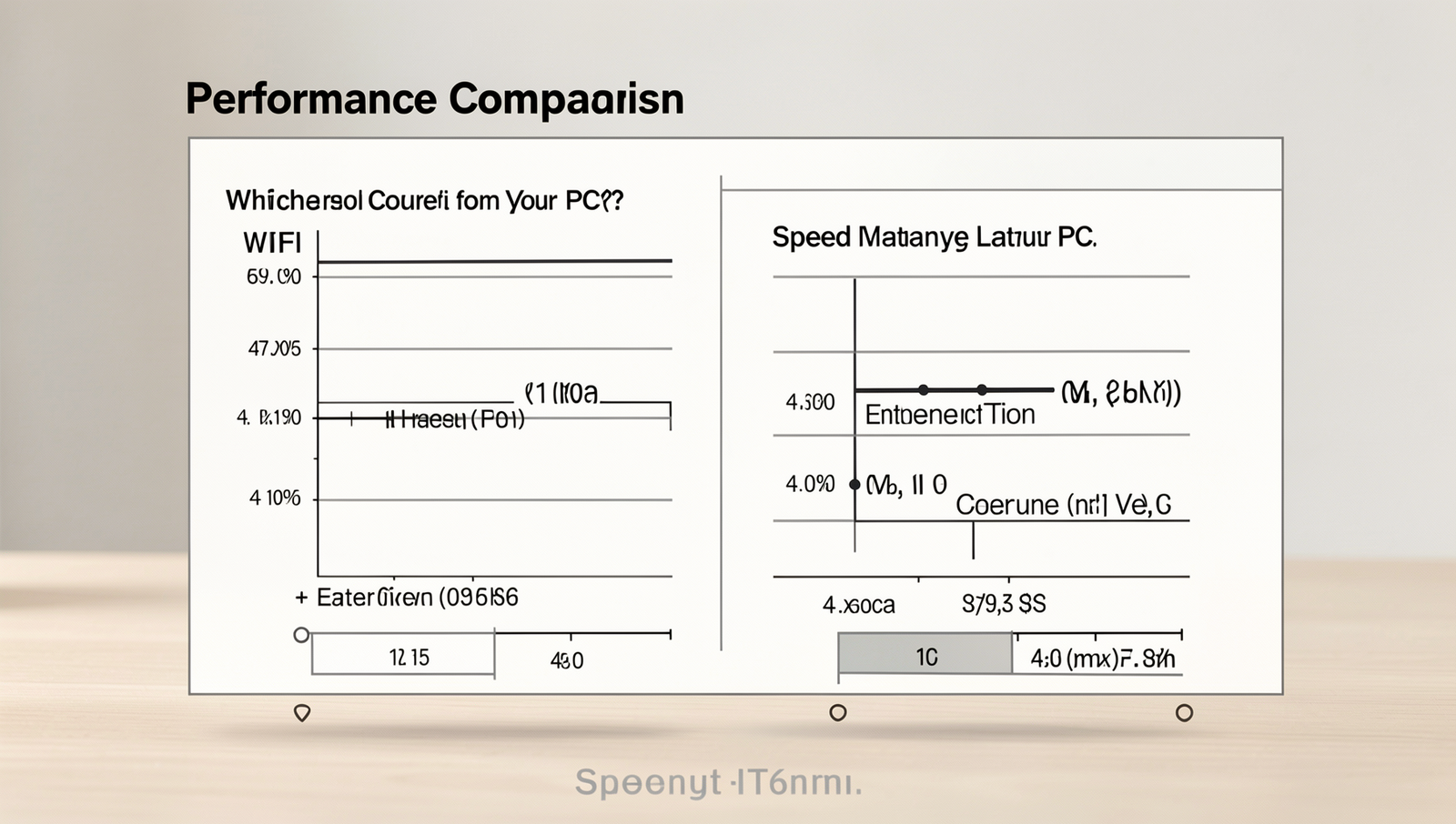
When considering the performance of WiFi vs Ethernet, several factors come into play, including speed, latency, reliability, and the impact of distance and obstacles. Understanding these differences can help you make an informed decision about which connection type is best for your PC.
First, let’s examine speed differences. Ethernet connections typically offer maximum speeds that far exceed those of WiFi. For instance, standard Ethernet connections can reach speeds of up to 1 Gbps (Gigabit per second) or even higher with newer standards like 10 Gbps. In contrast, WiFi connections, depending on the standard used, can vary significantly. WiFi 5 (802.11ac) can achieve speeds up to 3.5 Gbps under optimal conditions, while WiFi 6 (802.11ax) can theoretically reach up to 9.6 Gbps. However, real-world speeds are often much lower due to interference and network congestion.
Latency is another crucial factor. Ethernet connections generally have lower latency compared to WiFi, making them more suitable for activities that require real-time responsiveness, such as online gaming or video conferencing. WiFi can suffer from higher latency due to signal interference and the need for data packets to travel through the air, which can introduce delays.
Reliability is also a significant consideration. Ethernet connections are less susceptible to interference from other devices or physical barriers. Factors that can influence the reliability of WiFi include:
- Distance from the router
- Obstacles like walls and furniture
- Interference from other electronic devices
Finally, the impact of distance and obstacles cannot be overlooked. As the distance between your device and the router increases, WiFi performance tends to degrade. This is less of an issue with Ethernet, where the connection remains stable regardless of distance, as long as the cable is within the specified limits.
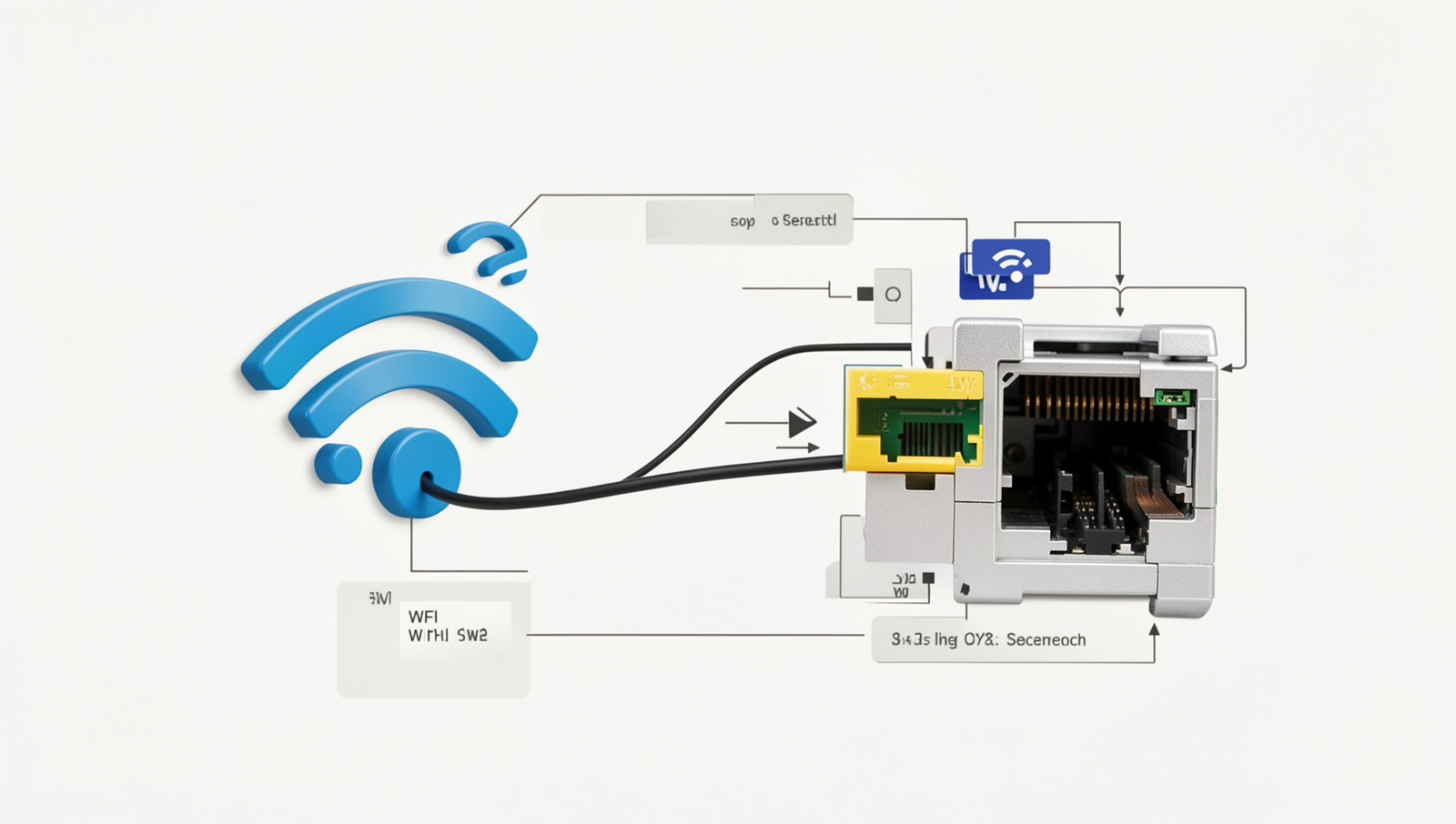
In conclusion, while both WiFi and Ethernet have their advantages, Ethernet generally provides superior performance in terms of speed, latency, and reliability, making it the preferred choice for users who prioritize a stable and fast connection.
Security Considerations
When evaluating the security of network connections, the debate of WiFi vs Ethernet often highlights significant differences. WiFi networks, while convenient, are inherently more susceptible to various security risks. These risks include unauthorized access, data interception, and potential attacks from malicious entities. Because WiFi signals can be intercepted from a distance, an unprotected network can easily become a target for hackers who may attempt to gain access to sensitive information.
In contrast, Ethernet connections provide a more secure alternative. Since Ethernet requires a physical connection through cables, it is much harder for an unauthorized user to access the network. This physical barrier significantly reduces the risk of eavesdropping and man-in-the-middle attacks, making Ethernet a preferred choice for environments where data security is paramount, such as in corporate settings or for users handling sensitive information.
To enhance the security of WiFi connections, several best practices should be implemented:
- Use strong, complex passwords for your WiFi network.
- Enable WPA3 encryption, the latest and most secure WiFi encryption standard.
- Regularly update your router’s firmware to protect against vulnerabilities.
- Disable WPS (WiFi Protected Setup) to prevent unauthorized access.
- Limit the range of your WiFi signal by adjusting the router’s placement.
When comparing encryption methods, WiFi typically uses WPA2 or WPA3, while Ethernet does not require encryption as it is inherently secure due to its physical nature. WPA3 offers enhanced security features, such as improved password protection and encryption, making it a robust choice for WiFi networks. However, even with these advancements, Ethernet remains the gold standard for security due to its direct connection, eliminating many of the vulnerabilities associated with wireless communication.
Cost and Installation
When considering the WiFi vs Ethernet debate, cost and installation are crucial factors that can influence your decision. The initial setup costs for both options can vary significantly. For WiFi, you typically need a wireless router, which can range from $30 to over $300 depending on the features and speed. On the other hand, for Ethernet, you will need to purchase Ethernet cables, which are relatively inexpensive, often costing between $5 to $20 per cable, along with a router that supports wired connections.
Long-term maintenance and upgrade considerations also play a role in the overall cost. WiFi networks may require periodic upgrades to the router to keep up with technological advancements and security updates. This can add to the long-term costs. Conversely, Ethernet cables are quite durable and can last for many years without needing replacement, making them a more cost-effective option in the long run.
Ease of installation is another aspect to consider. Setting up a WiFi network can often be a straightforward DIY project. Most routers come with user-friendly instructions, allowing you to get your network up and running quickly. However, if you opt for Ethernet, the installation can be more complex, especially if you need to run cables through walls or ceilings. In such cases, hiring a professional may be necessary, which can increase your initial costs.
- WiFi: Initial costs can be lower, but ongoing upgrades may be needed.
- Ethernet: Higher initial setup costs if professional installation is required, but lower long-term maintenance.
In terms of equipment costs, consider the following:
- WiFi routers: $30 – $300
- Ethernet cables: $5 – $20 each
- Adapters (if needed for devices): $10 – $30
Ultimately, the choice between WiFi and Ethernet will depend on your specific needs, budget, and willingness to manage installation and maintenance tasks.
Conclusion
In the debate of WiFi vs Ethernet, both connection types have their unique advantages and disadvantages. WiFi offers the convenience of wireless connectivity, allowing users to connect multiple devices without the hassle of cables. It is particularly beneficial for mobile devices and in scenarios where mobility is essential. However, WiFi can be susceptible to interference, leading to fluctuating speeds and reliability issues, especially in crowded environments. On the other hand, Ethernet connections provide a stable and consistent internet experience, making them ideal for gaming, streaming, and tasks that require high bandwidth. The lower latency and higher speeds of Ethernet can significantly enhance performance for PC users.
Ultimately, the choice between WiFi and Ethernet depends on your specific needs and usage scenarios. If you prioritize mobility and convenience, WiFi may be the better option. However, for those who require a reliable and fast connection for intensive tasks, Ethernet is the clear winner. Consider your internet usage habits and the layout of your space to determine which connection type will best serve your needs.
Frequently Asked Questions
What is the main difference between WiFi and Ethernet?
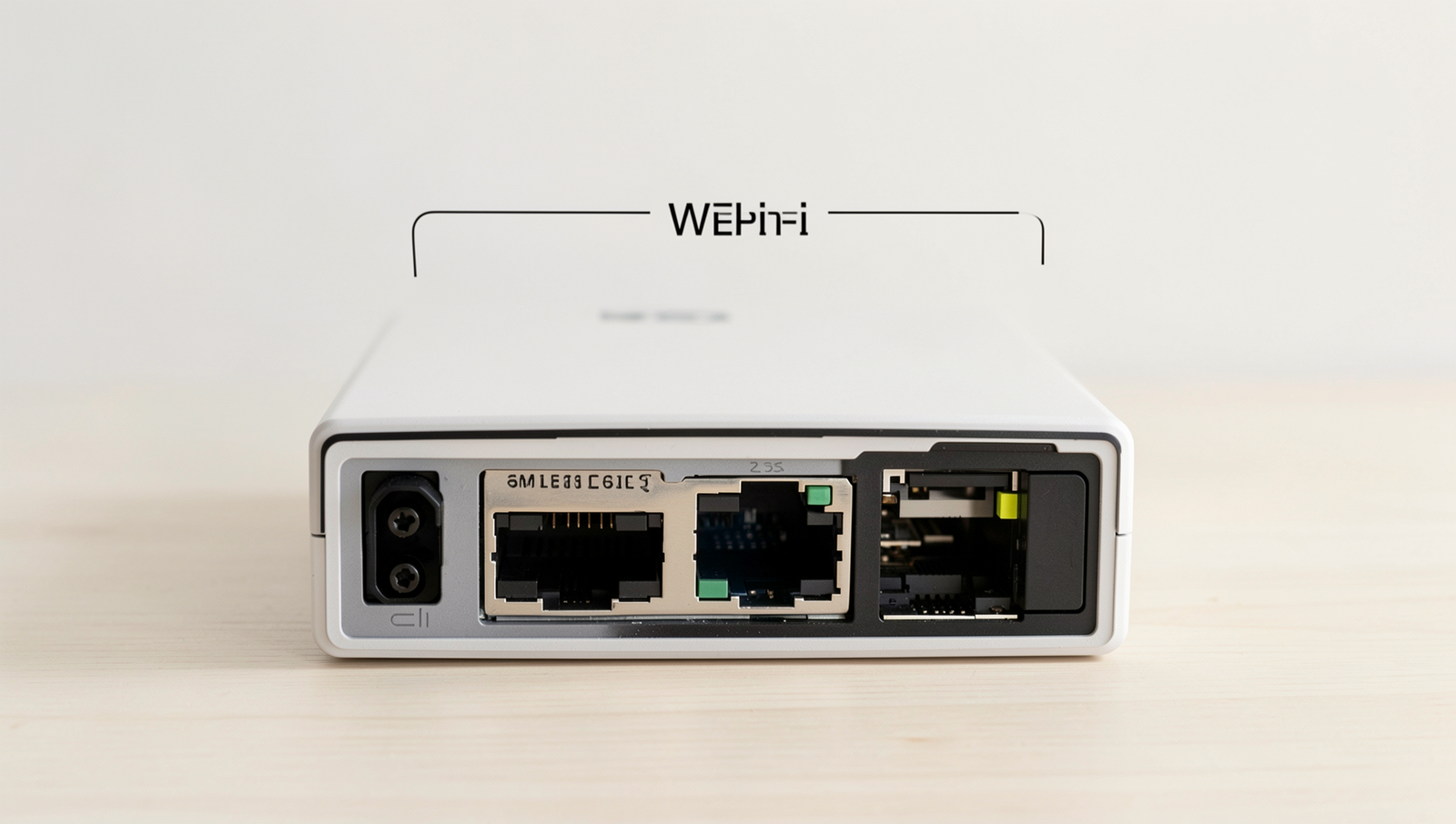
The primary difference between WiFi and Ethernet lies in their connection methods. WiFi uses wireless signals to connect devices to the internet, while Ethernet relies on physical cables. This distinction affects speed, reliability, and setup complexity.
Which connection is generally faster?
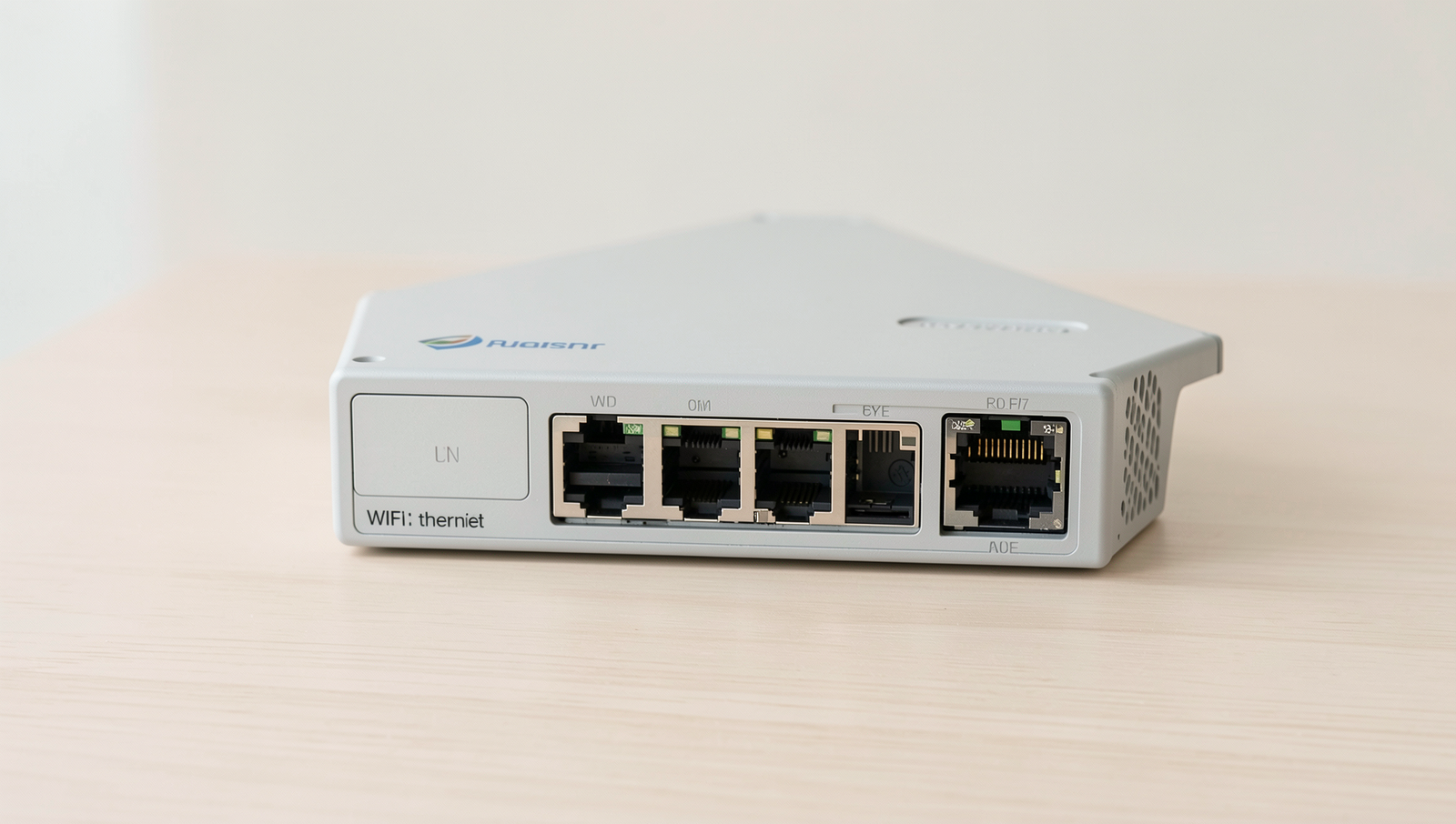
Ethernet connections are typically faster than WiFi. Wired connections can provide higher speeds and lower latency, making them ideal for gaming and large file transfers. However, advancements in WiFi technology have improved its speed, making it competitive for everyday use.